Is a Tesla right for you? Explore everyday driving, Supercharging and the app, compare Model 3 with Model Y, and work through the steps before ordering.
Choose the delivery country on Tesla’s site; Volt’s language does not set the purchase market.
Independent editorial guide by Volt; not affiliated with Tesla, Inc.
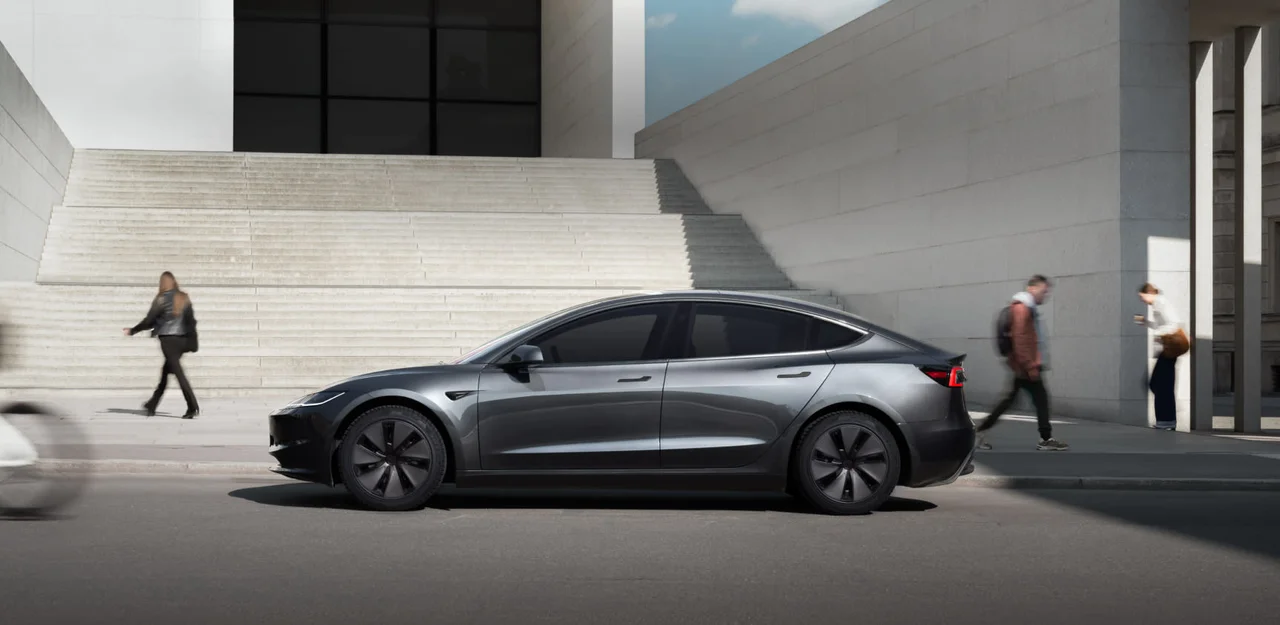
Model 3 — the sedan. Official European Tesla image. Source: Tesla
01
Start with everyday life
Why Tesla? Start with an ordinary day
The acceleration makes an impression on a test drive. But most of your time with the car will involve work, parking at home, children in the back and the drive away on holiday. That is where you find out whether a Tesla suits you.
What changes after petrol or diesel?
Ready when you leave
With home charging, plug in during the evening and leave with the charge you need in the morning. There is no separate filling-station trip. Without your own parking space, it is a different routine: find a convenient charger near work or home before buying.
An easier rhythm in traffic
Smooth power without gear changes is particularly welcome in queues. Regenerative braking slows the car when you lift off and recovers some energy. You may soon get used to it, but you still need the brake pedal; regeneration varies with conditions.
Fewer familiar service jobs
There is no engine oil, spark plugs or fuel filters to replace. Tyres, suspension, cabin filters and brakes still need attention. An EV removes some maintenance jobs, not all maintenance.
Home charging can cost less than petrol, but there is no saving that applies to everyone. Use your own tariffs: frequent rapid charging, insurance and depreciation can change the result considerably.
See how the charging network, app and software fit your routine, and what to try before deciding.
Supercharging takes some work out of a long trip
“What happens when I need to go a long way?” is often the first EV question. A Tesla strength is the connection between its navigation, battery and charging network. You do not have to assemble every journey across several apps.
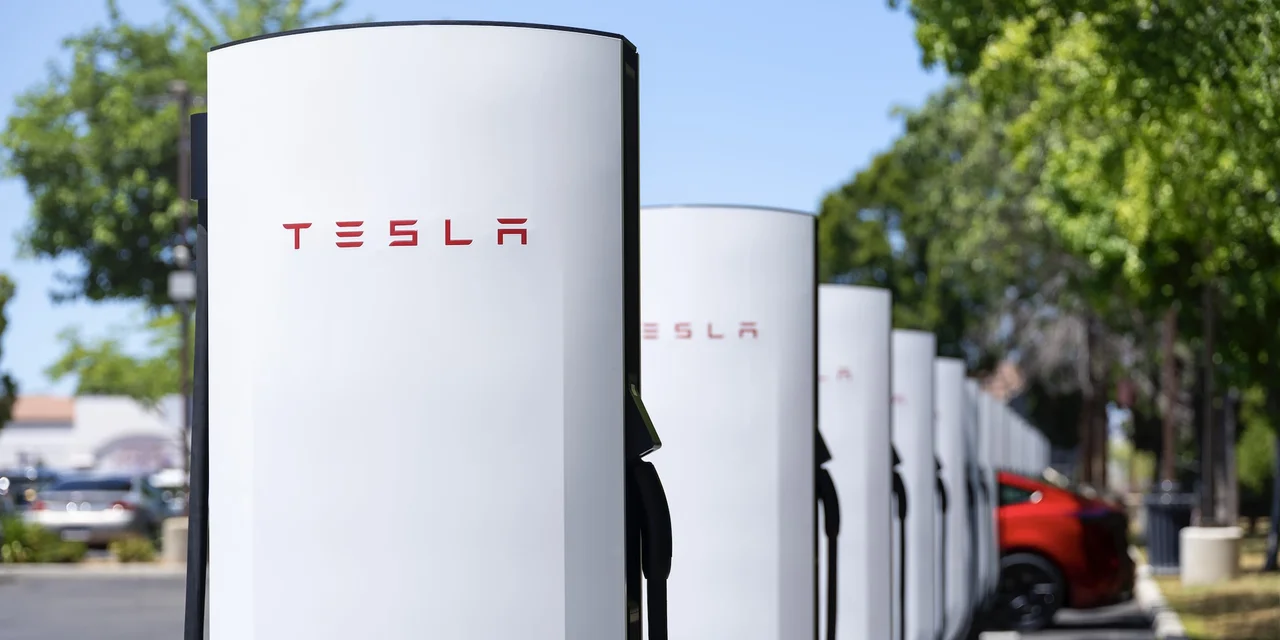
Supercharger: charging on the road. Before buying, check stations along your usual routes. Source: Tesla
01
Enter your destination
Trip Planner adds the charging stops you need and estimates the battery charge along the route.
02
Head to the chosen station
The car prepares the battery for rapid charging when needed. You can check stall availability in the navigation.
03
Plug in
With a payment method set up, Supercharging is billed through your Tesla Account.
04
Continue when the plan says you can
Navigation recommends how long to charge for the next leg. Filling to 100% at every stop is usually unnecessary.
You still need to stop, but there is less for you to organise. A coffee or lunch break can double as a charging stop when the location and charging time work for your trip.
Some Superchargers also serve other EVs, so network access is no longer exclusive to Tesla. The appeal is how the whole system works together. Check coverage, prices and a backup before a long journey: busy periods can bring queues, while cold weather and higher speeds affect consumption.
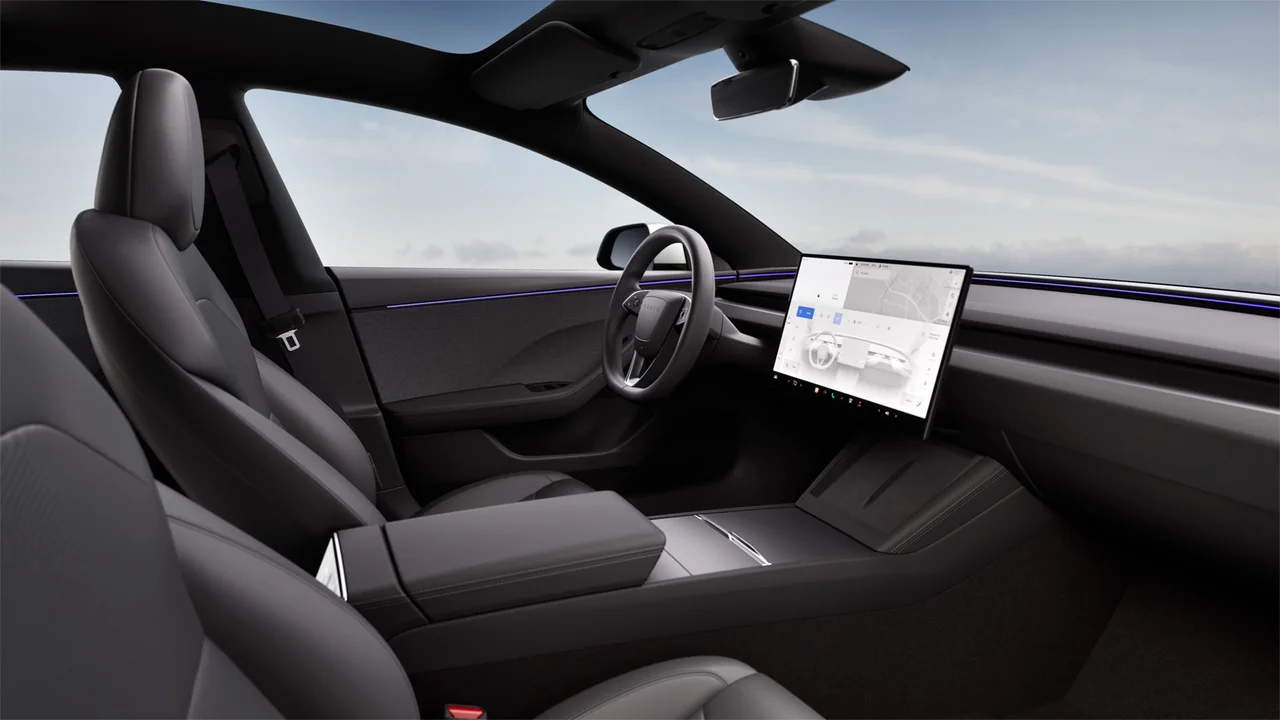
For us, one of the strongest reasons to consider Tesla is how the car, screen and phone work together. Everyday tasks tell you more about that than a long list of features.
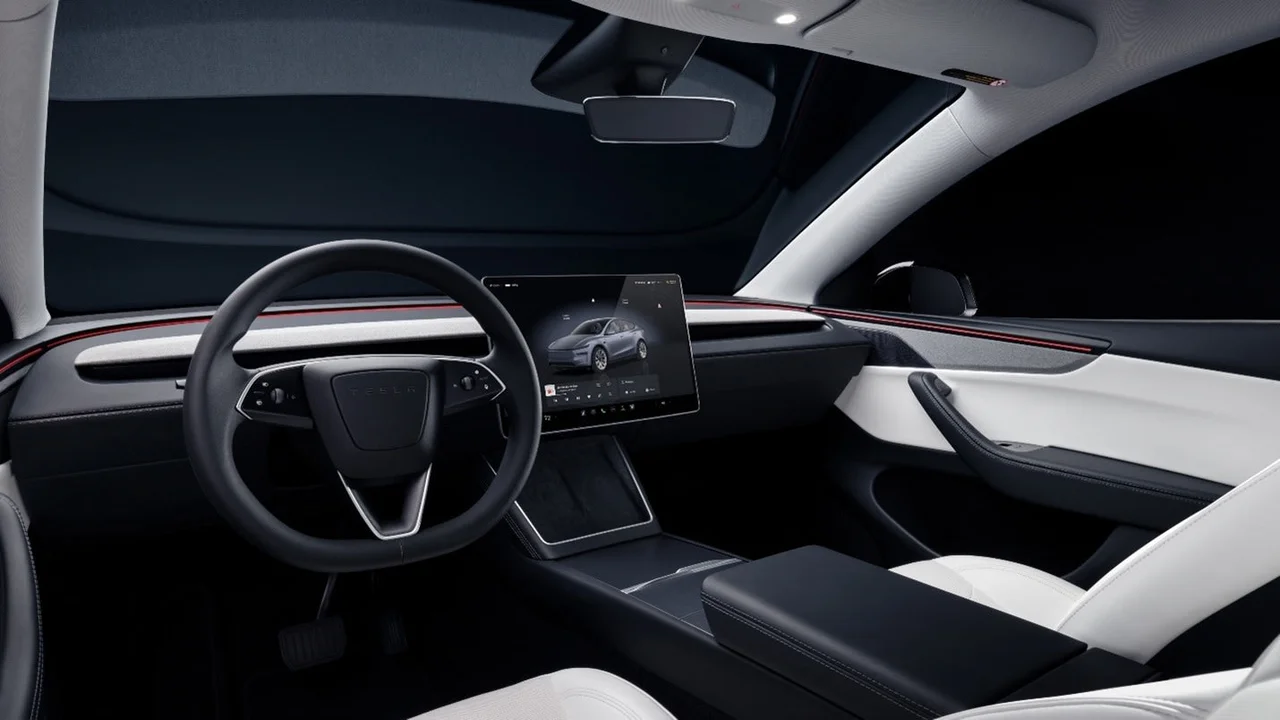
Model Y: refreshed left-hand-drive cabin from Tesla Portugal. Source: Tesla
Before leaving home
Check the charge and switch on the climate control in the app. In summer, getting into a cool cabin is nicer than opening every door and waiting.
Before a journey
Send an address from your phone to the car. It opens in the built-in navigation, with charging stops taken into account.
After you buy
Wi-Fi updates can add features or change existing ones. The car does not stay exactly as it was on collection day; available updates depend on its hardware and region.
In its infotainment comparison, Auto Express highlighted Tesla’s responsiveness and clear menus. When navigation, charging and the app work together, that is a compelling reason to consider the brand. Trying that connection for yourself tells you more than counting the apps on the screen.
If familiar buttons, Apple CarPlay or Android Auto matter to you, try a Tesla before ordering. Neither phone-projection system is offered, and many controls live on the central screen. Seating, ride comfort and a useful boot matter more than winning a brand argument, too.
Other EVs also offer updates, charging-route planning and connected apps. Compare the actual versions you could buy: Tesla earns a place on the shortlist for its software and charging ecosystem, but your own drive and ownership costs should settle the decision.
Try these things on your test drive
Enter a long journey you actually make and look at the suggested charging stops.
While parked, find the climate, wipers and your usual settings without help from the salesperson.
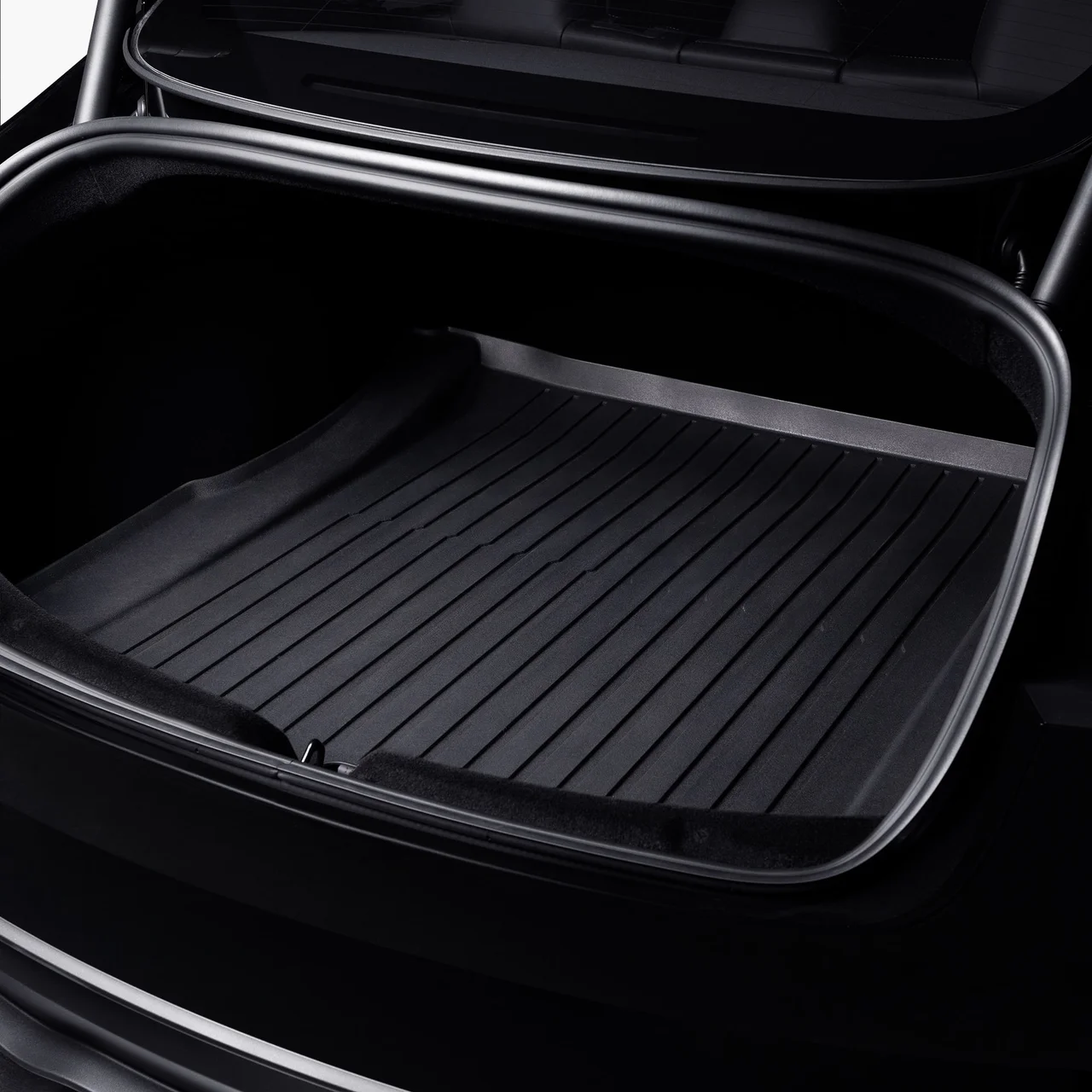
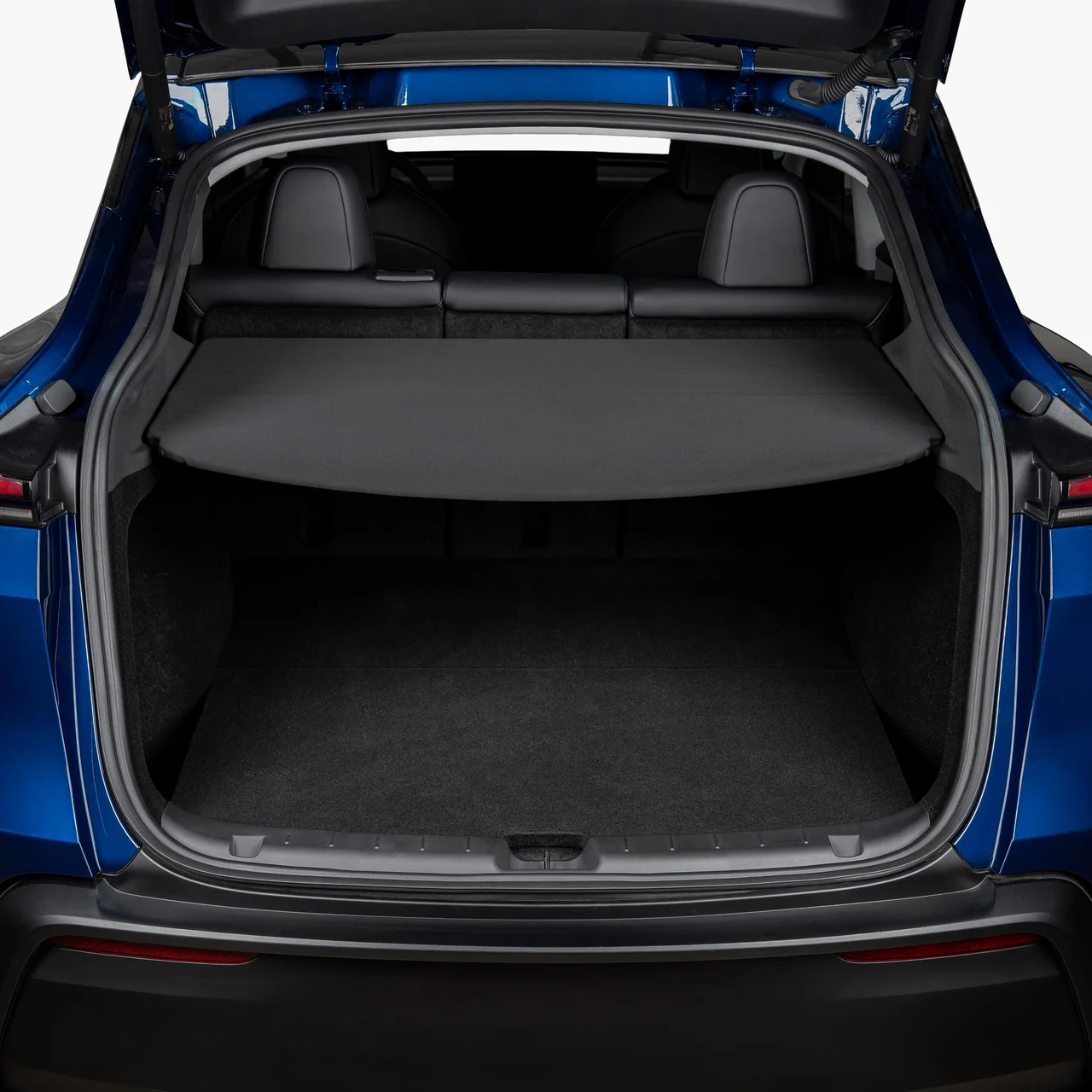
Sit in the back and try your pushchair, suitcase or other regular luggage.
Ask to see the app and check which features are included in your version and which need a subscription.
If that sounds like your kind of car, the next choice is simpler: the Model 3 saloon or the taller Model Y, followed by the version you need.
Start simply: if you like a low saloon, look at Model 3; if you prefer sitting higher and easier loading, try Model Y. Then put your family in the back and try your luggage. That tells you more than arguing over litres.
Purchase plan
Choose where to start
Now think about how the car will fit your life. Four quick questions suggest the models and versions worth starting with.
A starting point based on your answers
Start with Model Y
You selected access and luggage space, so start with Model Y and compare it in person with Model 3.
Option to compare
Rear-wheel drive
Portugal · 2026-10-02
RWD · 18″ Aperture · 175 kW DC
For everyday use, try the seating, luggage and parking in person.
Check the current market snapshot and expand each group for the included variants.
Versions and equipment
Compare versions
You do not have to buy the fastest version or the one with the longest range. Choose a model, then compare what you will actually use on your routes. Open each card for other variants and the details.
This is a Portugal snapshot for the date shown, not a complete list of European offers. WLTP is for comparison; actual range depends on speed, weather and driving conditions. Trim catalogue checked: 2026-10-02.
Representative configuration
Rear-wheel drive
Rear-wheel drive
Range
525 km · WLTP
Drivetrain
RWD
Wheels
18″ Aperture
0–100 km/h
7.2 s
Peak DC power
175 kW
Range qualification: Certified WLTP figure.
Portugal · 2026-10-02
All versions in this group (1)
Rear-wheel drive
Portugal · 2026-10-02
Range
525 km · WLTP
Drivetrain
RWD
Wheels
18″ Aperture
0–100 km/h
7.2 s
Peak DC power
175 kW
Range qualification: Certified WLTP figure.
The Tesla Portugal configurator shows a certified 525 km WLTP range for the selected base version with 18-inch Aperture wheels.
Capacity in kWh is not specified in the verified specifications. We do not calculate it from WLTP and flow.
609 km — configurator estimate for the selected 19-inch Crossflow wheels. The Model Y page separately indicates 603 km WLTP. These are different published values: do not average them or call the estimate a certified result.
Capacity in kWh is not specified in the verified specifications. We do not calculate it from WLTP and flow.
Tesla lists a certified 622 km WLTP range for the selected 19-inch Crossflow wheels.
This line refers to the base configuration with 5 seats. Tesla Portugal has a separate seven-seater Premium Long Range AWD configuration; check its specifications separately.
Capacity in kWh is not specified in the verified specifications. We do not calculate it from WLTP and flow.
Choose between new and used with the individual car in mind, then account for the costs around it.
New or used
New or used?
New
A new Tesla suits you if you want your own configuration and a car whose history starts with you. Check inventory too: the right colour and wheels might already be available. Confirm the timing and exact equipment before paying.
A used Tesla may let your budget go further. Choose the individual car, though, not the attractive advert: check repair history, documents, battery condition and remaining warranty. Registration year alone will not tell you what equipment it has.
The configurator price is only the start. Estimate costs for the time you plan to keep the car, with separate figures for charging at home and on the road. Count incentives only when you know you qualify.
Vehicle price and delivery
Tax, registration and number plates
Insurance for the exact version and drivers
Finance or lease: deposit, fees, total payments and final payment
Home charging: assessment, equipment and installation
Road charging, parking and tolls
Tyres, maintenance and accessories
Depreciation at resale: use it instead of the full purchase price when comparing ownership costs
Follow the local ordering steps, prepare for handover and check the referral terms if you plan to use them.
Order and handover
From decision to handover
01
Choose a configuration
Match your regular trips and charging plan. Open your local Tesla configurator and check the exact specification.
02
Compare an order with inventory
An inventory car has a set specification. Before paying, check the exact vehicle, handover location and current timing in your account.
03
Check terms before payment
Match the invoice total, payee and payment method; confirm insurance and local registration. For finance or a lease, read every payment and restriction.
04
Follow your account
After confirmation, complete required tasks and check the documents and handover process for your country.
05
Inspect at handover
Match the VIN and specification, inspect the car carefully and report issues before leaving.
Before driving away
Handover checklist
✓VIN, colour, wheels and specification match the order
✓Body, glass, tyres, rims, doors and luggage compartments checked
✓Interior, belts, screen, climate controls and charge port checked
✓Issues photographed and reported through the channel provided
✓Car appears in the right Tesla Account; phone key is set up
✓Registration, insurance and documents needed to drive are clear
Before checkout
Ready to order? Check the referral link
If you have decided on a Tesla, you can use our link before placing your order. Check Tesla’s page for an offer that applies to your country and car. If there is no suitable offer, it should not change which car you choose.
The author may receive a benefit in the form of a reward if the order meets Tesla programme terms. The amount and availability of any benefit are not guaranteed.
Tesla determines programme terms and any benefit, which may depend on country, vehicle, timing and buyer eligibility. Check the current terms immediately before ordering. Volt does not represent Tesla or guarantee a discount, credit or other outcome.