Buying a New Tesla in Europe: Choosing, Ordering and Handover
A practical plan for buying a Tesla: assess charging and routes, compare Model 3 and Model Y, check ordering costs, review referral terms and inspect the car at handover.
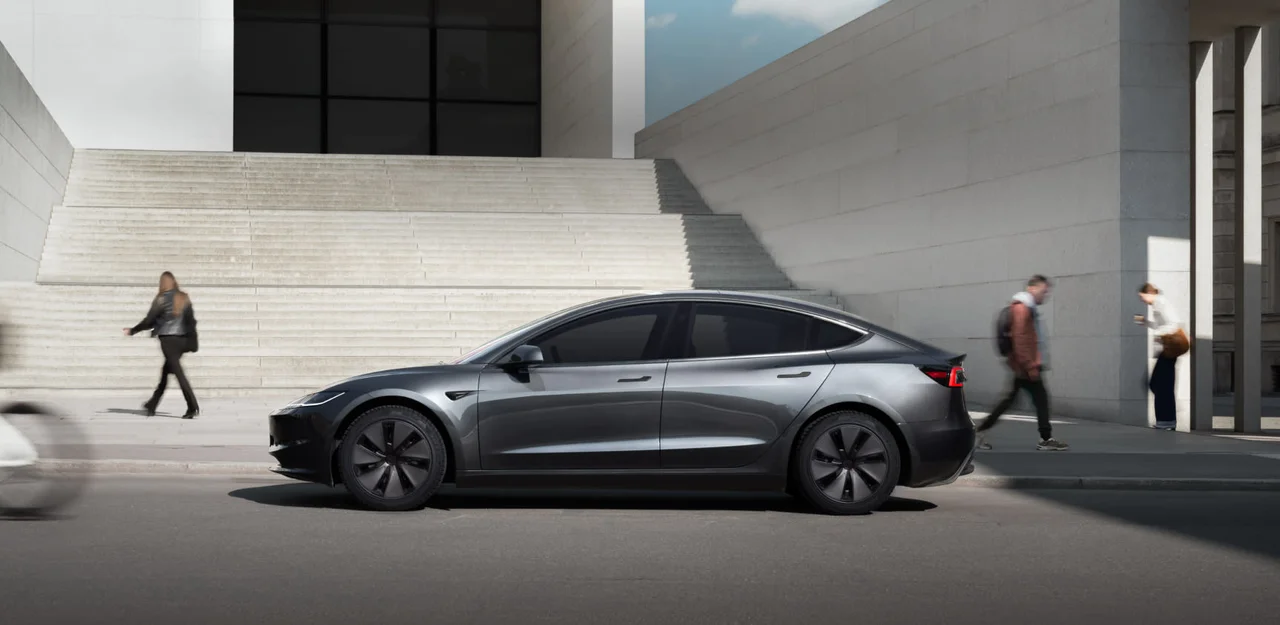
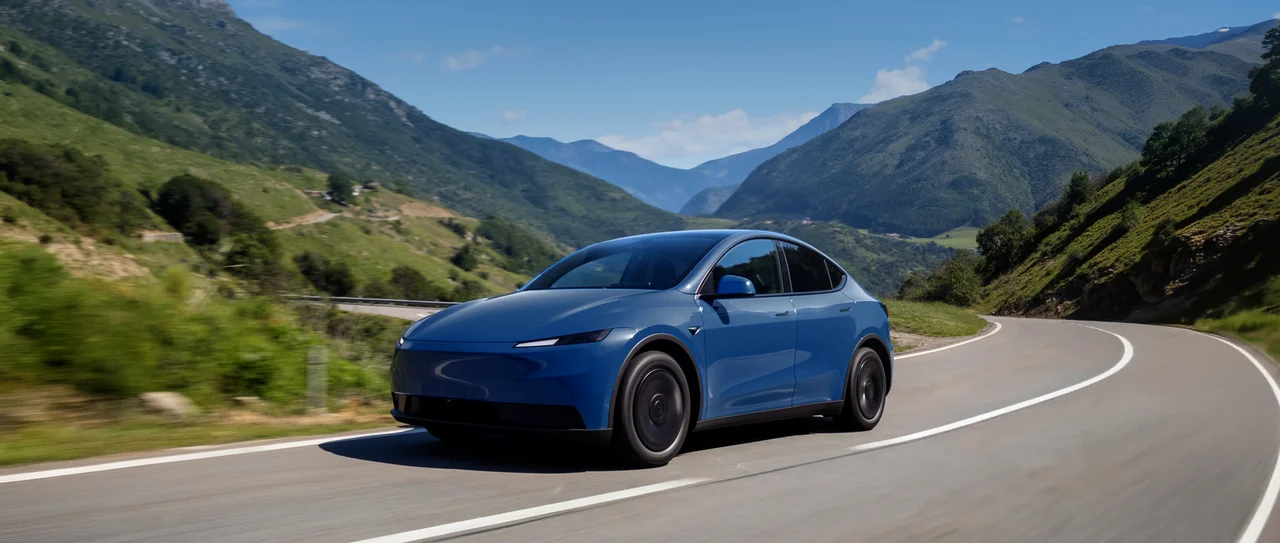
Models: New Model 3 and Model Y; check availability in your country’s configurator.
Practical guide based on Tesla Support for Spain and the United Kingdom; confirm the process and terms in your country.
Choose a car for the trips you make
Start with everyday trips: your usual weekday distance, long-trip frequency, passengers and luggage. Then check your charging plan:
- At home: ask your building manager and an electrician about installation permissions, available power and cost.
- In public: check nearby stations, opening hours, prices and parking access.
- On trips: note chargers on your regular routes and check access and payment terms.
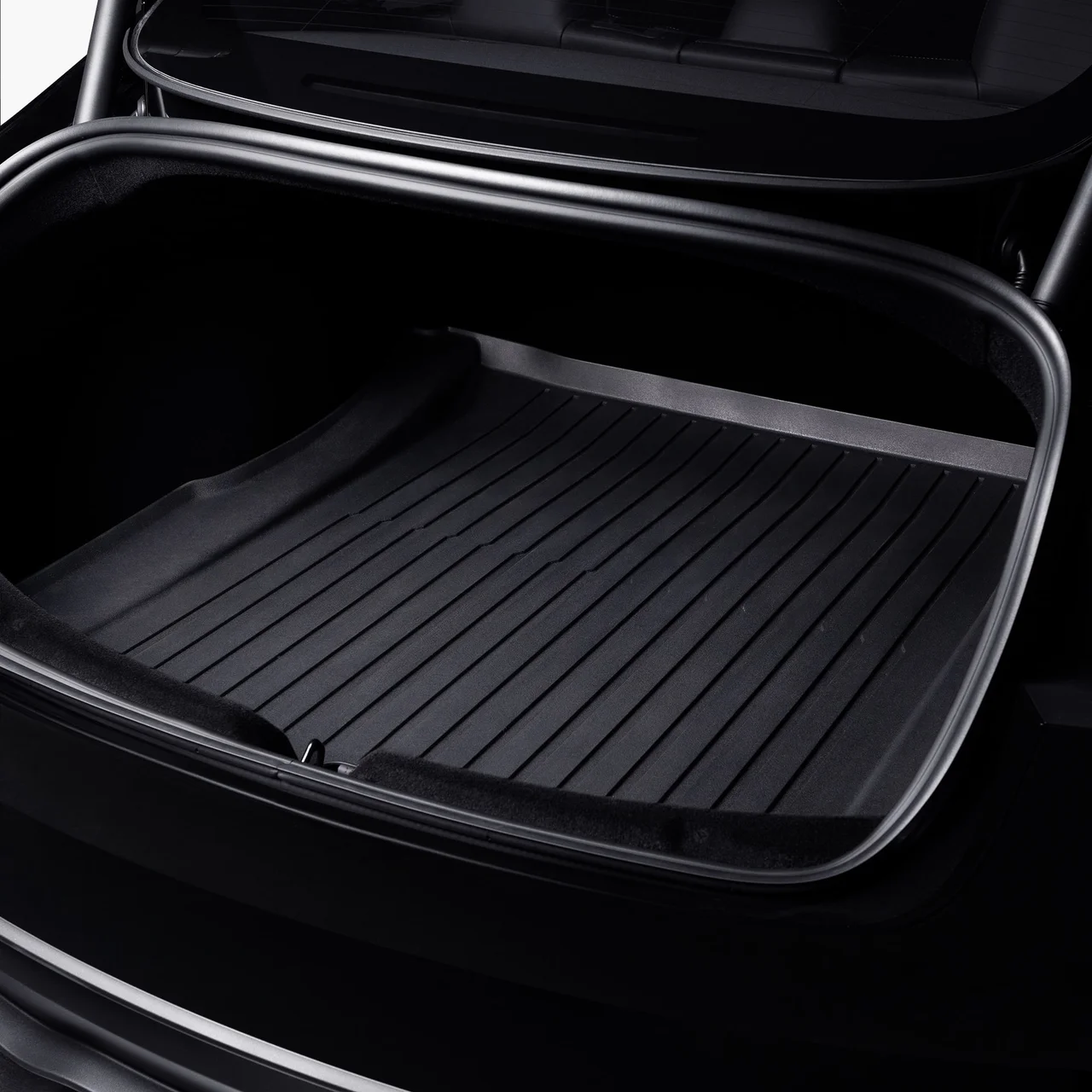
Model 3 is a saloon; Model Y is a crossover. Compare seating, visibility, rear-seat space, boot access and parking in person. Shortlist configurations in your local Tesla configurator and check drivetrain, wheels, interior and included features. Trims can vary by country and change over time.
Boot access: Model 3 and Model Y
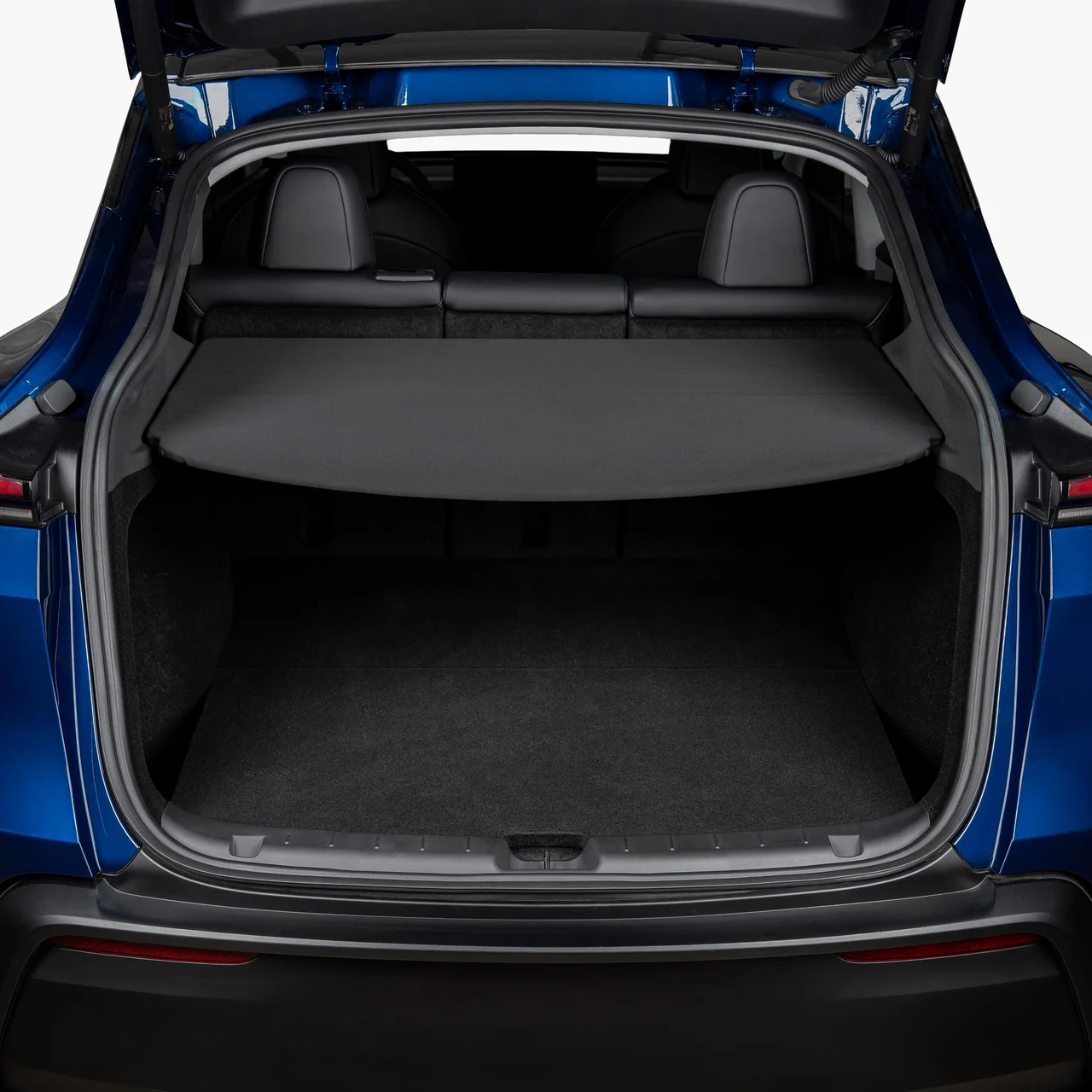
Arrange a test drive
If available, try your shortlisted model before ordering. Tesla booking is available online in some locations; format and availability depend on your area. For example, Tesla’s Spanish support page asks drivers to bring a valid licence and describes a drive of about 30 minutes. Check your local page and booking confirmation.
Plan a route with your usual streets, parking and road speeds. Bring another regular driver or child seat if relevant. Check:
- Whether getting in and out and sitting in the rear feels comfortable.
- Whether you can judge the road and the car’s edges when parking.
- Whether the seating position, visibility, controls and ride suit you.
- Whether the boot fits a typical pushchair, suitcase or work equipment.
- Whether the main controls and charging connection make sense to you.
A short drive cannot answer insurance, home installation or long-trip questions. Get quotes or confirmation before ordering.
Left-hand-drive interiors
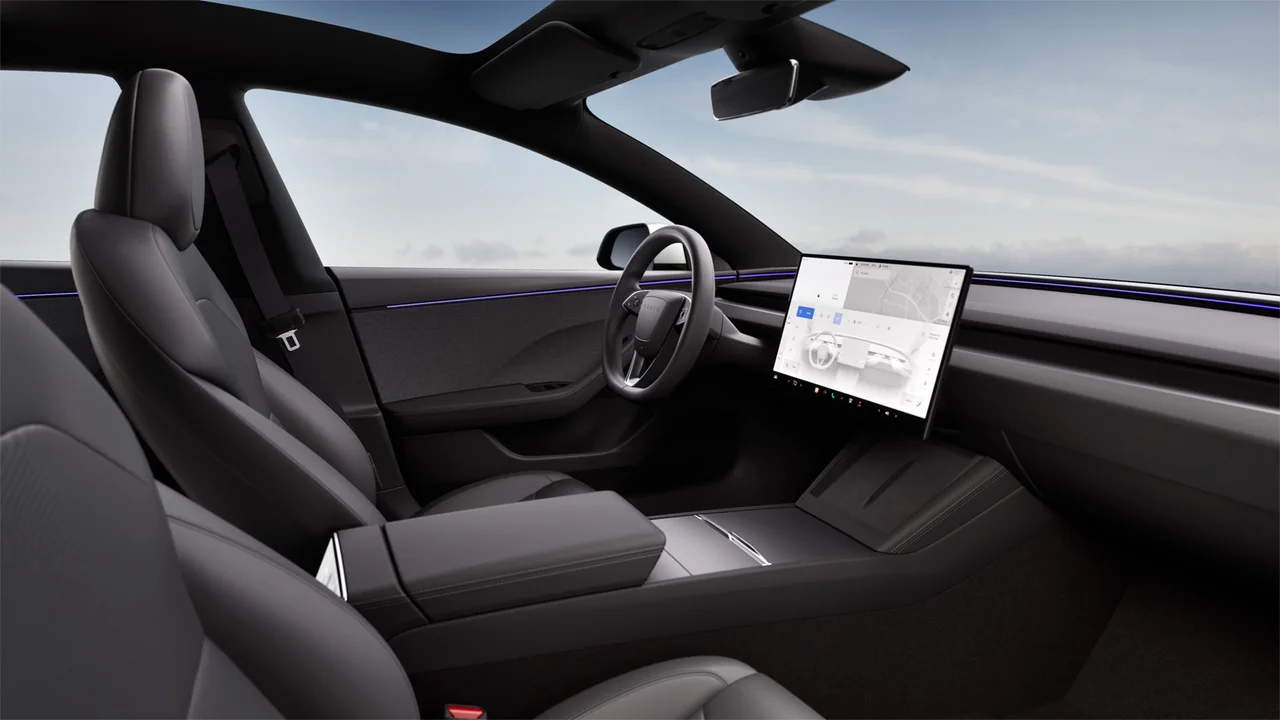
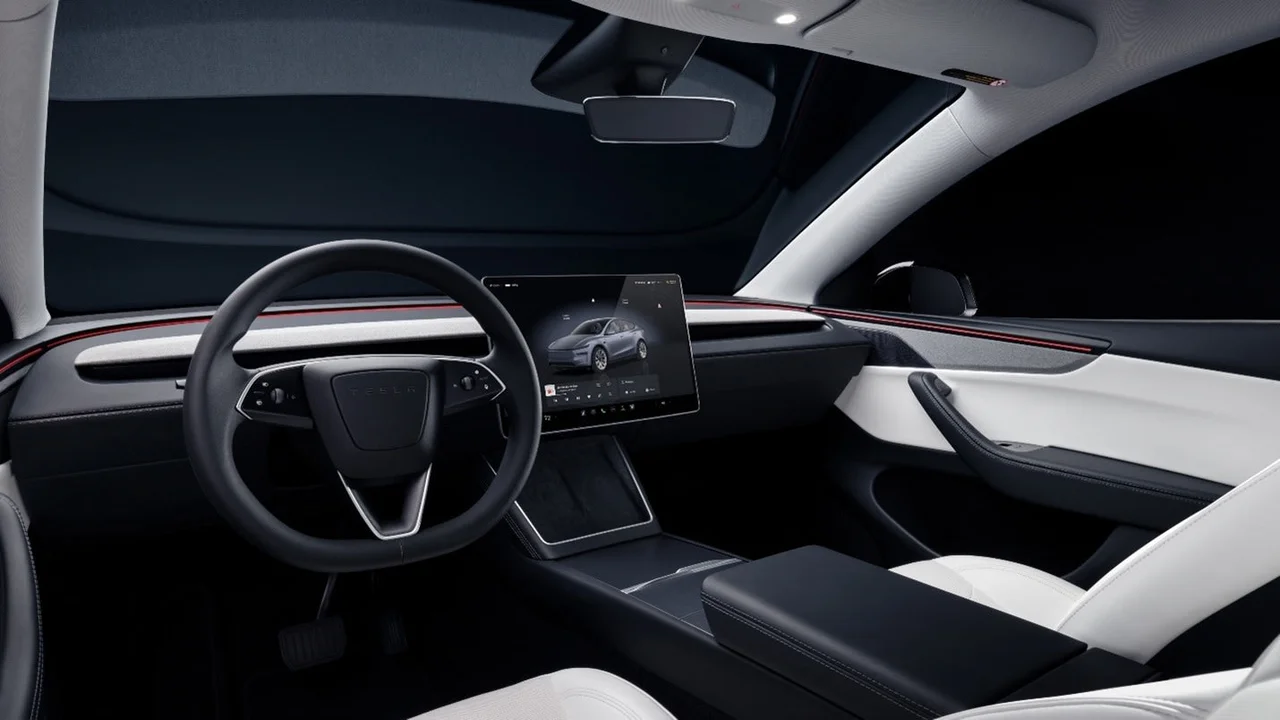
Compare an order with new inventory
A custom order lets you choose from the options currently offered. A new inventory car has a set specification and may be available sooner. Open the listing for the exact car and check its features, colour, wheels, delivery location and estimated timing. Delivery timing depends on the model, location and current availability. Use the estimate in your account or order confirmation rather than a general advertising estimate.
Add vehicle price, delivery, taxes, registration, insurance, finance costs, home charging, winter tyres and accessories. Check incentives on your government’s official website, and include one only after confirming eligibility and payment timing. Compare the total purchase cost with finance or a lease, including deposit, repayments, fees, final payment, mileage limits and early termination terms.
Request insurance quotes for the exact version and drivers. Price depends on local factors; confirm any incentive or insurance product with the provider or authority.
Before ordering: the referral offer
If you want to use a current Tesla referral offer, check it before placing your order. Tesla’s UK support page says the link must be opened and used during checkout; it cannot be added afterwards. The same page ties buyer eligibility to a first qualifying purchase, lists eligible models and excludes certified pre-owned vehicles. Those are UK terms, not a promise that the same programme applies throughout Europe.
Check your country’s Tesla referral page for active dates, eligible models, your eligibility, benefit type and limits. Terms can change; a benefit is not guaranteed and may be credits rather than a discount.
The author may receive a benefit if Tesla confirms that the order meets the programme terms. This is editorial content; the author does not represent Tesla.
After ordering: account, payment and documents
Use the email address associated with the Tesla Account you want. After confirmation, check your account and app for tasks and handover details, and complete required information promptly; Tesla says timing can depend on completing pre-delivery tasks on time.
Before final payment, check the specification and invoice, verify the payee and use the payment method Tesla specifies. Payment requirements vary by country and purchase method. If a bank or leasing company is involved, confirm who sends the funds and when they must arrive.
Confirm the local registration process and required documents for your address. Ask whether Tesla arranges registration or you must do it, what identity, address and insurance documents are required, and how to obtain plates. Ask separately about trade-in paperwork. Drive only once payment, registration and insurance are confirmed.
Handover: inspect the car and set up access
Compare the car with your order and inspect it in good light. Photograph any damage or mismatch, report it before leaving and confirm where and by what deadline to submit any further report.
- Match the VIN, colour, wheels and specification to your order.
- Inspect the body, glass, tyres and wheel rims.
- Check the doors, luggage compartments and charge port.
- Check the seats, belts, screen, climate controls and supplied access methods.
- Photograph issues and report them through the Tesla channel provided.
Install the Tesla app and sign in to the right account. Confirm the car appears there and set up the phone key. Ask how to open the charge port and start charging; use the owner’s manual for the full instructions for your car. For home charging, use a qualified electrician to check the installation and local requirements.
Keep the agreement, invoice, registration and insurance documents. Read the owner’s manual and warranty. Use navigation and the app to check chargers and payment details; charging speed varies with the car, temperature, charge level and station.