Release notes

2026.38.6.1

Tracker observationsTracker date · 29 October 2026

What changed

The October 29 release notes for version 2026.38.6.1 list the same seven documented features and five undocumented changes as release 2026.38.6. Feature availability varies by model, hardware and region.

Emergency Drive Away
Emergency Drive Away ↗
Sources and distribution
Tracker date29 October 2026
Notes12
Software branch2026.38
Firmware installations observed: 3

Australia, New Zealand, Thailand

Installation countries do not establish FSD or individual feature availability.

Not a Tesla App ↗ · Checked 17 November 2026
MY TESLA · Choose a vehicle

This estimate compares the release note with the vehicle details you entered. It does not confirm that this update will be offered to your car.

MY TESLA

Find notes for your vehicle

Your details stay in this browser. No Tesla account is needed.

Loading profile…

This filter estimates compatibility from catalogue notes and cannot guarantee availability. Check the release notes in your car; model year, equipment and country can affect a feature.

Highlights

Highlights

Selected feature notes
Emergency Drive AwayIn an emergency, the vehicle can shift into Drive while a Supercharger cable remains connected. Driving away with the cable attached will damage the vehicle and Supercharger, and the owner may be responsible for repair costs. Activation shares short recordings from the vehicle's cameras with Tesla. The source lists availability in the United States.Halloween ModeThe mode adds a Ghost Costume to the vehicle visualization, spooky sounds and flickering lights when visitors approach, a scheduled themed light show, and a photobooth. The source lists AMD, new Model S and Model X, Model 3, Model Y, and Cybertruck, with worldwide availability.Set Arrival EnergySet a desired arrival energy level for a trip in the Tesla Mobile App: open the location tab, enter a destination, and tap Set Arrival Energy. Tesla Mobile App version 4.58.0 or later is required. The source lists Model S, Model 3, Model X, Model Y, and Cybertruck, with worldwide availability.Visual UpdatesThe center display now uses higher-quality images of the vehicle and an enhanced parked scene. The source lists Model 3 and Model Y with AMD or HW3; available worldwide.

Features and changes

Release notes language

Charging

Emergency Drive Away

From 2026.38.6

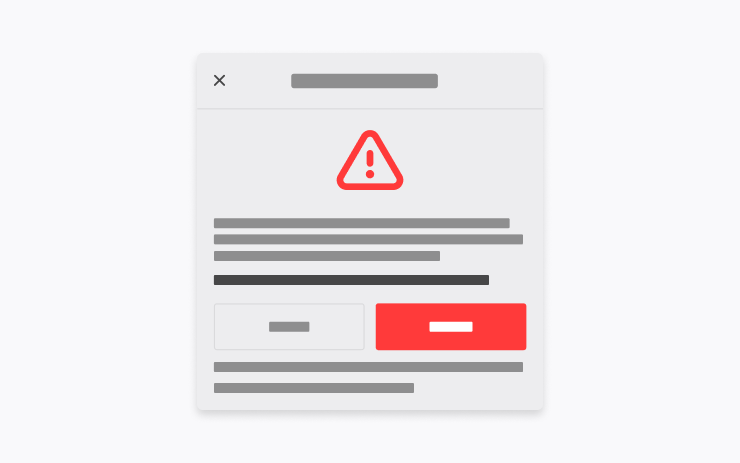
In an emergency, the vehicle can shift into Drive while a Supercharger cable remains connected. Driving away with the cable attached will damage the vehicle and Supercharger, and the owner may be responsible for repair costs. Activation shares short recordings from the vehicle's cameras with Tesla. The source lists availability in the United States.

Applicability

Models
New S, 3, New X, Y, CT
Hardware
Not specified
Availability note in release note
Source country labels

United States

Not a Tesla App ↗ · Checked 17 November 2026

Set Arrival Energy

From 2026.38.6

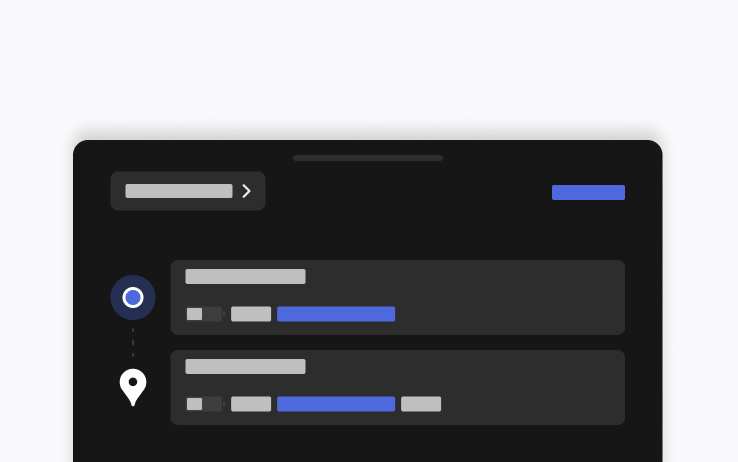
Set a desired arrival energy level for a trip in the Tesla Mobile App: open the location tab, enter a destination, and tap Set Arrival Energy. Tesla Mobile App version 4.58.0 or later is required. The source lists Model S, Model 3, Model X, Model Y, and Cybertruck, with worldwide availability.
Applicability

Models
S, 3, X, Y, CT
Hardware
Not specified
Availability note in release note
Source country labels

Worldwide

Not a Tesla App ↗ · Checked 17 November 2026

Supercharger Site Maps

From 2026.38.6

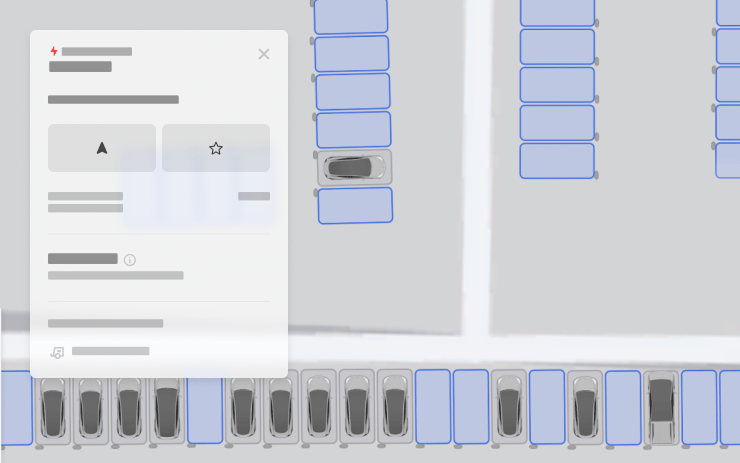
Detailed maps are available for selected pilot Supercharger sites, showing the layout and stall availability (Available / Occupied / Down) on arrival. The source lists Intel, legacy Model S/X, Model 3, and Model Y; available worldwide.

Applicability

Models
Legacy S, 3, Legacy X, Y
Hardware
Intel
Availability note in release note
Source country labels

Worldwide

Not a Tesla App ↗ · Checked 17 November 2026

Interface

Halloween Mode

From 2026.38.6

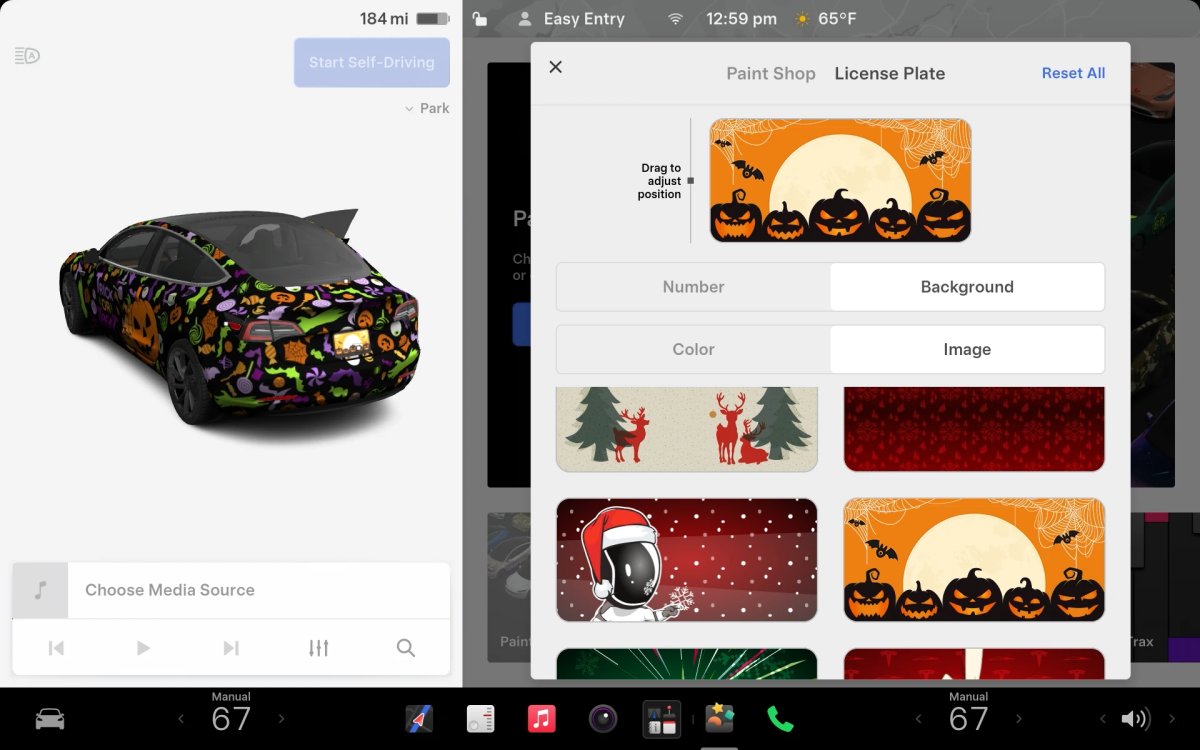
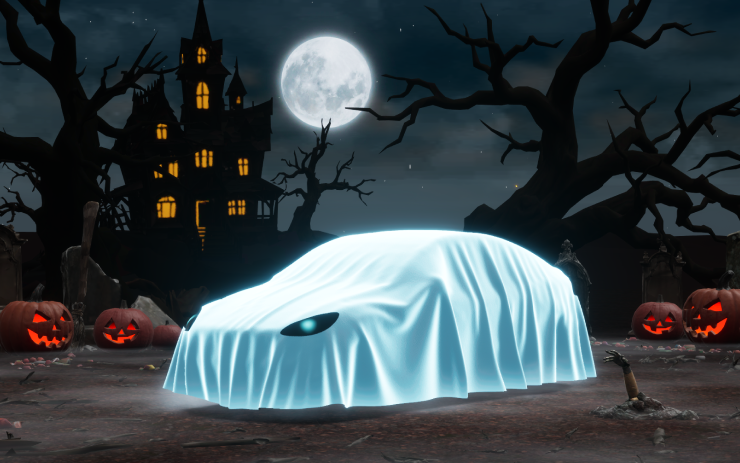
The mode adds a Ghost Costume to the vehicle visualization, spooky sounds and flickering lights when visitors approach, a scheduled themed light show, and a photobooth. The source lists AMD, new Model S and Model X, Model 3, Model Y, and Cybertruck, with worldwide availability.

Applicability

Models
New S, 3, New X, Y, CT
Hardware
AMD
Availability note in release note
Source country labels

Worldwide

Not a Tesla App ↗ · Checked 17 November 2026

Visual Updates

From 2026.38.6

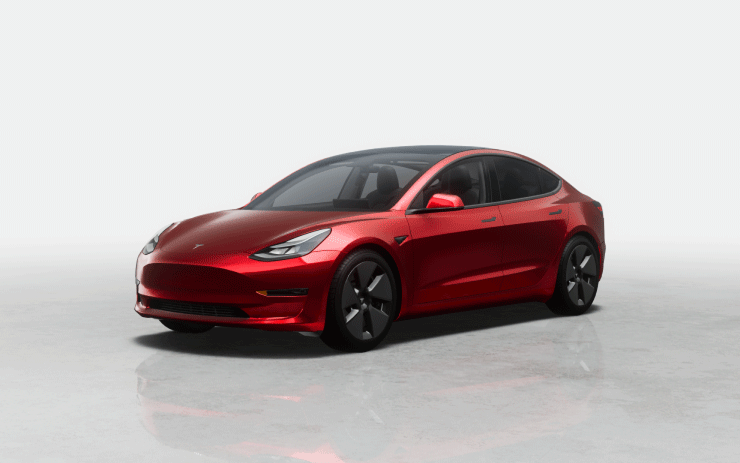
The center display now uses higher-quality images of the vehicle and an enhanced parked scene. The source lists Model 3 and Model Y with AMD or HW3; available worldwide.

Applicability

Models
3, Y
Hardware
AMD, HW3
Availability note in release note
Source country labels

Worldwide

Not a Tesla App ↗ · Checked 17 November 2026

Halloween Mode Wraps & License Plates for Intel

Tracker observationFrom 2026.38.6

Intel vehicles receive the same Halloween Mode wraps and license plates as AMD vehicles. The other Halloween Mode features—visualizations, Trick or Treat Mode, and the lock sound—are not available on Intel. The source lists Model S, Model 3, Model X, Model Y, and Cybertruck, with worldwide availability.
Applicability

Models
S, 3, X, Y, CT
Hardware
Intel
Availability note in release note
Source country labels

Worldwide

Not a Tesla App ↗ · Checked 17 November 2026

Vehicle

Dynamic Headlight Leveling

From 2026.38.6

Low beams automatically adjust their aim for driving conditions and nearby traffic to improve visibility and reduce glare for other road users. The source lists specific Model 3 and Cybertruck vehicles and worldwide availability; exact configurations are not specified.

Applicability

Models
3, CT
Hardware
Specific Vehicles
Availability note in release note
Source country labels

Worldwide

Not a Tesla App ↗ · Checked 17 November 2026

Model Y L Badge Animation

Tracker observationFrom 2026.38.6

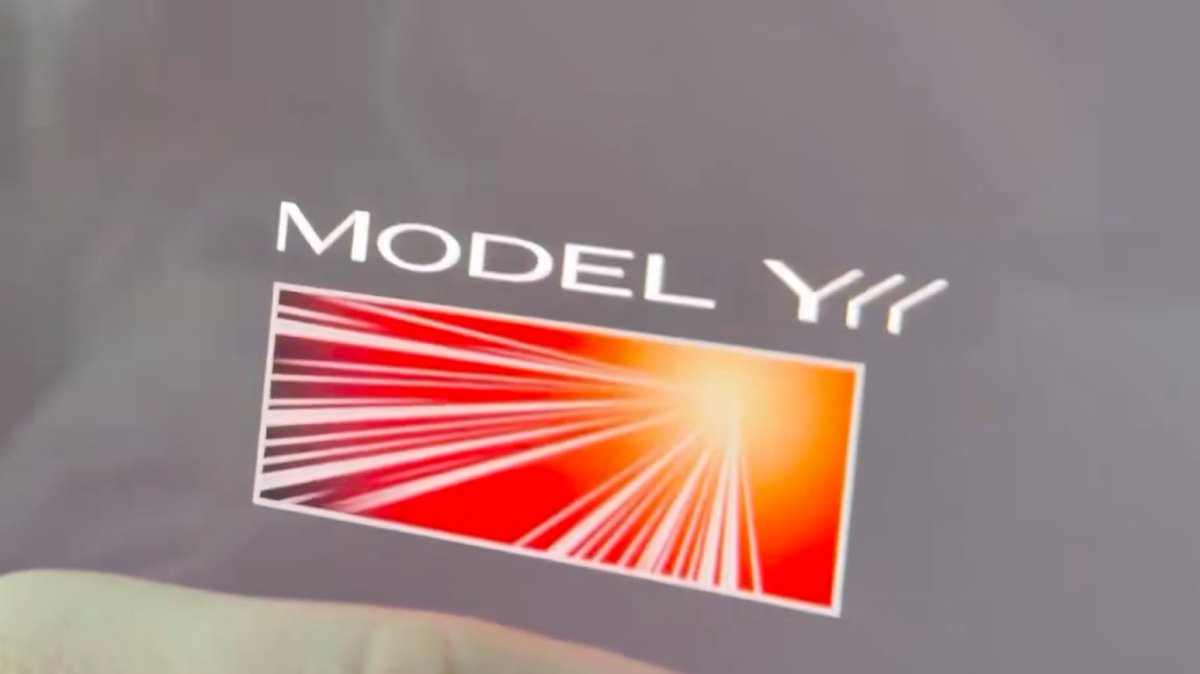
The Launch Series badge animation has been added to the Model Y L. Tap the badge to see it animate. The source lists worldwide availability.

Applicability

Models
New Y
Hardware
Not specified
Availability note in release note
Source country labels

Worldwide

Not a Tesla App ↗ · Checked 17 November 2026

Service Mode Improvements

Tracker observationFrom 2026.38.6

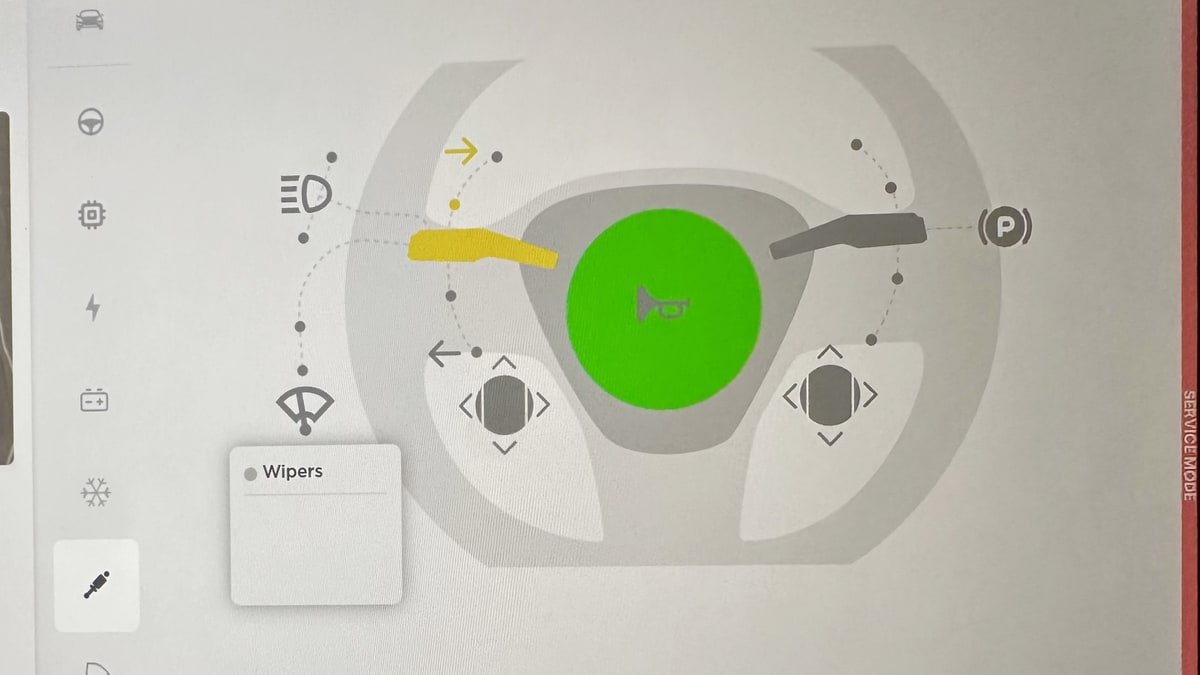
Two Service Mode changes are reported. On entry, the original language is saved; if the touchscreen language differs from the vehicle's current-country default, the Change Touchscreen Language button lets the user choose a language, and the original setting is restored on exit. Changing the language restarts the interface. In the High Voltage panel, tapping an isolation health dot shows isolation resistance; if unhealthy, it also shows alerts and DTCs. The source lists all models and worldwide availability.

Applicability

Models
S, 3, X, Y, CT
Hardware
Not specified
Availability note in release note
Source country labels

Worldwide

Not a Tesla App ↗ · Checked 17 November 2026

Safety

Security Improvements

From 2026.38.6

The update includes important security fixes and improvements. The source lists Model S, Model 3, Model X, Model Y, and Cybertruck, with worldwide availability.
Applicability

Models
S, 3, X, Y, CT
Hardware
Not specified
Availability note in release note
Source country labels

Worldwide

Not a Tesla App ↗ · Checked 17 November 2026

FSD

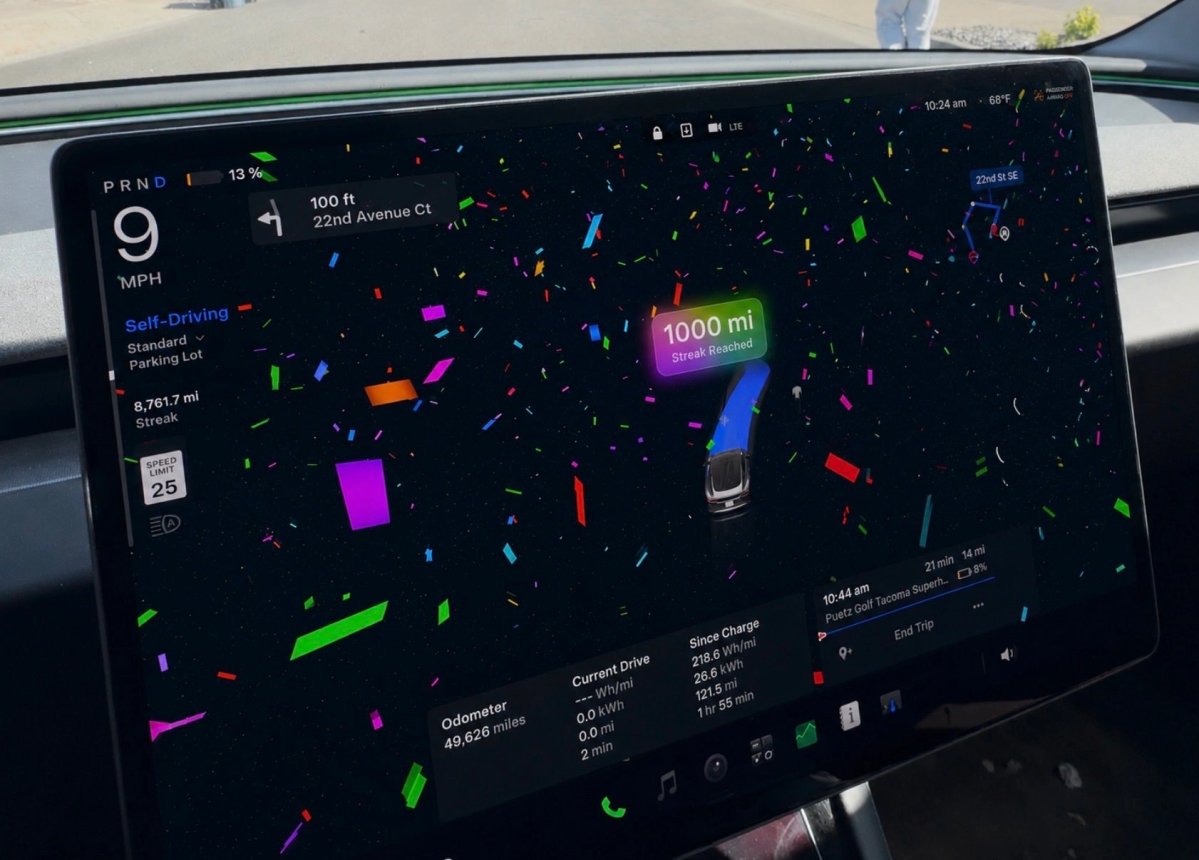
FSD Streaks

Tracker observationFrom 2026.38.6

The source reports that this FSD update adds FSD Streaks support for legacy Model S and Model X. The source specifies vehicles with Intel and HW3.

Applicability

Models
Legacy S, Legacy X
Hardware
Intel and HW3
Availability note in release note

Region not stated

Media

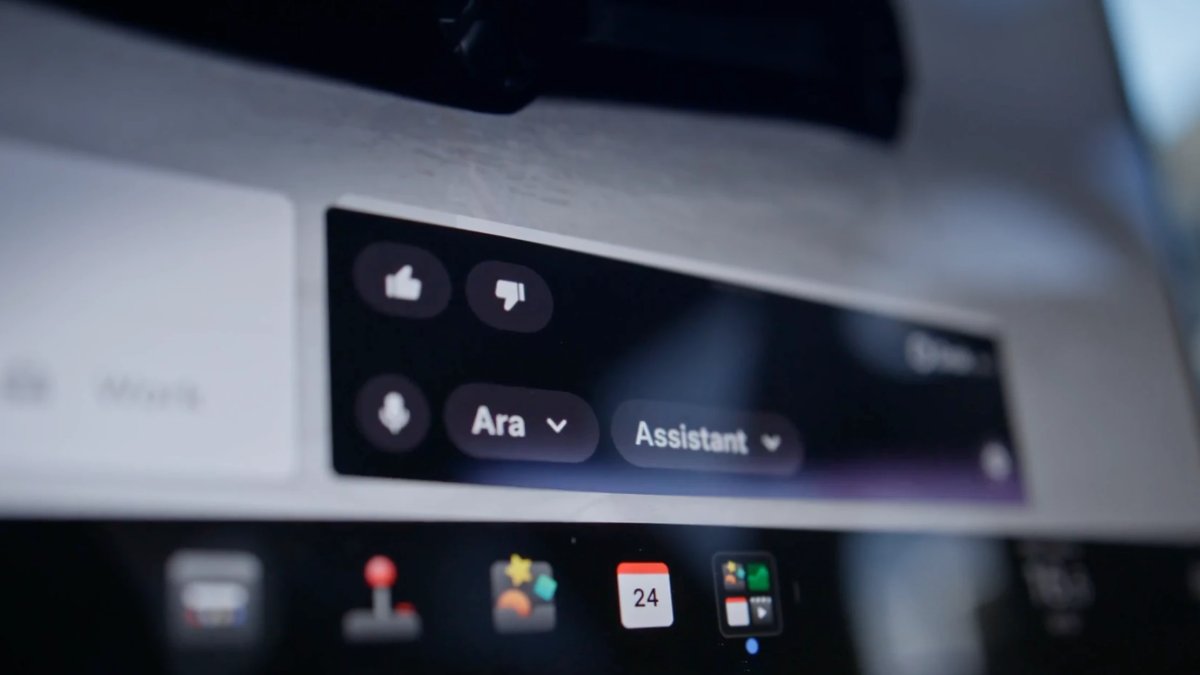
Grok No Longer in Beta

Tracker observationFrom 2026.38.6

Tesla has removed Grok's beta label in this update. The source lists Model S, Model 3, Model X, Model Y, and Cybertruck, with worldwide availability.
Applicability

Models
S, 3, X, Y, CT
Hardware
Not specified
Availability note in release note
Source country labels

Worldwide

Not a Tesla App ↗ · Checked 17 November 2026
Tesla: how software updates work ↗
0 / 12