FixesFSD (Supervised) 14.3.12 Down Under◎ Region: Varies by feature; FSD 14.3.12 Down Under is marked Oceania
Release 2026.38.5.6 is dated October 24 and identified by the source as an FSD 14.3.12 fix release for Oceania. The published notes do not list specific fixes and repeat the .5.5 feature set; FSD applies only to the HW4 configurations listed and requires continuous driver supervision.
How to read region labels
This choice is saved in this browser for the catalogue, history, release notes and comparison. Releases and features for other regions are hidden; unspecified entries remain. The region is listed for each release. “Feature-dependent” means availability varies by feature. Branches run in parallel; a Europe label does not mean availability in every country or vehicle. Unspecified availability remains listed and is marked separately.
Your details stay in this browser. No Tesla account is needed.
T
Loading profile…
This filter estimates compatibility from catalogue notes and cannot guarantee availability. Check the release notes in your car; model year, equipment and country can affect a feature.
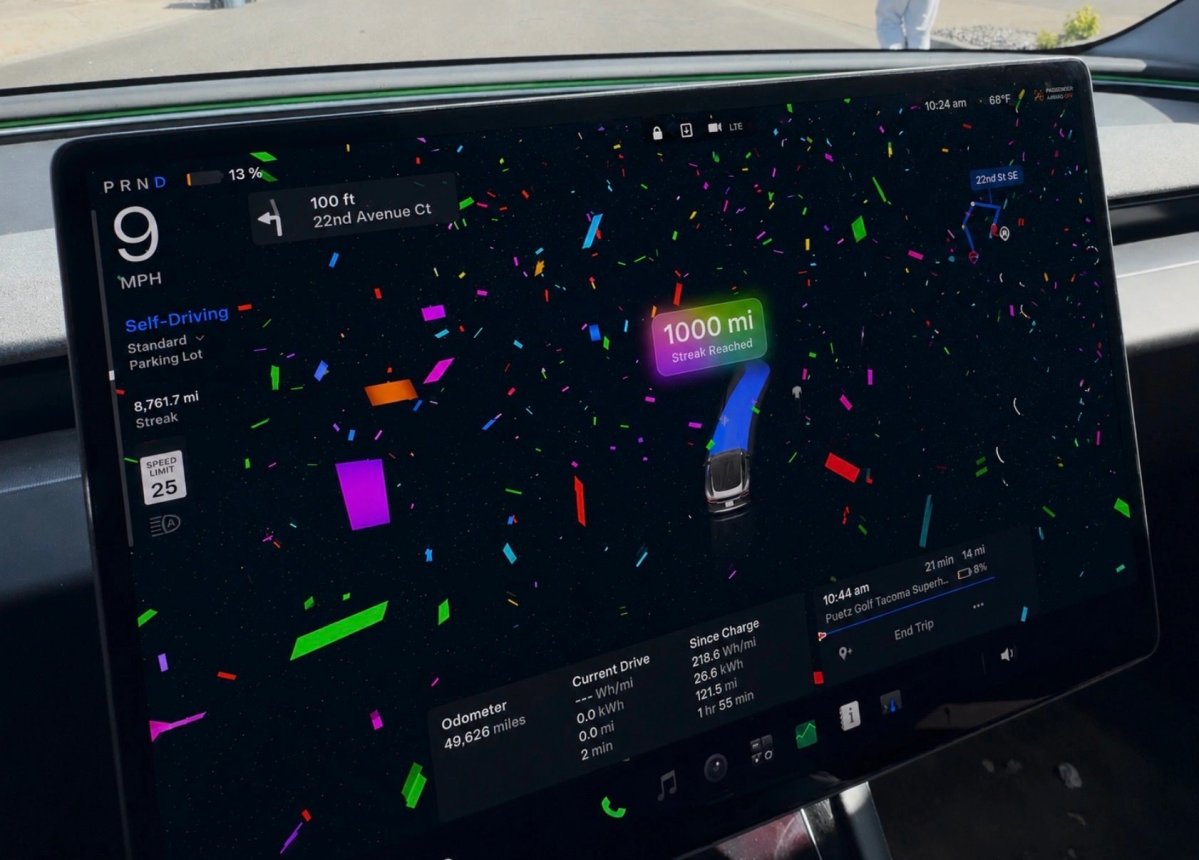
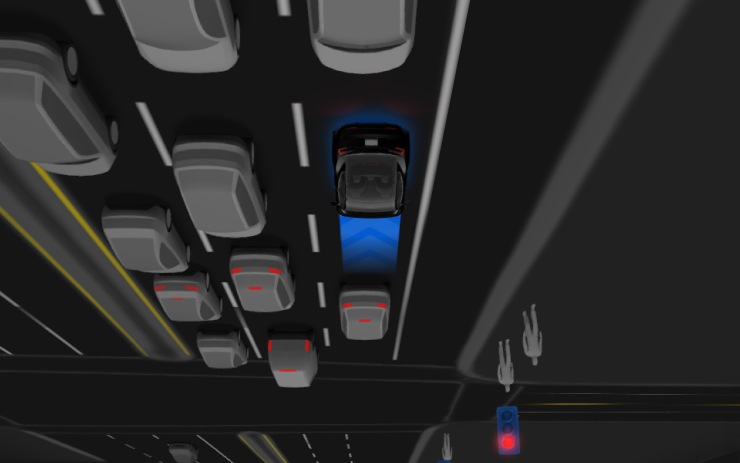
The reinforcement-learning training stage and vision encoder are upgraded, improving rare and low-visibility situations, 3D geometry, and traffic-sign understanding. The compiler and runtime are rewritten with MLIR; the source reports 20% faster reactions. Unnecessary lane bias and minor tailgating are reduced; parking selection and P-icon location prediction improve, as do responses to emergency vehicles, school buses, right-of-way violators, rare vehicles, and small animals. The update improves complex traffic lights, unusual objects extending into the path, recovery from temporary degradation without driver intervention, and eye-gaze monitoring in variable lighting. Drivers can select an intervention reason; the app shows distance and the longest intervention-free drive, and parking options appear on the map at the destination. The notes separately list future improvements: extending reasoning beyond destination selection and pothole avoidance.
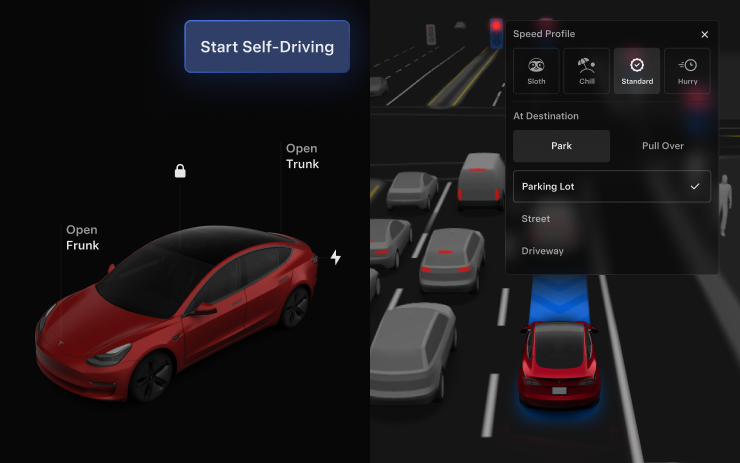
Self-Driving statistics are available under Controls > Self-Driving. Start it with a touchscreen tap from Park or during a drive; adjust Speed Profile and Arrival Options directly in the Self-Driving visualization on the center display.
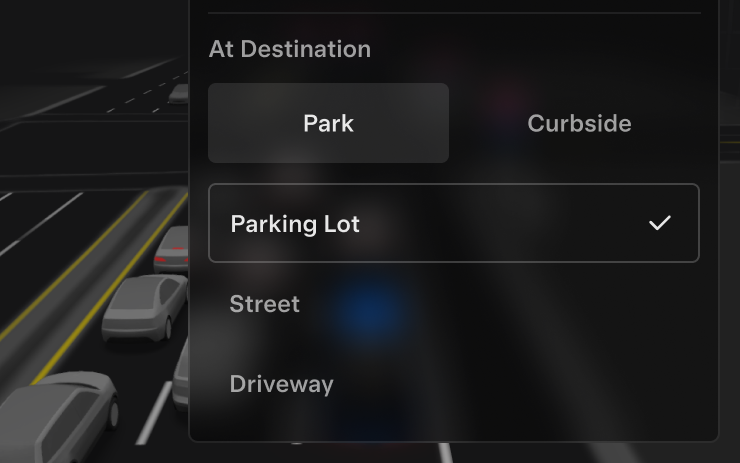
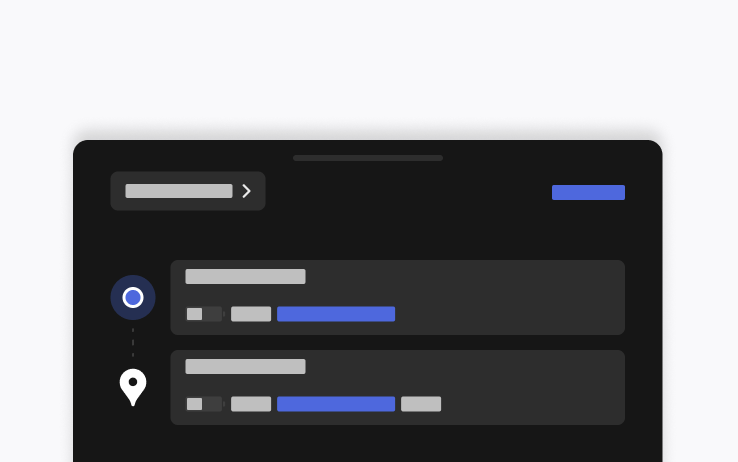
Choose Carpark, Indoor Carpark, Street, Driveway, or Pull Over at arrival. Arrival preferences and preferred parking positions are saved per destination; the reasoning model selects a suitable default and the navigation pin adjusts to the selected arrival option.
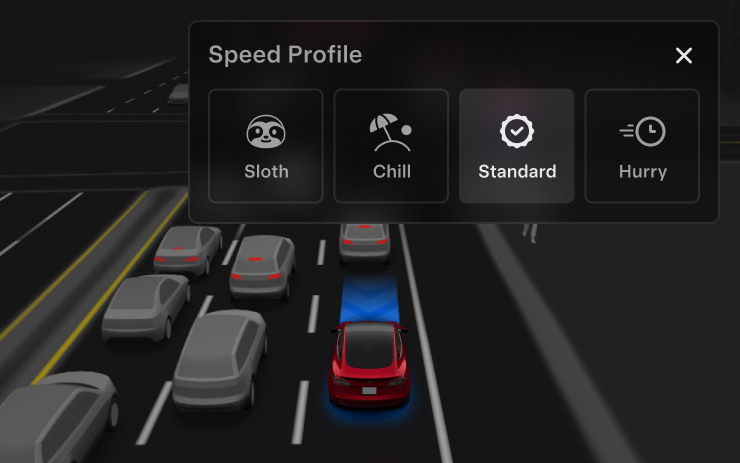
FSD (Supervised) selects speed using the driver profile, speed limit, and surrounding traffic. Driver profile has a stronger effect; the steering-wheel scroll wheel changes the Speed Profile rather than the precise speed-limit offset. SLOTH (slower and more conservative than CHILL) and MAD MAX (faster than HURRY) are added.
Brake confirmation for the Start Self-Driving button is off by default. When disabled, Self-Driving can be engaged without pressing and releasing the brake; it can be enabled under Self-Driving > Brake Confirm.
New Model S, Model 3, New Model X, Model Y, Cybertruck
Hardware
AMD
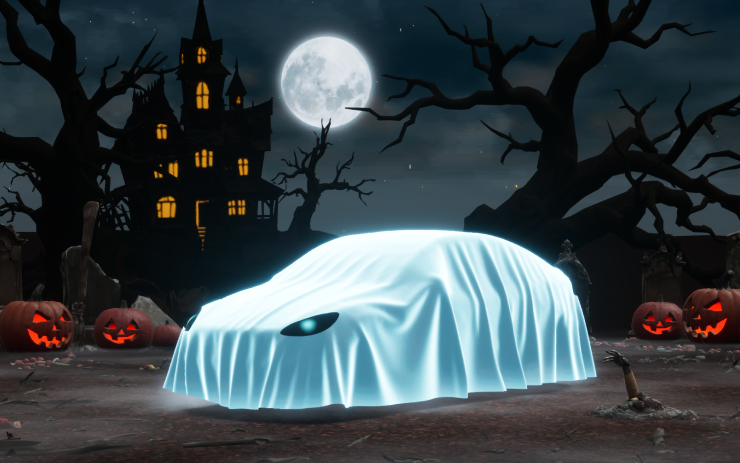
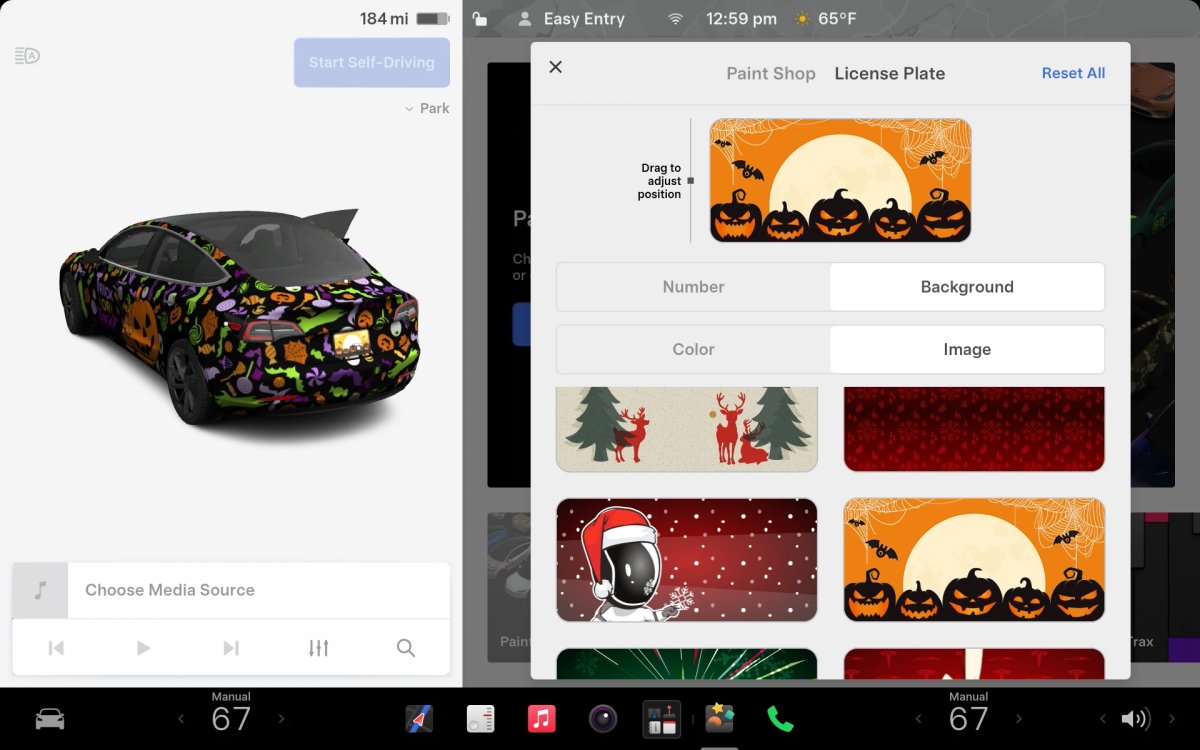
Adds a Ghost vehicle visualization, Trick or Treat sounds and lights, scheduled light shows, and a photobooth. Requires AMD; listed for newer Model S/X, Model 3/Y, and Cybertruck.
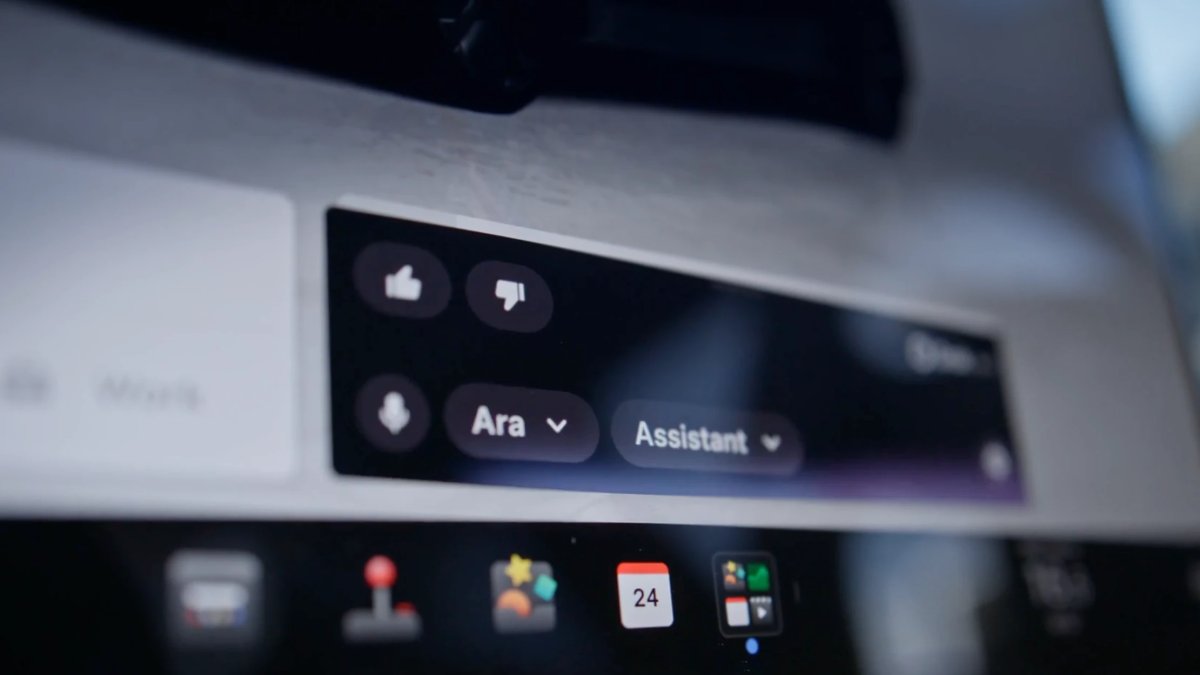
The beta label is removed from Grok. The source marks this undocumented and lists it as available worldwide.
Region and availability
Worldwide
Last checked
Checked 28 October 2026. TeslaFi figures are a saved tracker sample, not a measure of the whole fleet. Check feature availability in your car’s own release notes.
 Zoom ↗