Release notes

2026.26.300.12

Tracker observationsTracker date · 5 November 2026

What changed

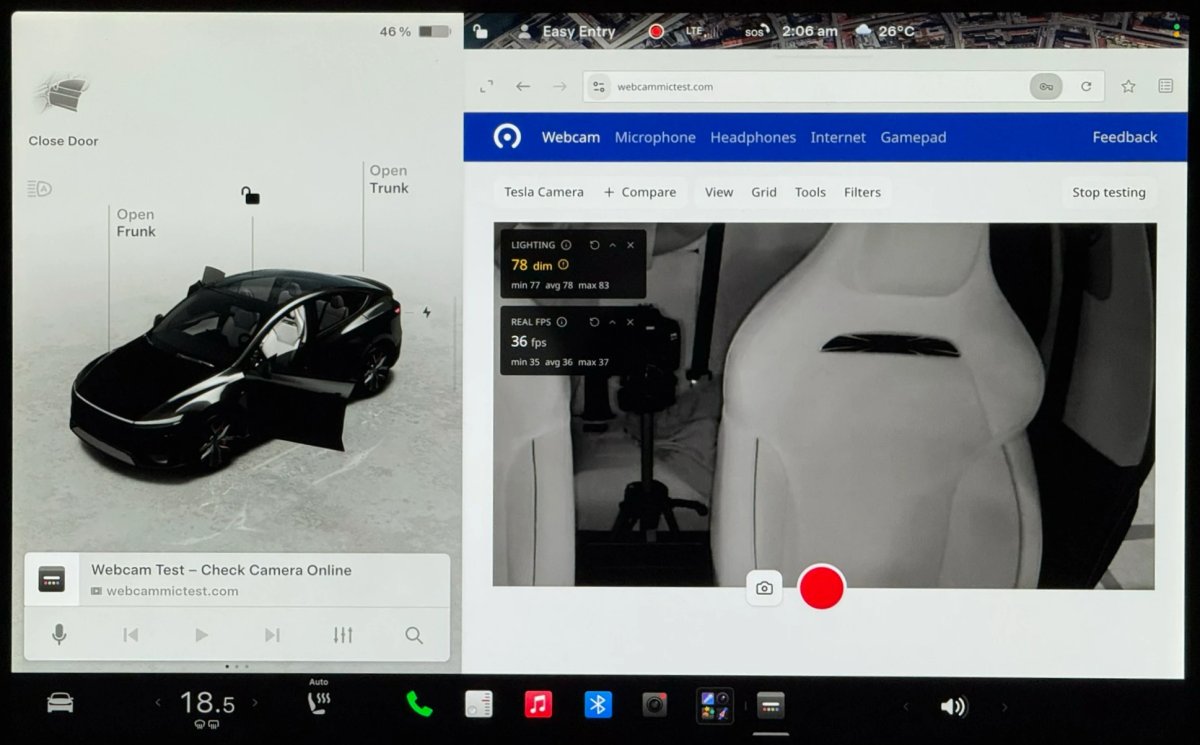
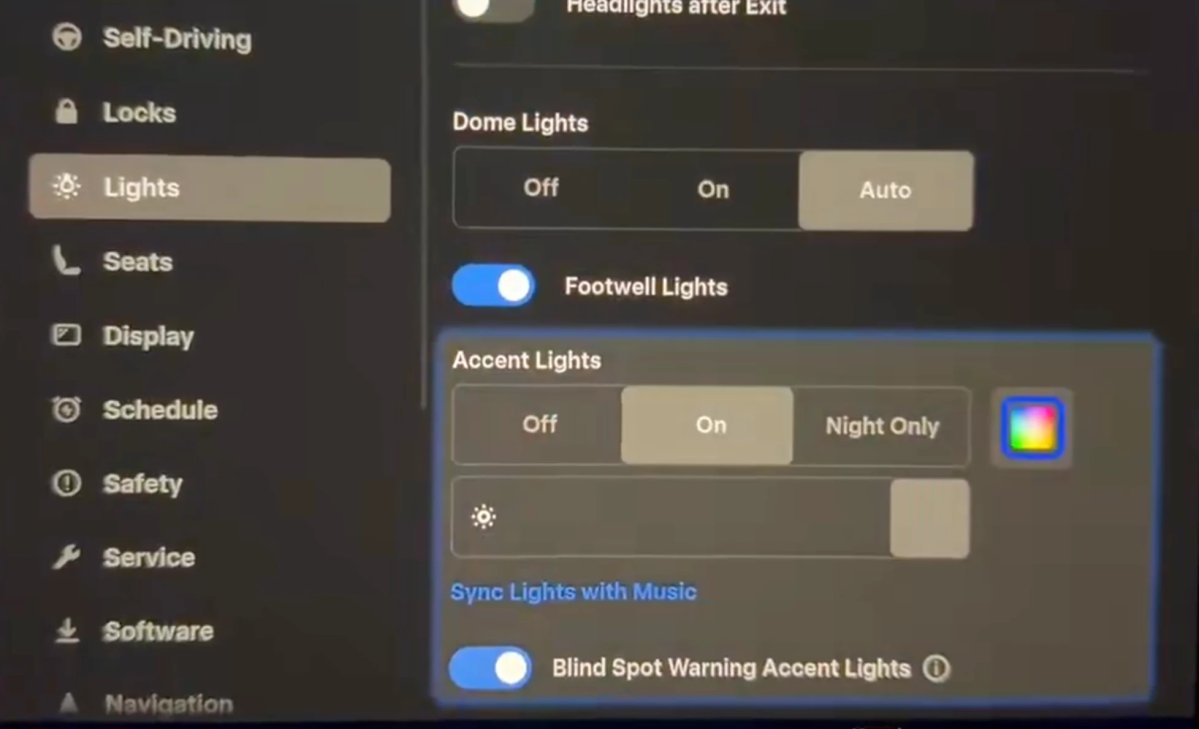
Release 2026.26.300.12 lists 12 undocumented changes: new wraps, a shift icon, colored destination icons, Caraoke and browser changes, visualization zoom, Grok voice and menu updates, visualization lighting, the Model Y Performance spoiler, and Service Mode.

New Tesla Wraps
New Tesla Wraps ↗
Sources and distribution
Tracker date5 November 2026
Notes12
Software branch2026.26
MY TESLA · Choose a vehicle

This estimate compares the release note with the vehicle details you entered. It does not confirm that this update will be offered to your car.

MY TESLA

Find notes for your vehicle

Your details stay in this browser. No Tesla account is needed.

Loading profile…

This filter estimates compatibility from catalogue notes and cannot guarantee availability. Check the release notes in your car; model year, equipment and country can affect a feature.

Highlights

Highlights

Selected feature notes

Features and changes

Release notes language

Other

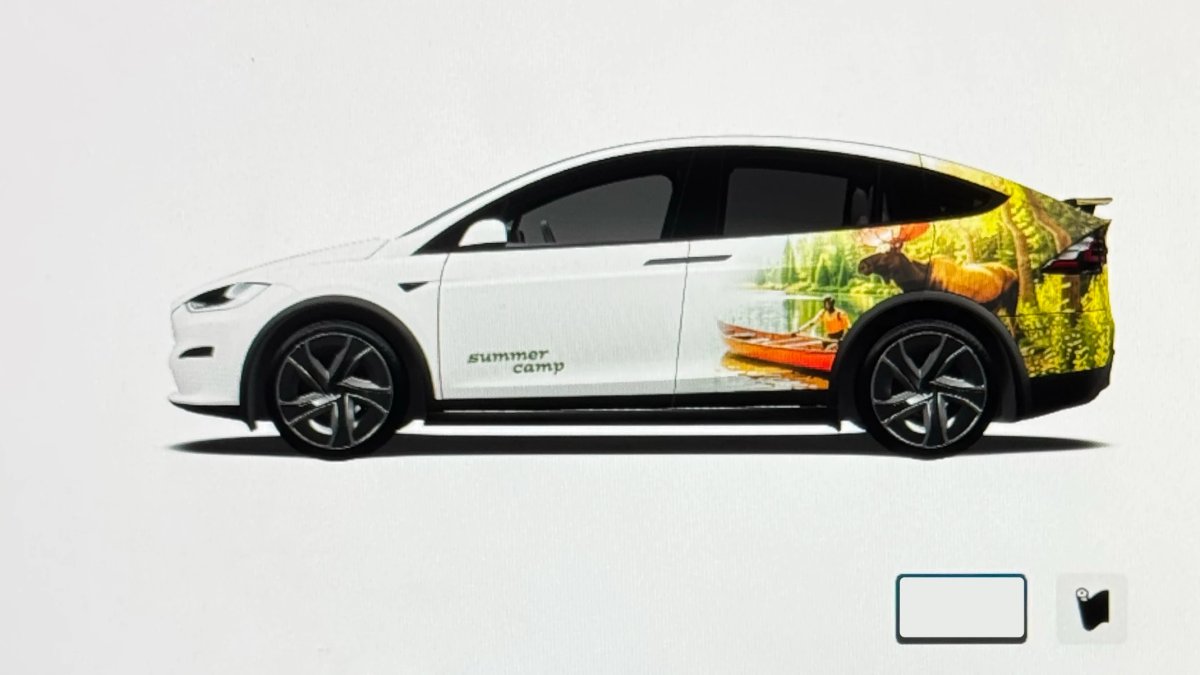
New Tesla Wraps

Tracker observation

Adds new digital wraps, including Summer Camp, which Tesla advertised in the 2026 Summer Update.

Applicability

Models
Model S, Model 3, Model X, Model Y, Cybertruck
Hardware
Not specified
Availability note in release note

Worldwide

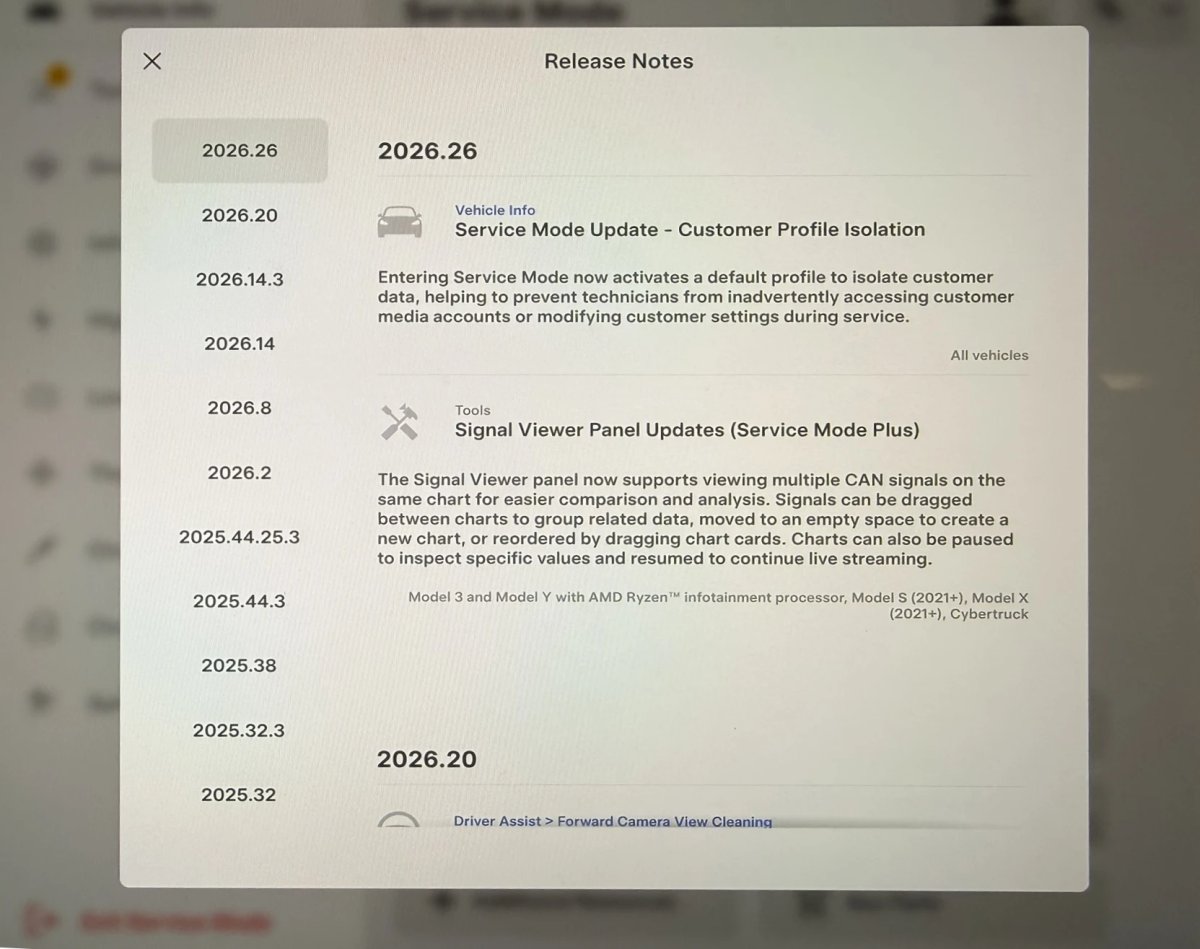
Service Mode Improvements

Tracker observation

Entering Service Mode activates a default profile that isolates customer data and helps prevent access to customer media accounts or changes to customer settings during service. Signal Viewer in Service Mode Plus can display multiple CAN signals on one chart, move signals between charts, create a chart in empty space, reorder charts, and pause charts to inspect values before resuming the stream.

Applicability

Models
All Tesla models
Hardware
Not specified
Availability note in release note

Worldwide

Vehicle

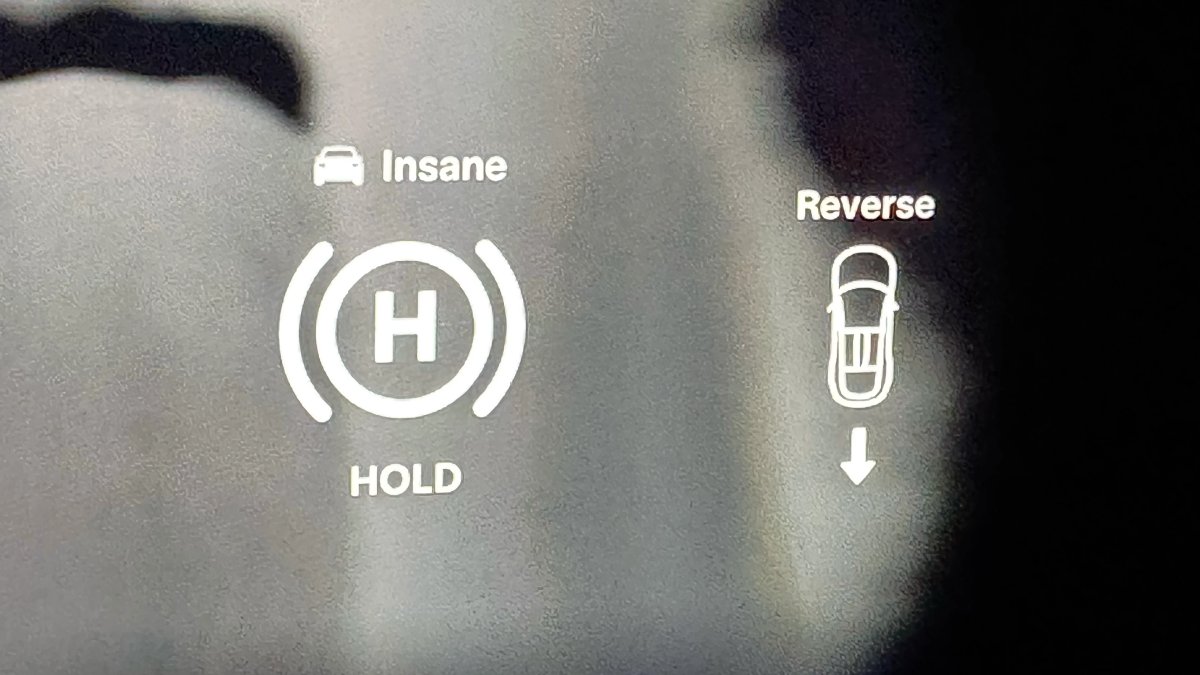
Shift Icon on Instrument Cluster

Tracker observation

The Model S and Model X instrument cluster displays an icon when Drive or Reverse is selected, making the selected gear more apparent.

Applicability

Models
Model S, Model X
Hardware
Not specified
Availability note in release note

Worldwide

Navigation

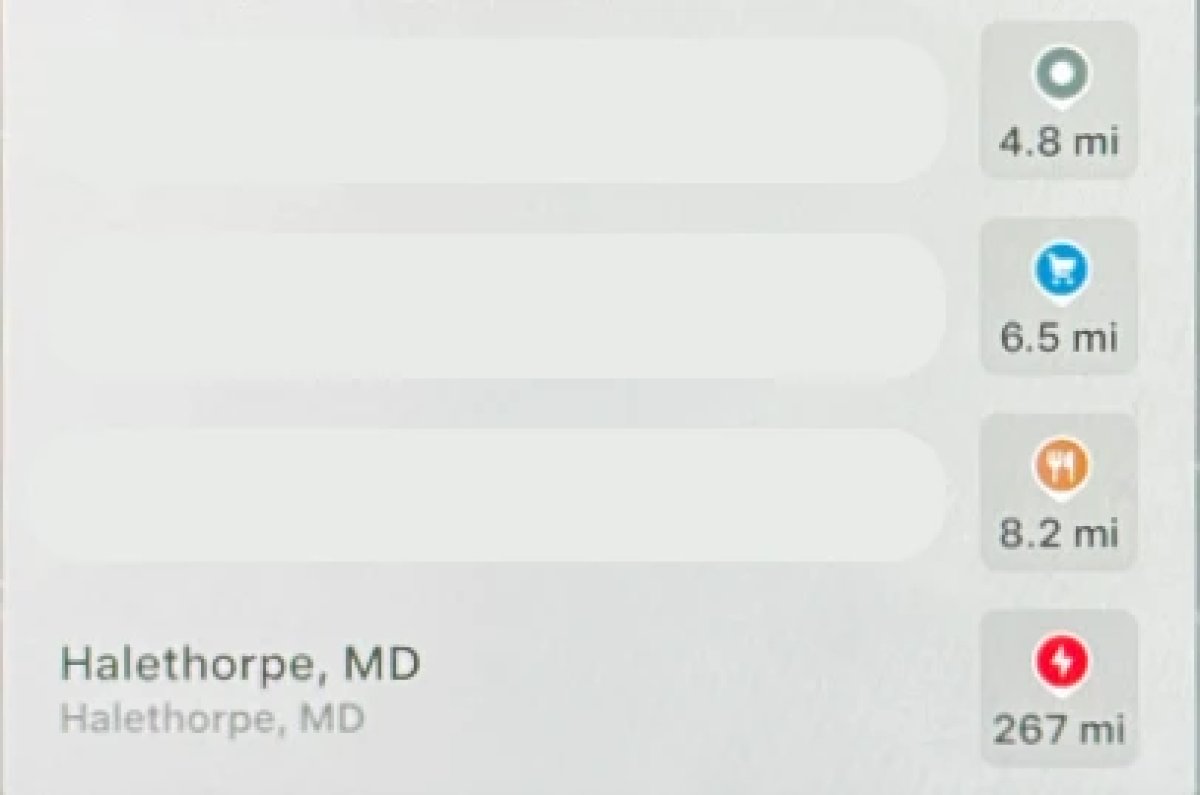
Destination Icons

Tracker observation

Destination categories receive different colors: parks are green, restaurants orange, and stores blue. Superchargers are excluded.

Applicability

Models
Model S, Model 3, Model X, Model Y, Cybertruck
Hardware
Not specified
Availability note in release note

Worldwide

Interface

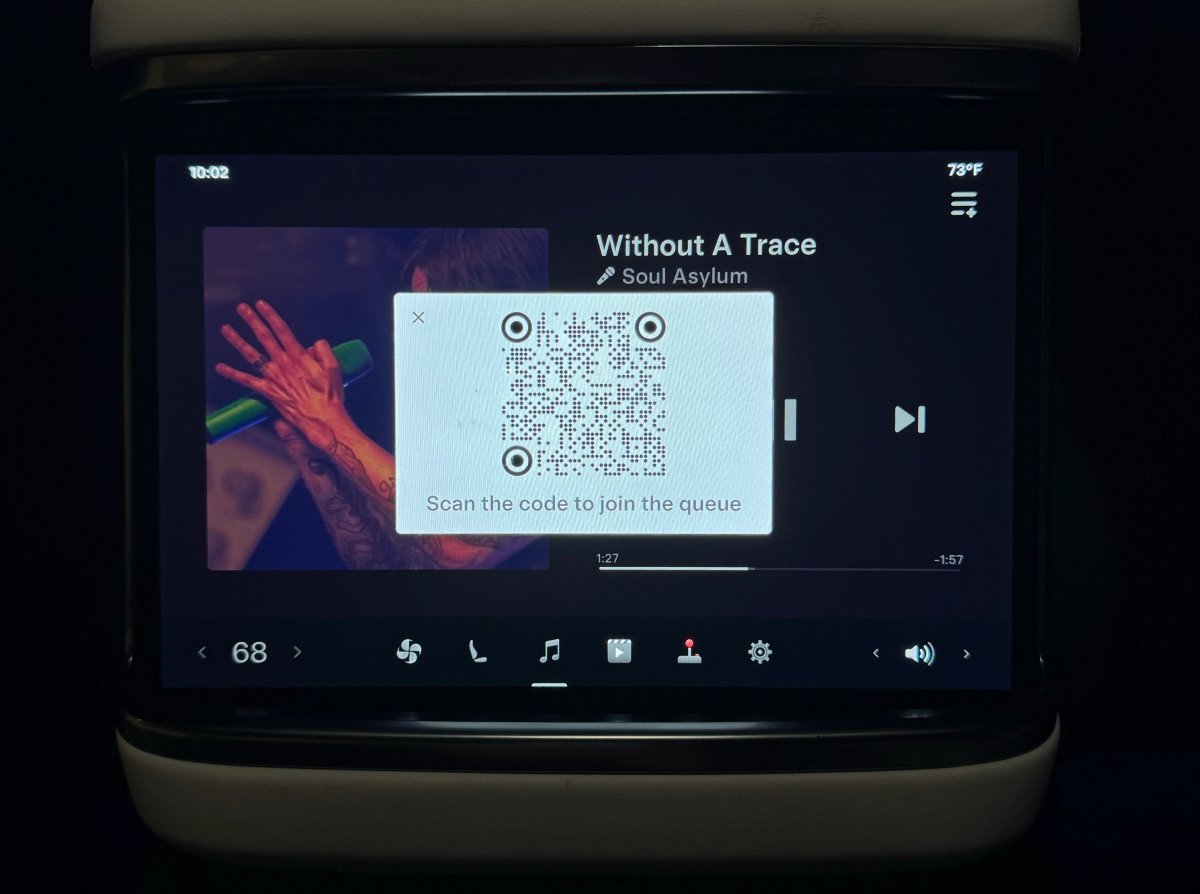
Rear Screen Lyrics Removed

Tracker observation

During Caraoke, the rear screen in supported vehicles no longer displays lyrics. Passengers now need to view them on mobile devices.

Applicability

Models
Model S, Model 3, Model X, Model Y, Cybertruck
Hardware
Not specified
Availability note in release note

Worldwide

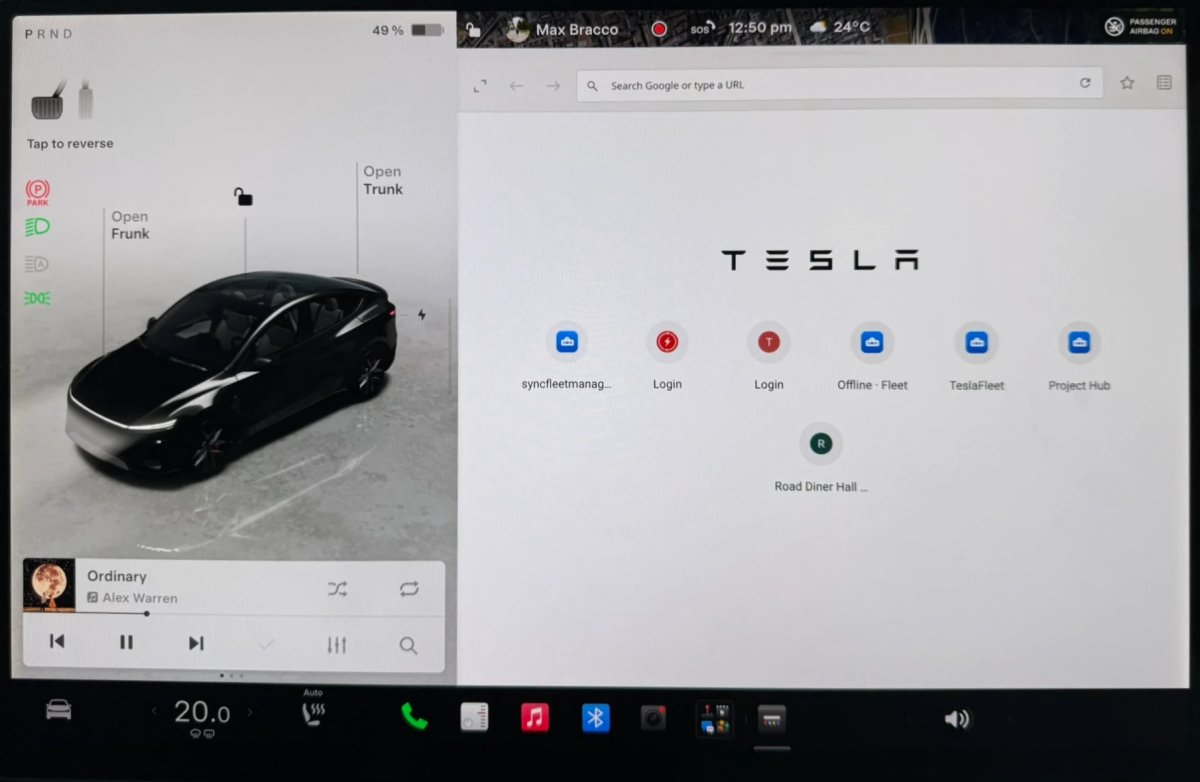
Browser Bookmark Sync

Tracker observation

Web browser bookmarks sync with Tesla data and become available across the owner’s vehicles.

Applicability

Models
Model S, Model 3, Model X, Model Y, Cybertruck
Hardware
Not specified
Availability note in release note

Worldwide

Web Browser Zoom

Tracker observation

Browser zoom is increased. On some sites, such as X and YouTube, this may trigger a mobile or tablet layout. Zoom cannot be adjusted manually.

Applicability

Models
Model S, Model 3, Model X, Model Y, Cybertruck
Hardware
Not specified
Availability note in release note

Worldwide

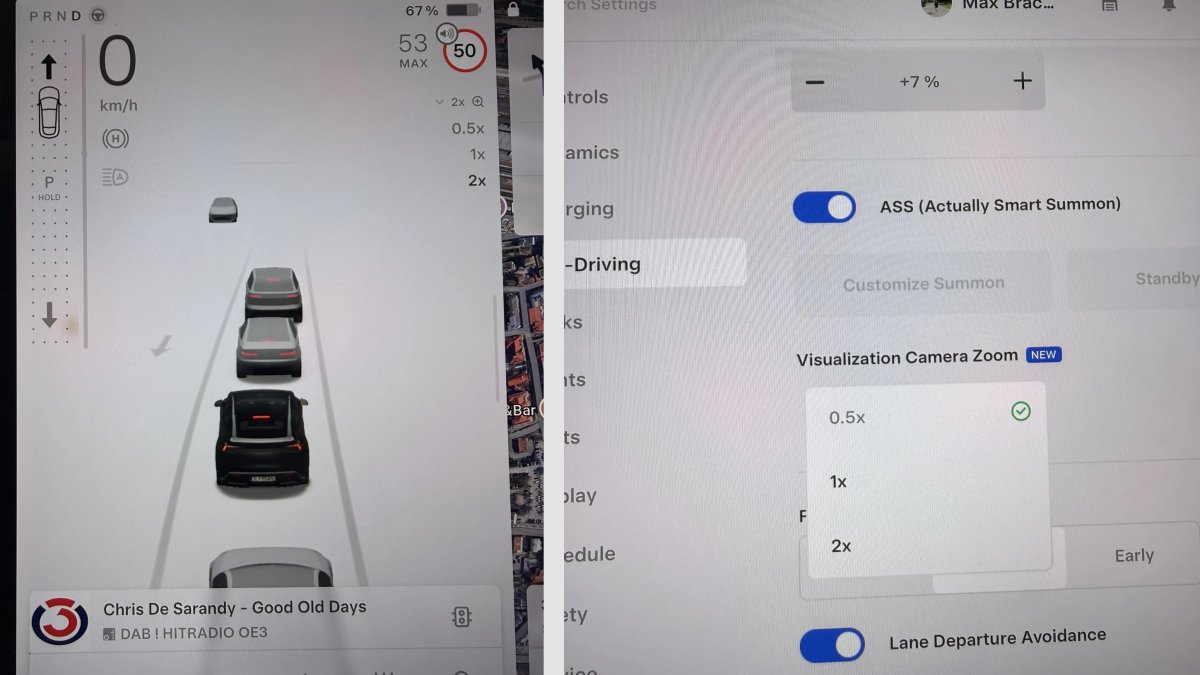
Visualization Zoom Shortcut

Tracker observation

While driving, a magnifying glass lets you choose 0.5x, 1x, or 2x zoom. In full-screen mode, the icon is at the bottom left.

Applicability

Models
Model 3, Model Y, Cybertruck
Hardware
Not specified
Availability note in release note

Worldwide

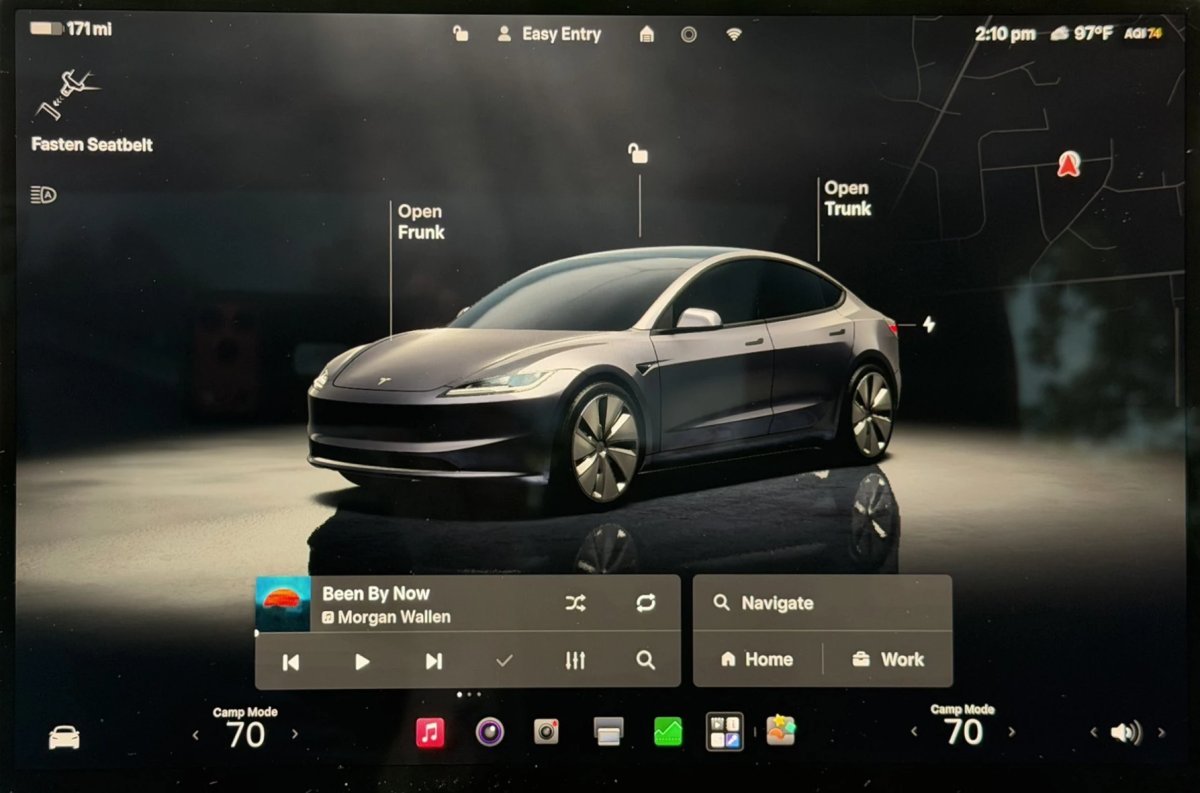
Improved Lighting in Visualization

Tracker observation

Vehicle visualization lighting has been adjusted to make colors look more accurate.

Applicability

Models
Model S, Model 3, Model X, Model Y, Cybertruck
Hardware
Not specified
Availability note in release note

Worldwide

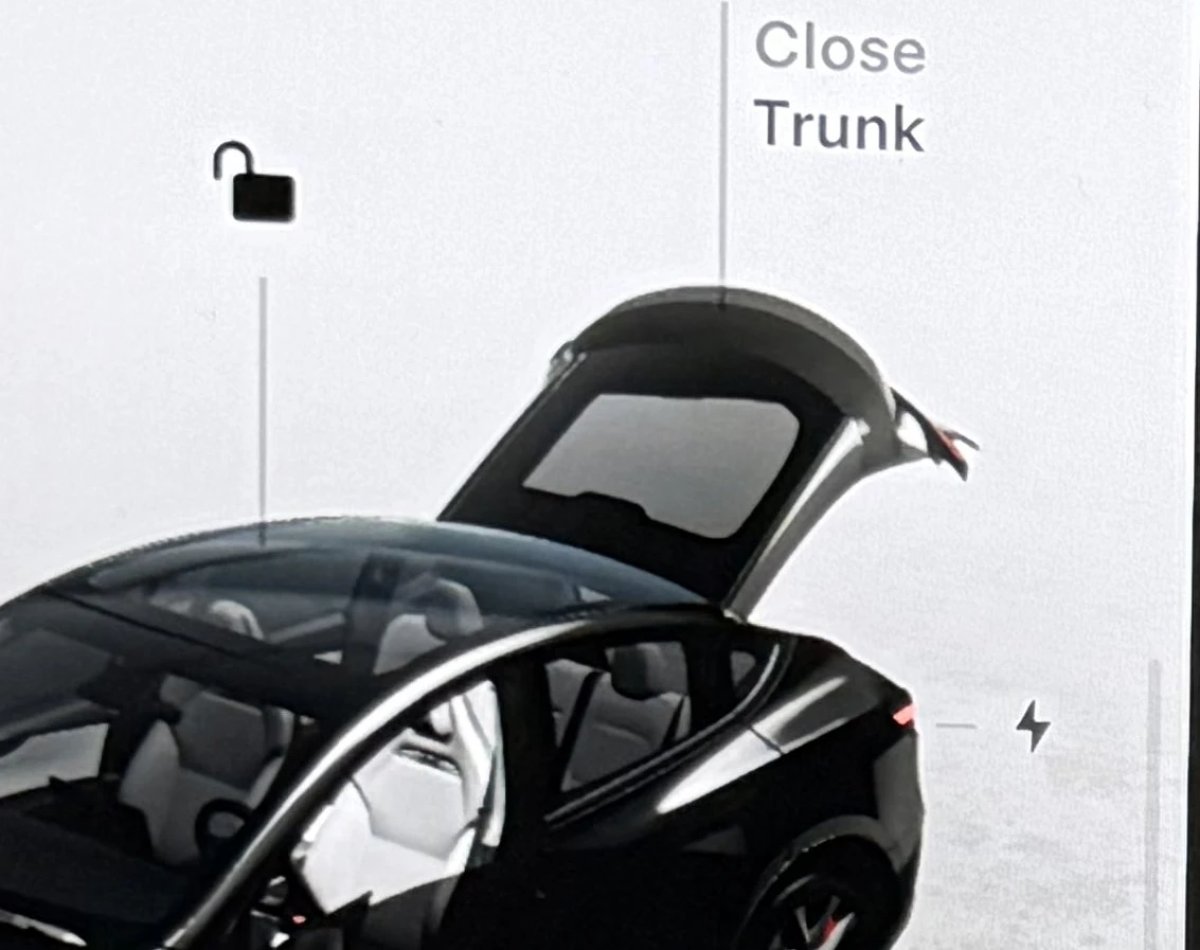
Rear Spoiler Visualization

Tracker observation

The vehicle spoiler has been added to the Model Y Performance visualization.

Applicability

Models
Model Y
Hardware
Not specified
Availability note in release note

Worldwide

Media

Grok Voice Improvements

Tracker observation

Grok uses Grok Voice Think Fast 2.0, a speech engine that better understands voice and tone and improves spoken responses.

Applicability

Models
Model S, Model 3, Model X, Model Y, Cybertruck
Hardware
Not specified
Availability note in release note

Region not stated

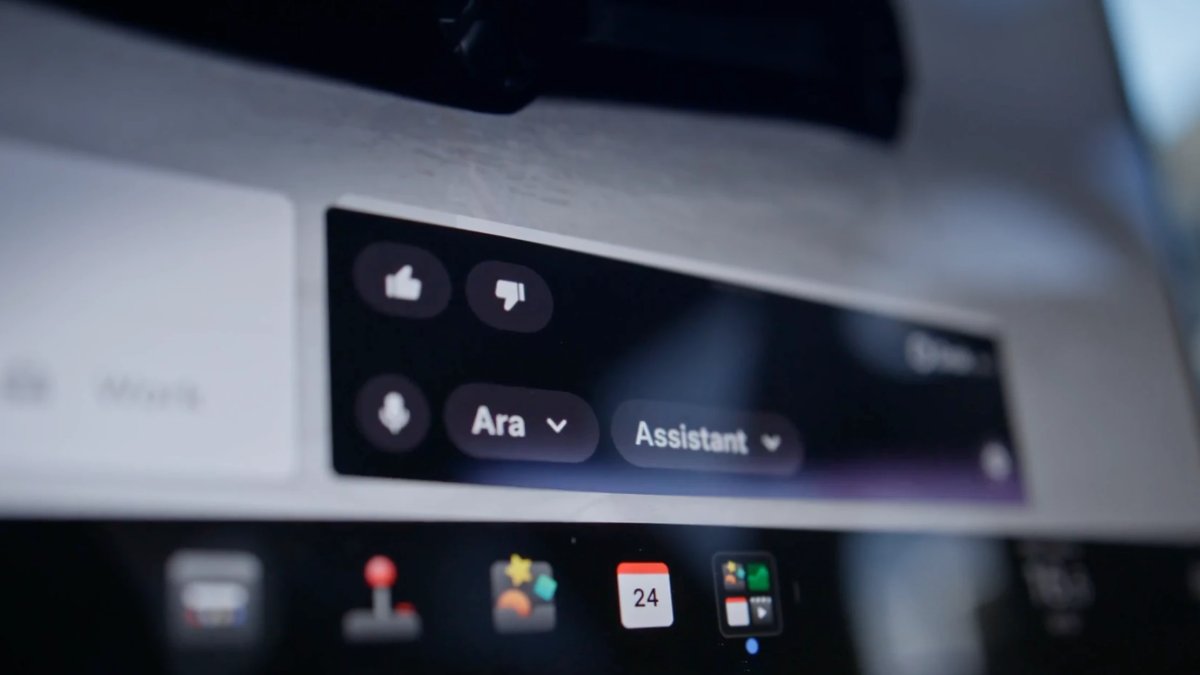
Grok Highlights Menus

Tracker observation

When Grok opens a feature or setting, it highlights the relevant area in pulsing blue.

Applicability

Models
Model S, Model 3, Model X, Model Y, Cybertruck
Hardware
Not specified
Availability note in release note

Region not stated

Last checked

Checked 5 November 2026. TeslaFi figures are a saved tracker sample, not a measure of the whole fleet. Check feature availability in your car’s own release notes.
Tesla: how software updates work ↗
0 / 12