A summer release covering navigation, Grok, cameras, media and traction control. Availability depends on the vehicle generation, infotainment hardware, Premium Connectivity and Tesla app version; a feature listed for a release may not appear in every car or market.
Your region is remembered for both language versions of the software catalogue. Unknown applicability remains visible and clearly marked.
The summer update brings together new vehicle features in the 2026 release. The composition of available opportunities depends on the model, equipment and market.
Region and availability
Available worldwide.
Traction Control Modes
Models
New Model 3
Hardware
Not in the description.
For the new Model 3, traction control modes are available: Auto, slippery road and help when stuck in snow, mud or sand. After each trip, the mode returns to Auto.
Region and availability
Available worldwide.
Custom Wraps
Models
Model S, Model 3, Model X, Model Y, Cybertruck
Hardware
Intel or AMD
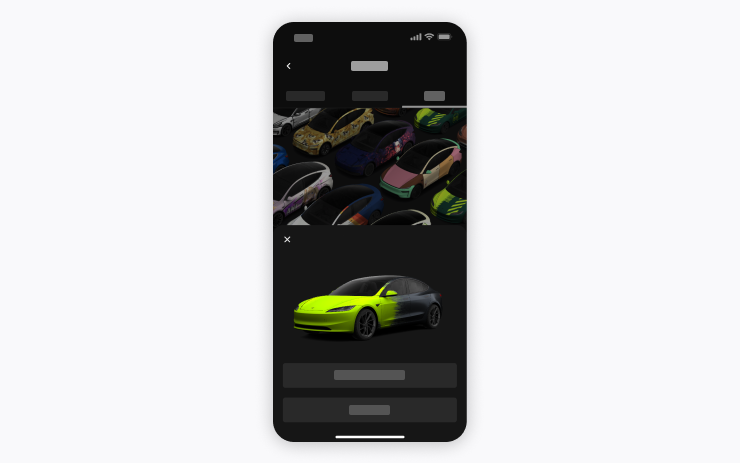
An image from the Tesla app can be downloaded as its own digital color and sent to the car. You need a mobile app version 4.59.0 or later.
Region and availability
Available worldwide.
Set Arrival Energy
Models
Model S, Model 3, Model X, Model Y, Cybertruck
Hardware
Not in the description.
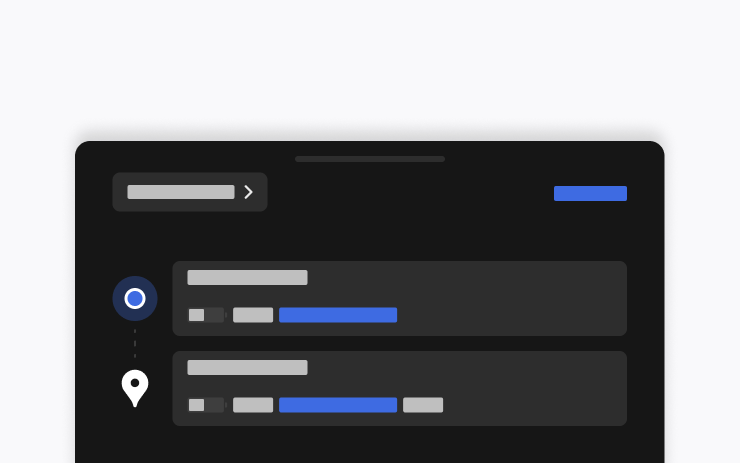
The target energy reserve for arrival can be set for the trip from the location tab in the Tesla app. The application version 4.58.0 or later is required.
Region and availability
Region unconfirmed.
Welcome Animation
Models
New Model 3, new Model Y
Hardware
Not in the description.
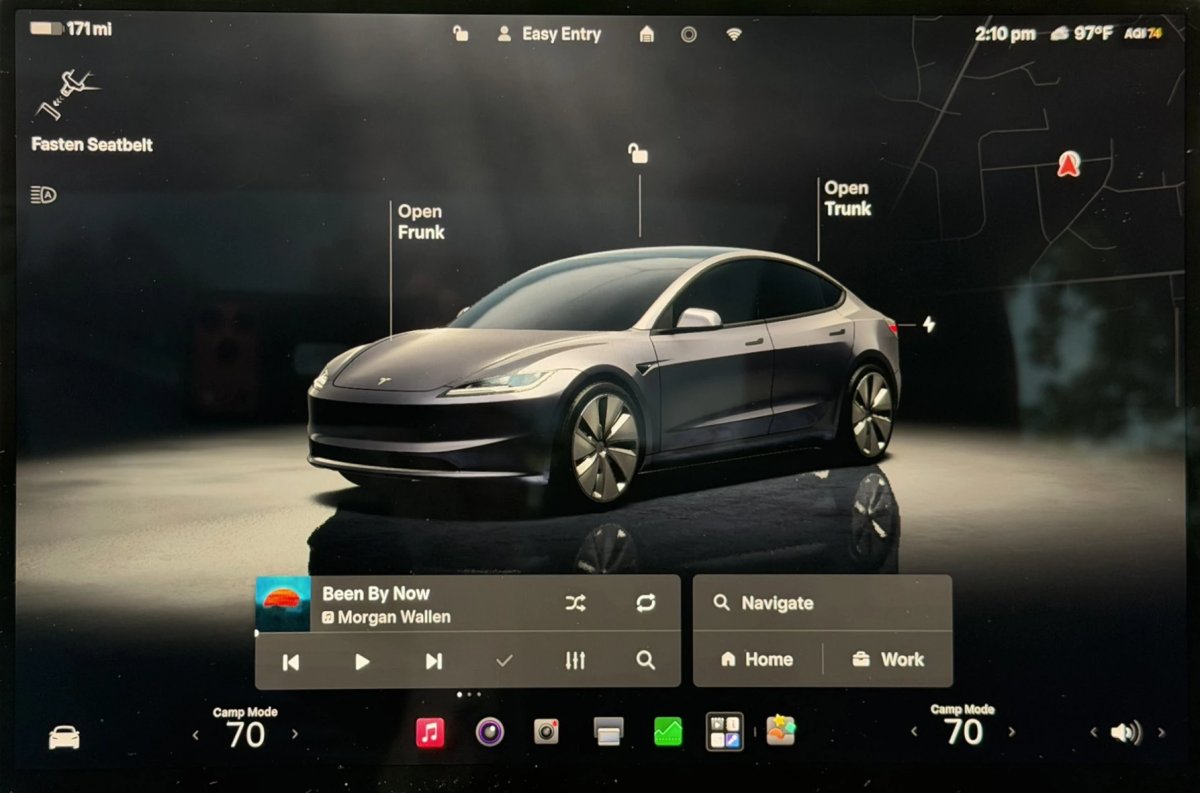
The new Model 3 and Model Y feature welcome animations when turned on. It can be turned off in the display settings.
Region and availability
Available worldwide.
New Tesla Wraps
Tracker observation
Models
Model S, Model 3, Model X, Model Y, Cybertruck
Hardware
Not in the description.
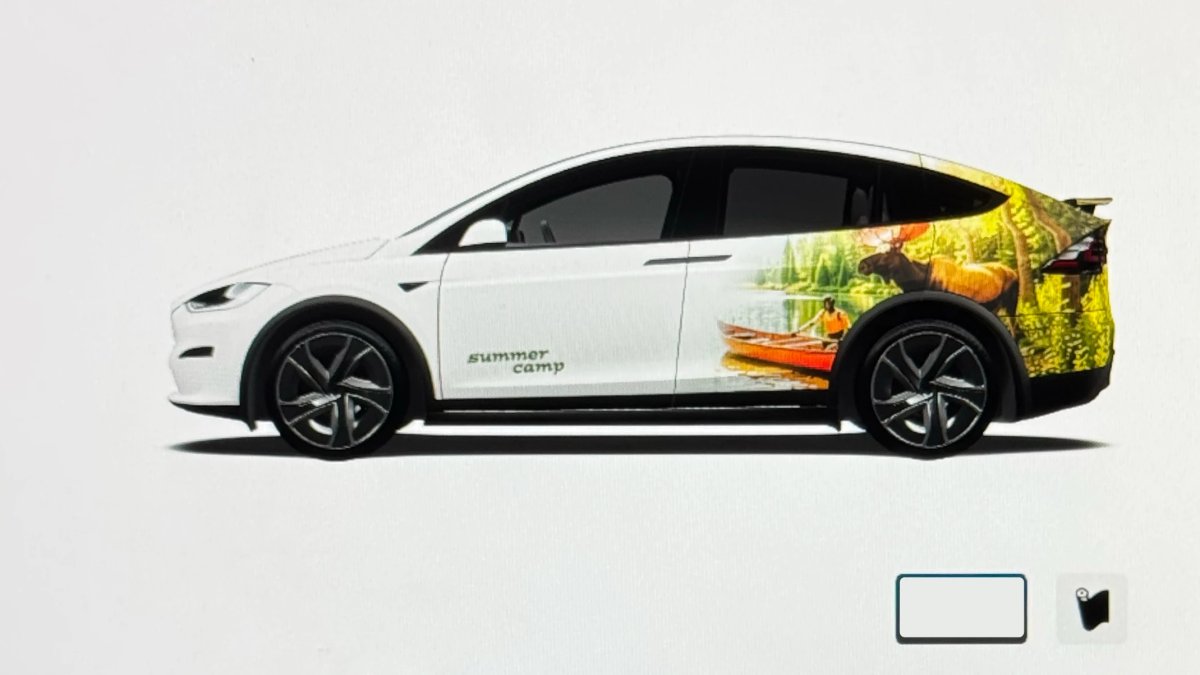
New options have appeared in the digital color store, including Summer Camp.
Region and availability
Available worldwide.
Navigation
Preferred Routes
Models
Model S, Model 3, Model X, Model Y, Cybertruck
Hardware
Intel or AMD
Navigation can give preference to routes you have traveled before. To work, you need to enable online routing; location data is described as anonymous.
Region and availability
Region unconfirmed.
Automatic Navigation
Models
Model S, Model 3, Model X, Model Y, Cybertruck
Hardware
Not in the description.
Autonavigation takes into account the usual trips and can offer regularly visited places along with home, work and calendar events. Included in navigation settings.
Region and availability
Available worldwide.
Media
Grok Commands
Models
New Model S, Model 3, New Model X, Model Y, Cybertruck
Hardware
AMD
Grok can make calls, play music, change the climate and search for vehicle settings. You need Premium Connectivity or Wi-Fi connectivity.
Region and availability
Region unconfirmed.
Caraoke with Scoring
Models
New Model S, Model 3, New Model X, Model Y, Cybertruck
Hardware
AMD
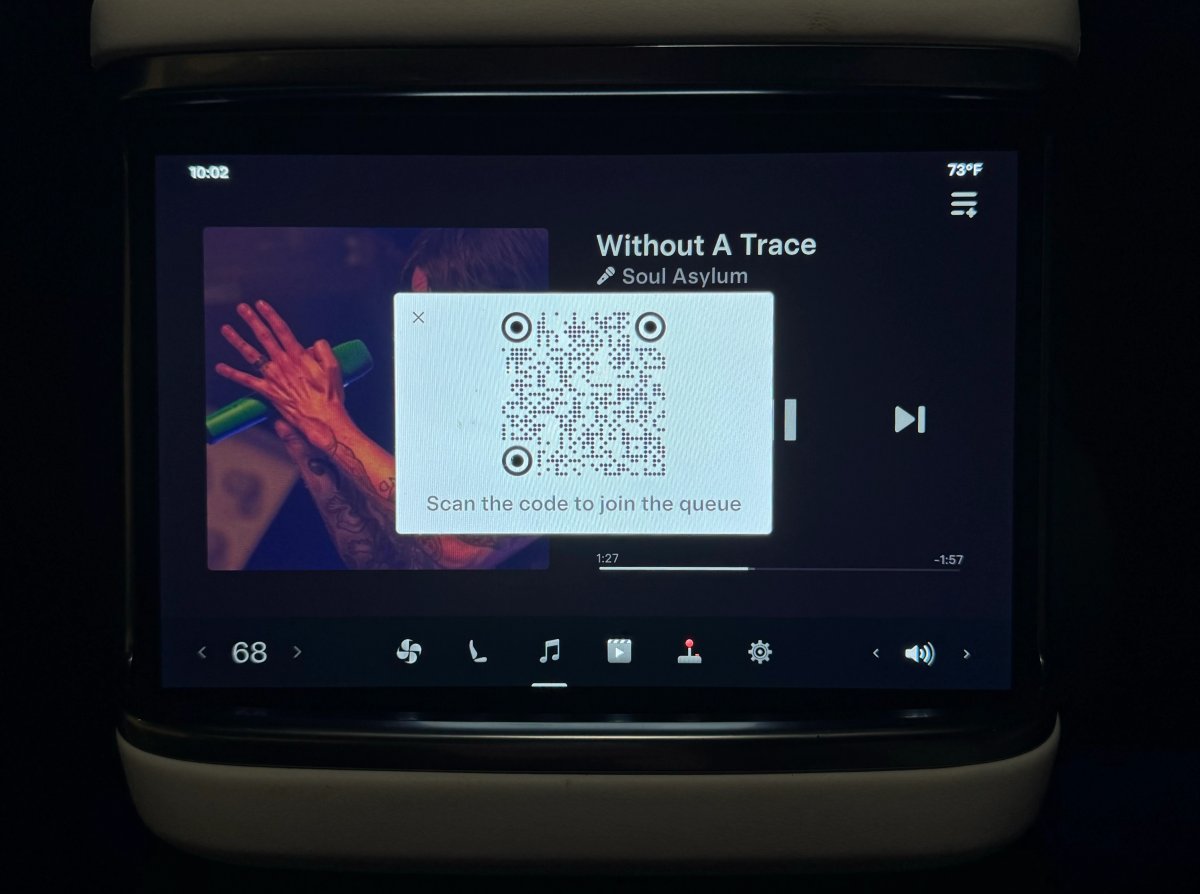
Caraoke scores singing when the car is parked and keeps records. Rear-screen passengers can open a QR code and add songs to the queue; Premium Connectivity is required.
Region and availability
Available worldwide.
Apple Music
Models
Model S, Model 3, Model X, Model Y, Cybertruck
Hardware
Not in the description.
In Apple Music, you can queue tracks directly from the search and pages of artists, as well as save them or celebrate favorites. An active Apple Music subscription is required.
Region and availability
Available worldwide.
"Hey Grok"
Models
New Model S, Model 3, New Model X, Model Y, Cybertruck
Hardware
AMD
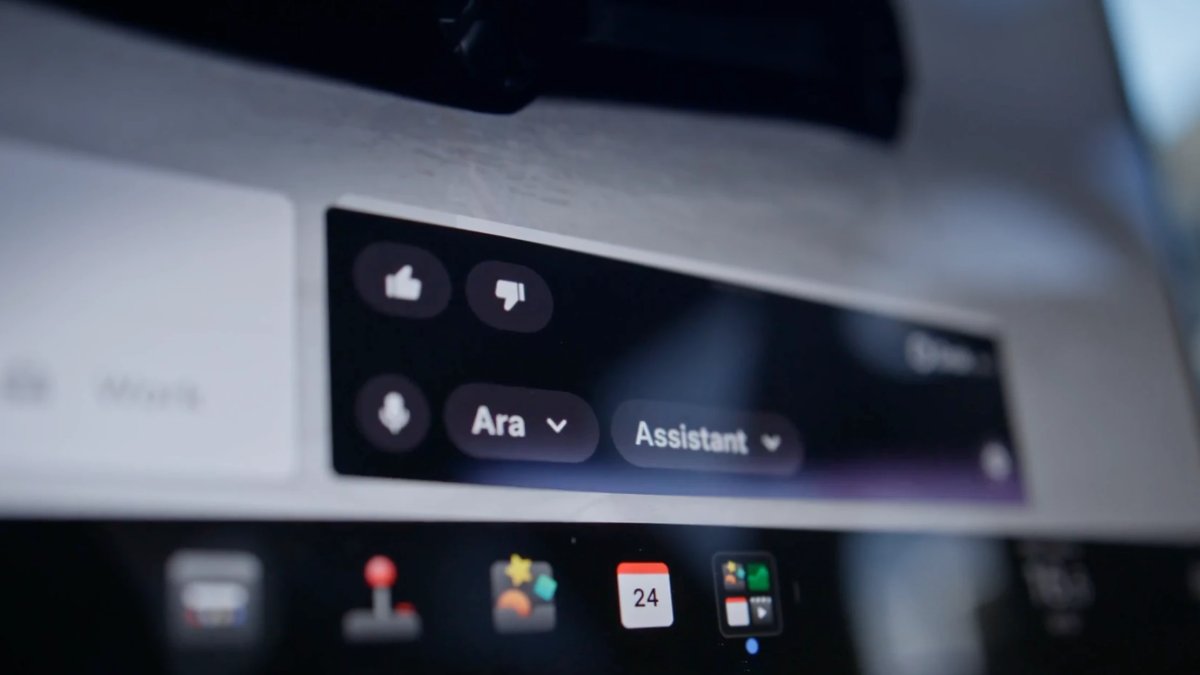
Grok can be started from the menu, by holding a voice button or by saying “Hey Grok”. In Assistant mode, it manages navigation points, calls, music and climate; location reminders are available. You need Premium Connectivity or Wi-Fi.
Region and availability
Region unconfirmed.
Grok Voice Improvements
Tracker observation
Models
Model S, Model 3, Model X, Model Y, Cybertruck
Hardware
Not in the description.
The Grok voice engine is updated: it better takes into account the voice and intonation of the interlocutor, and his answers sound more natural.
Region and availability
Region unconfirmed.
Grok Highlights Menus
Tracker observation
Models
Model S, Model 3, Model X, Model Y, Cybertruck
Hardware
Not in the description.
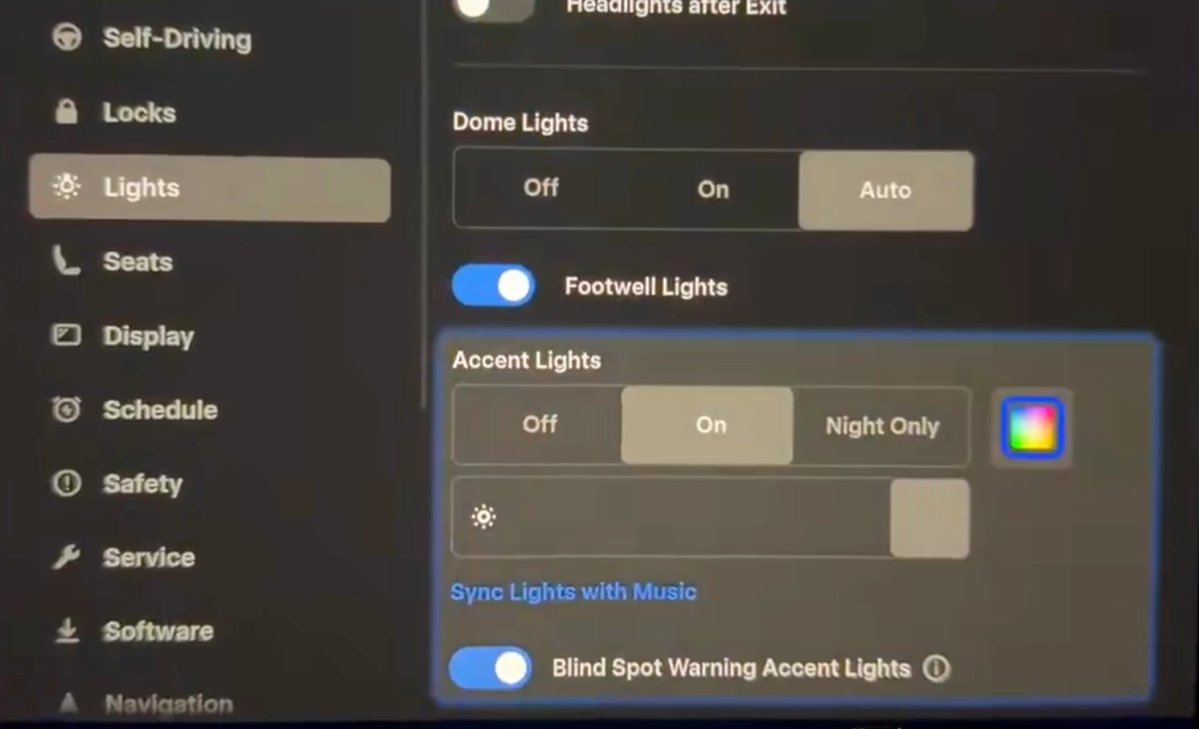
When Grok shows a setting or feature, the corresponding menu area is highlighted in pulsating blue.
Region and availability
Region unconfirmed.
Interface
Driving Visualization
Models
Model S, Model 3, Model X, Model Y; Cybertruck - compatibility unspecified
Hardware
Intel or AMD
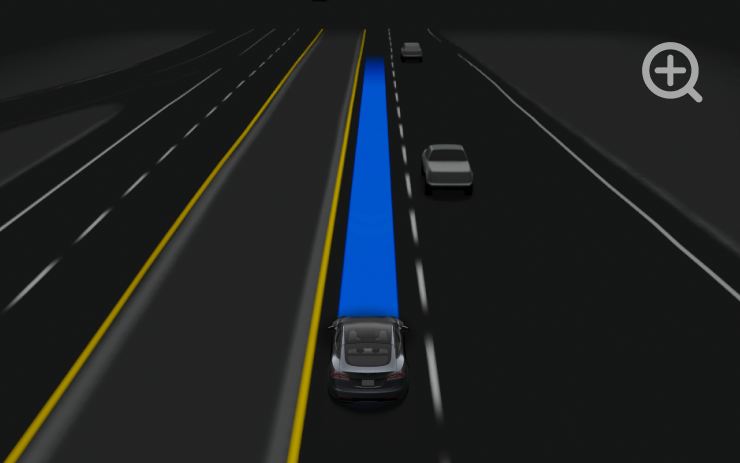
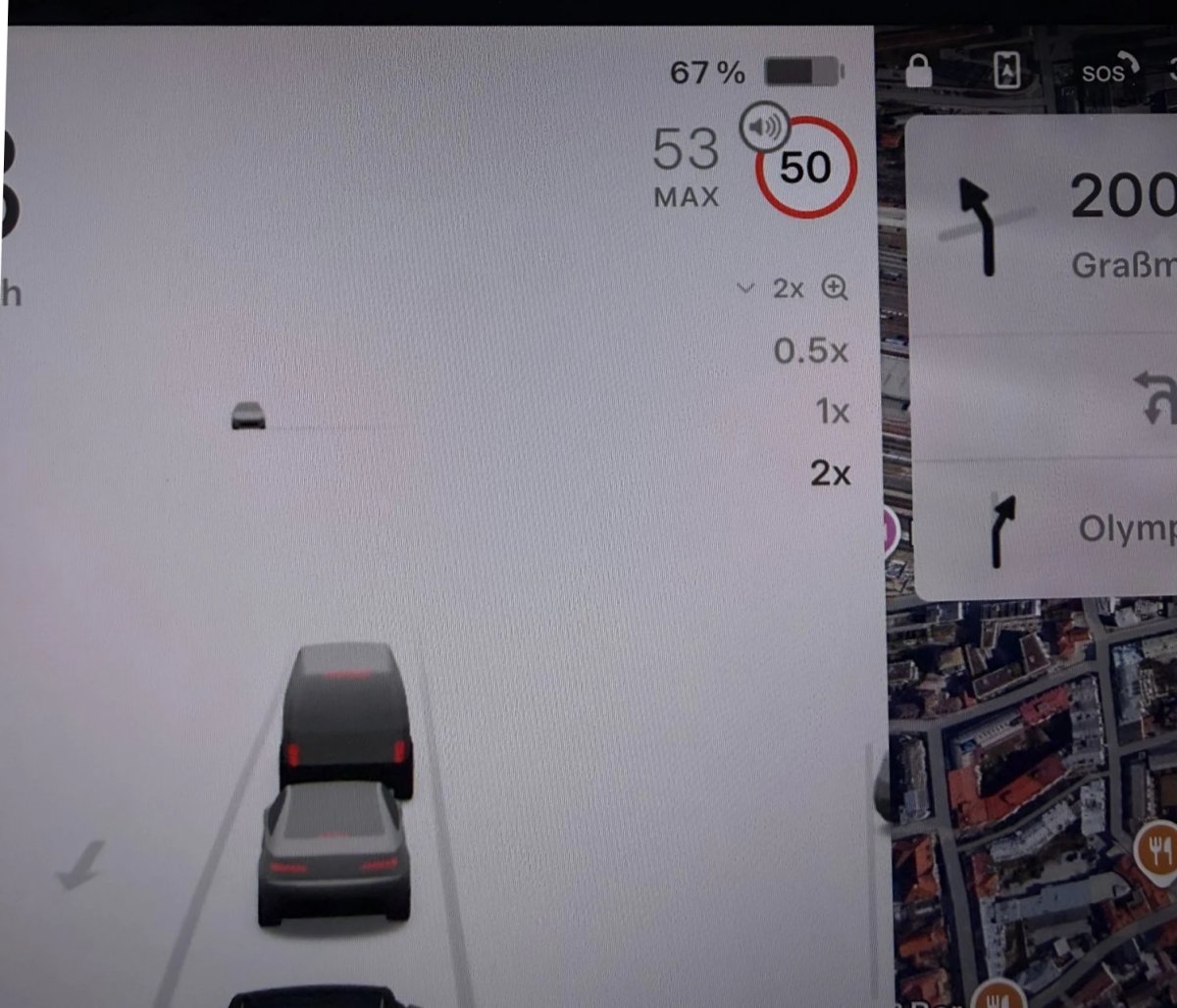
You can select the camera scale in the autopilot visualization in the Self-Driving settings. This changes the display on the screen and does not in itself change the behavior of driver assistance systems.
Region and availability
Available worldwide.
Changing the visualization does not eliminate the need to monitor the road and control the car.
Web Browser
Models
New Model S, Model 3, New Model X, Model Y, Cybertruck
Hardware
AMD
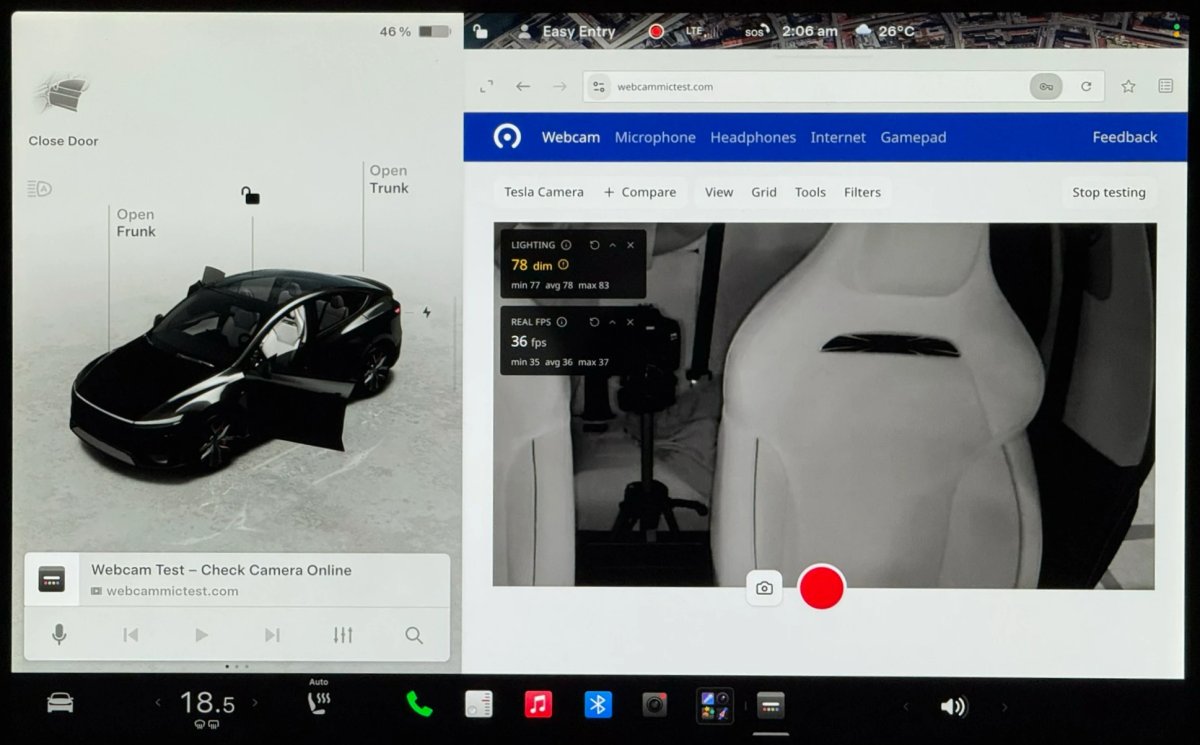
The car's browser can request access to the cabin camera and microphone for sites. The camera is available only in the parking lot; access must be allowed separately when requesting the site.
Region and availability
Available worldwide.
Rear Display
Models
New Model S, Model 3, New Model X, Model Y, Cybertruck
Hardware
Not in the description.
From the central screen, you can block the control of the rear display. Content already selected on the central screen will continue to play back.
Region and availability
Available worldwide.
Destination Icons
Tracker observation
Models
Model S, Model 3, Model X, Model Y, Cybertruck
Hardware
Not in the description.
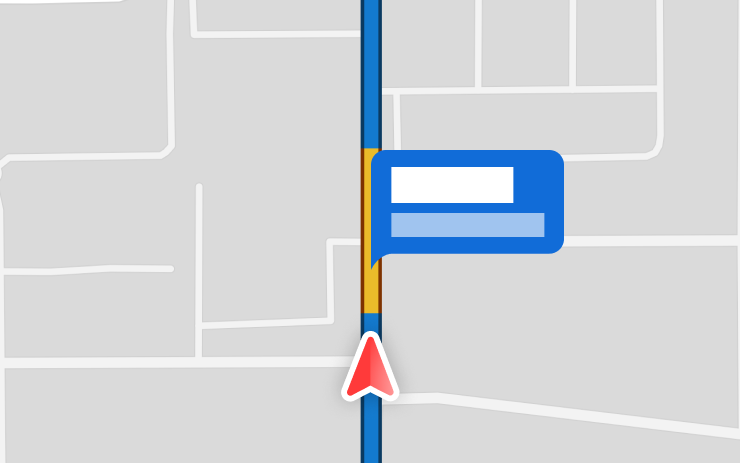
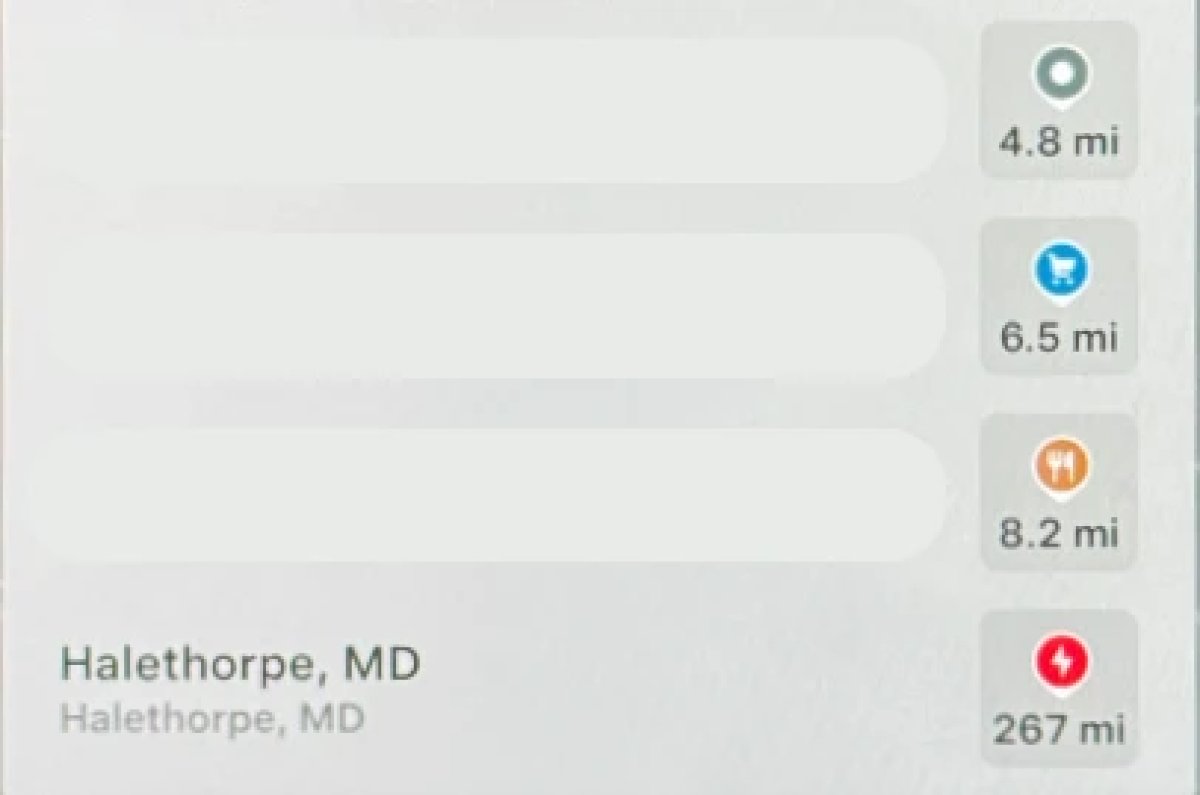
Place category icons on the map received different colors: for example, parks are marked in green, restaurants in orange, shops in blue.
Region and availability
Available worldwide.
Rear Screen Lyrics Removed
Tracker observation
Models
Model S, Model 3, Model X, Model Y, Cybertruck
Hardware
Not in the description.
The words of Caraoke songs are no longer shown on the back screen. Passengers are encouraged to use phones to view texts.
Region and availability
Available worldwide.
Browser Bookmark Sync
Tracker observation
Models
Model S, Model 3, Model X, Model Y, Cybertruck
Hardware
Not in the description.
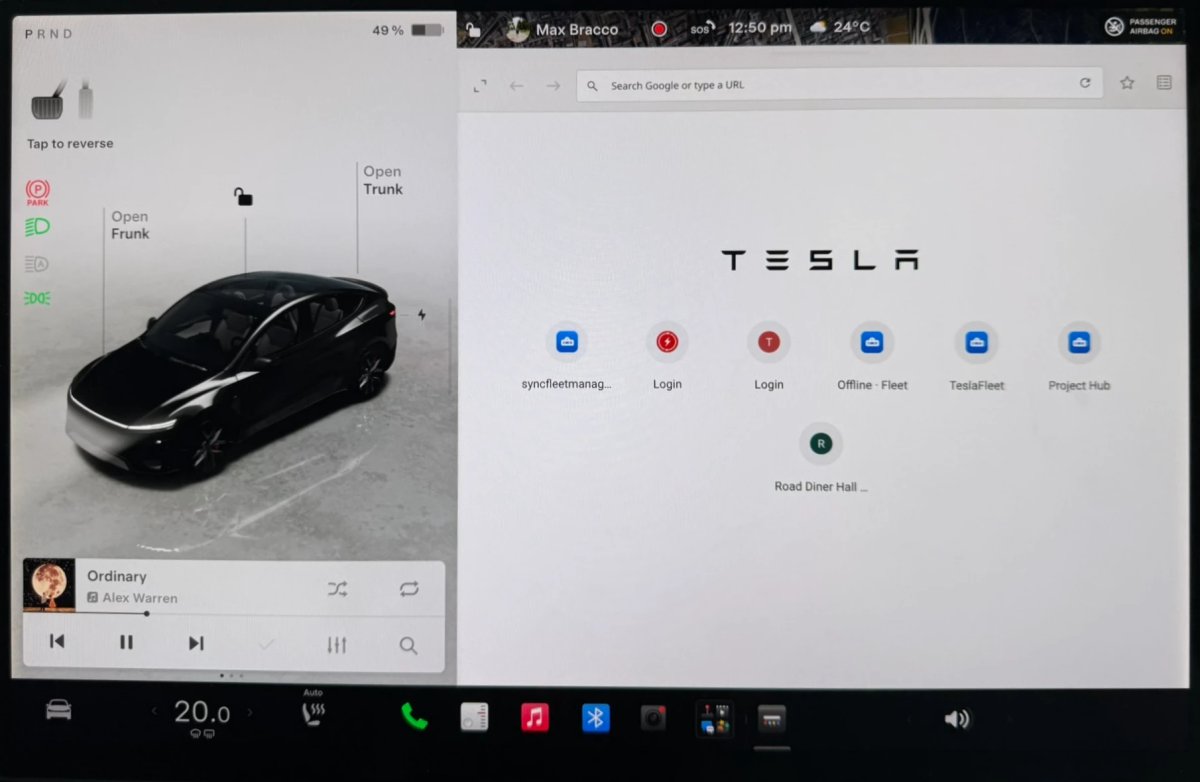
Browser bookmarks are synchronized with Tesla data and are available in other vehicles of the owner.
Region and availability
Available worldwide.
Web Browser Zoom
Tracker observation
Models
Model S, Model 3, Model X, Model Y, Cybertruck
Hardware
Not in the description.
In the browser, the scale of displaying pages is increased. On some sites, this may open a tablet or mobile version; manually adjust the scale.
Region and availability
Available worldwide.
Visualization Zoom Shortcut
Tracker observation
Models
Model 3, Model Y, Cybertruck
Hardware
Not in the description.
The visualization scale can be changed during movement through the magnifying icon: 0.5×, 1× and 2× are available. In full screen mode, the icon is at the bottom left.
Region and availability
Available worldwide.
Changing the visualization does not eliminate the need to monitor the road and control the car.
Improved Lighting in Visualization
Tracker observation
Models
Model S, Model 3, Model X, Model Y, Cybertruck
Hardware
Not in the description.
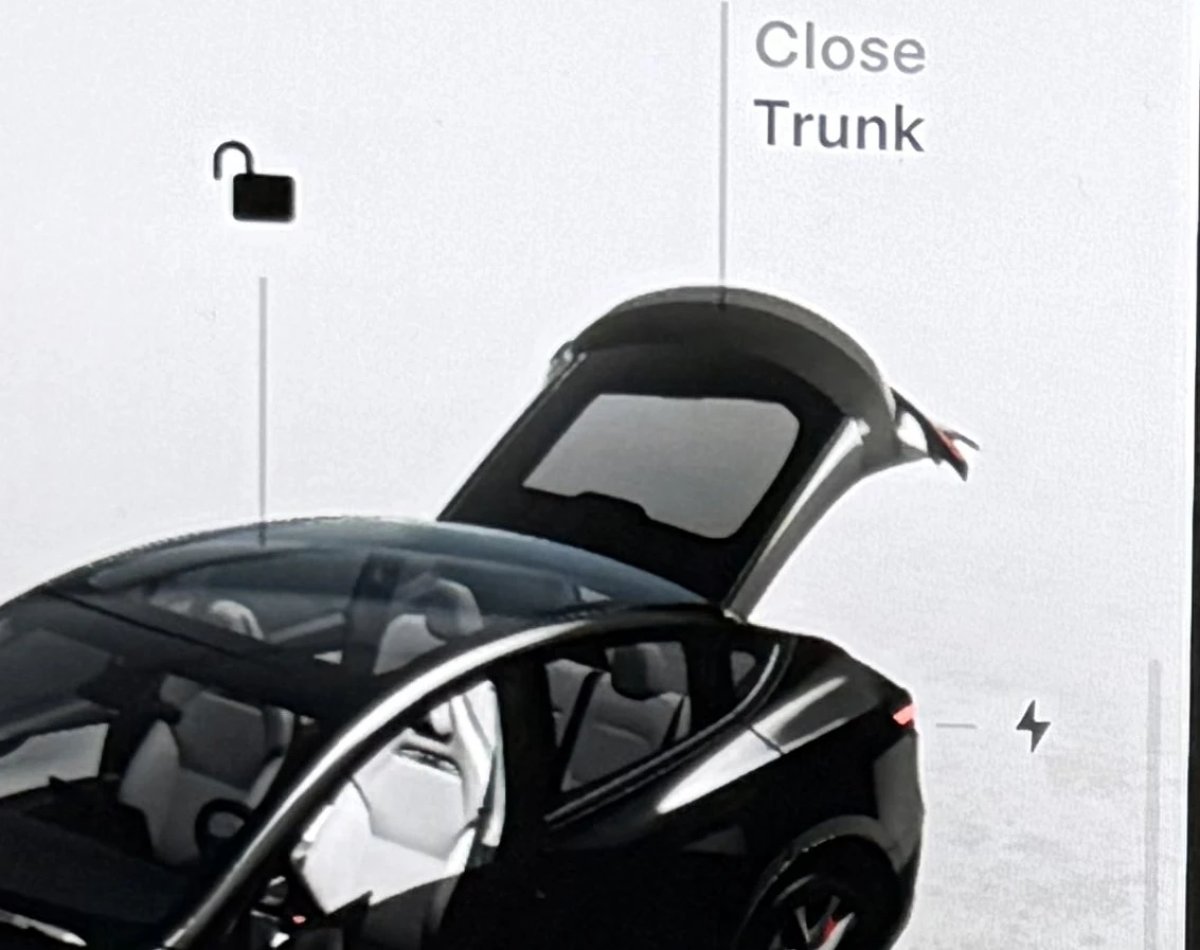
Improved backlight digital image of the car: body shades should look more accurate.
Region and availability
Available worldwide.
Rear Spoiler Visualization
Tracker observation
Models
Model Y
Hardware
Not in the description.
In the Model Y Performance visualization, the rear spoiler is again displayed.
Region and availability
Available worldwide.
Vehicle
Camera Preview
Models
New Model S, Model 3, New Model X, Model Y, Cybertruck
Hardware
Intel or AMD
Camera preview can now be opened not only in the parking lot. In the Service section, select a separate camera or go back to the shared grid.
Region and availability
Available worldwide.
Shift Icon on Instrument Cluster
Tracker observation
Models
Model S, Model X
Hardware
Not in the description.
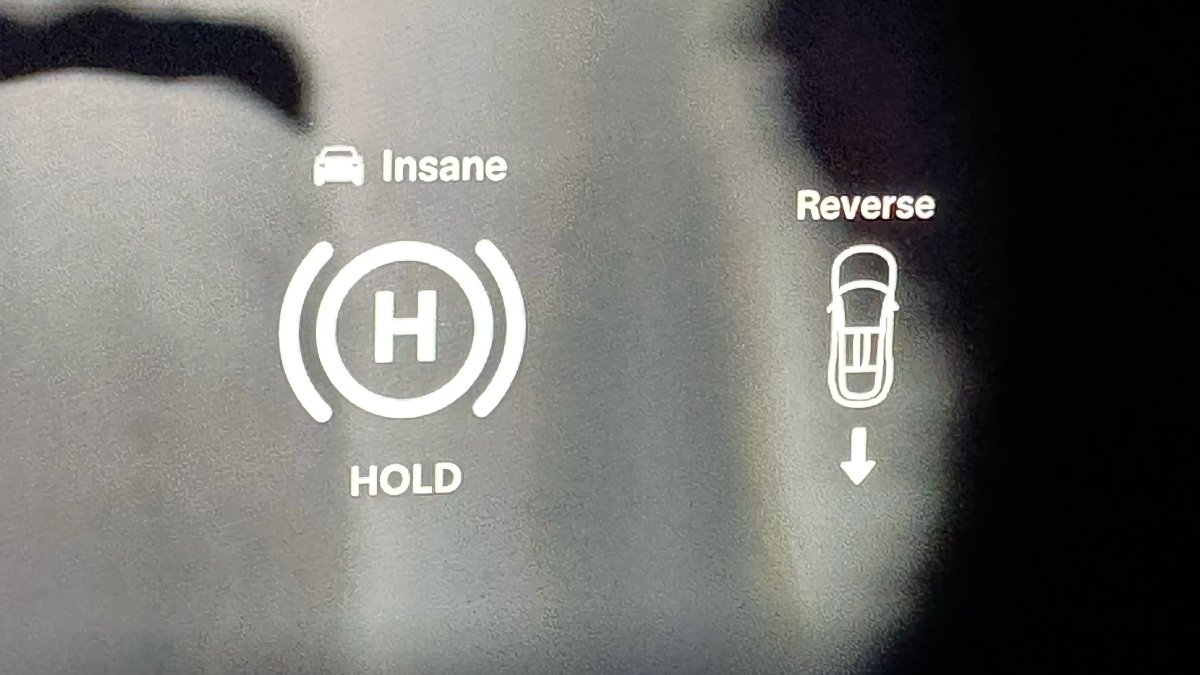
The Model S and Model X dashboard displays an icon of the selected direction of travel to make the switching state more noticeable.
Region and availability
Available worldwide.
Service Mode Improvements
Tracker observation
Models
Model S, Model 3, Model X, Model Y, Cybertruck
Hardware
For Model 3/Y, the AMD Ryzen multimedia system is listed; Model S/X 2021+ and Cybertruck are also listed.
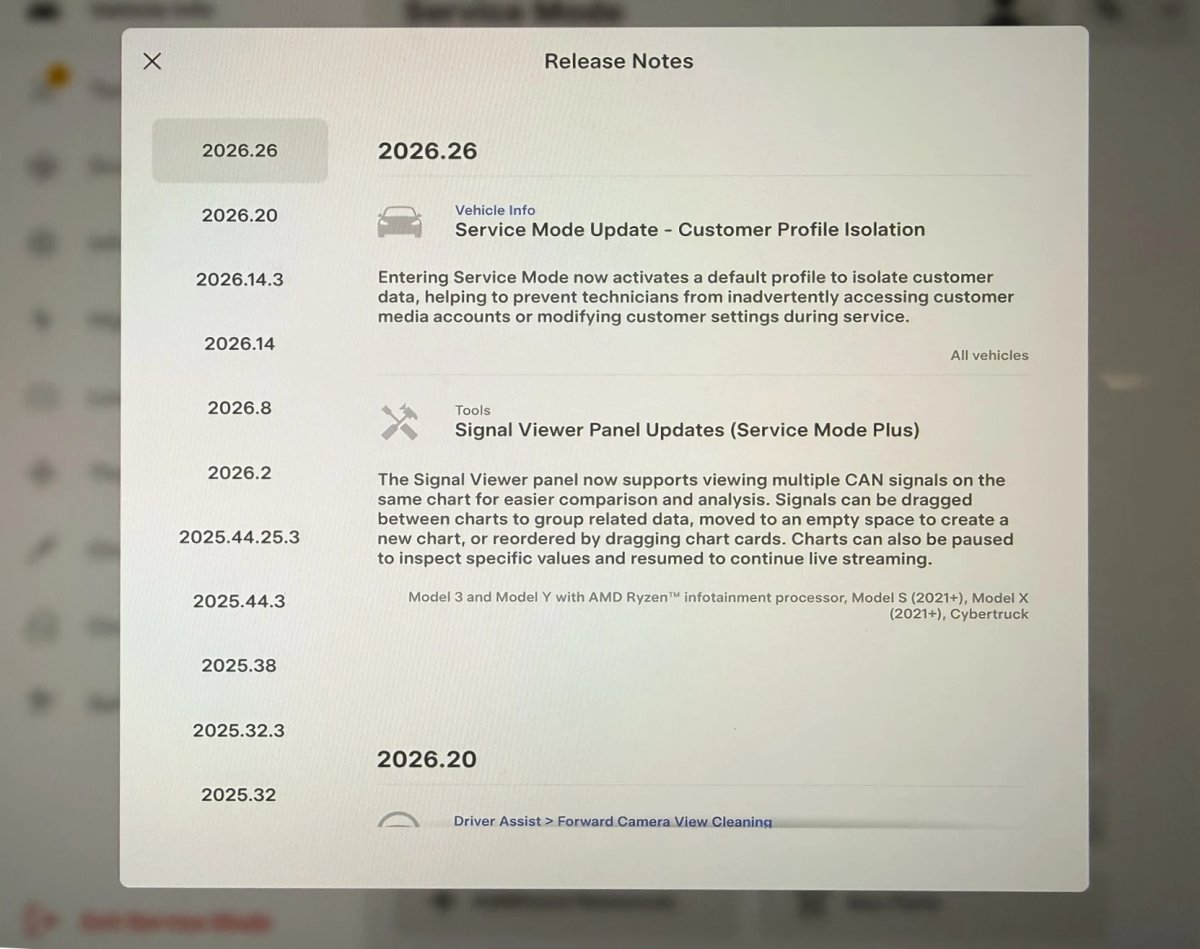
Service Mode includes a profile to isolate customer data during service. The CAN signal panel allows you to match multiple graphs and pause the flow. The Model 3/Y requires an AMD Ryzen multimedia system; the Model S/X 2021+ and Cybertruck are also specified.
Region and availability
Available worldwide.
Charging
Supercharger Search
Models
Model S, Model 3, Model X, Model Y, Cybertruck
Hardware
Not in the description.
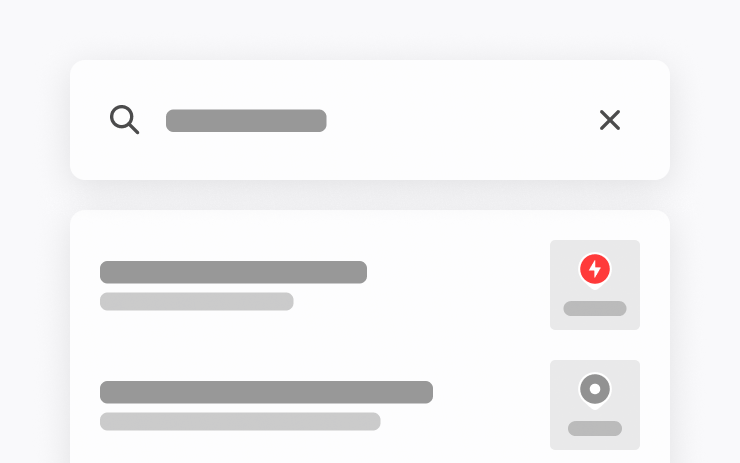
In the search for a destination, you can search for Supercharger stations by name.
Region and availability
Available worldwide.
Safety
Security Improvements
Models
Model S, Model 3, Model X, Model Y, Cybertruck
Hardware
Not in the description.
The release contains security fixes and other system improvements. Details of the changes were not disclosed.
Region and availability
Available worldwide.
Last checked
Checked 10 October 2026. TeslaFi figures are a stored tracker sample, not a measure of the entire fleet. Confirm availability in your vehicle’s own release notes.