Changes to Dashcam recordings, parental controls, Grok and navigation. Some navigation features are listed only for Model 3 and Model Y; availability can vary by market and configuration.
Your region is remembered for both language versions of the software catalogue. Unknown applicability remains visible and clearly marked.
New Model S, Model 3, New Model X, Model Y, Cybertruck
Hardware
AMD Ryzen
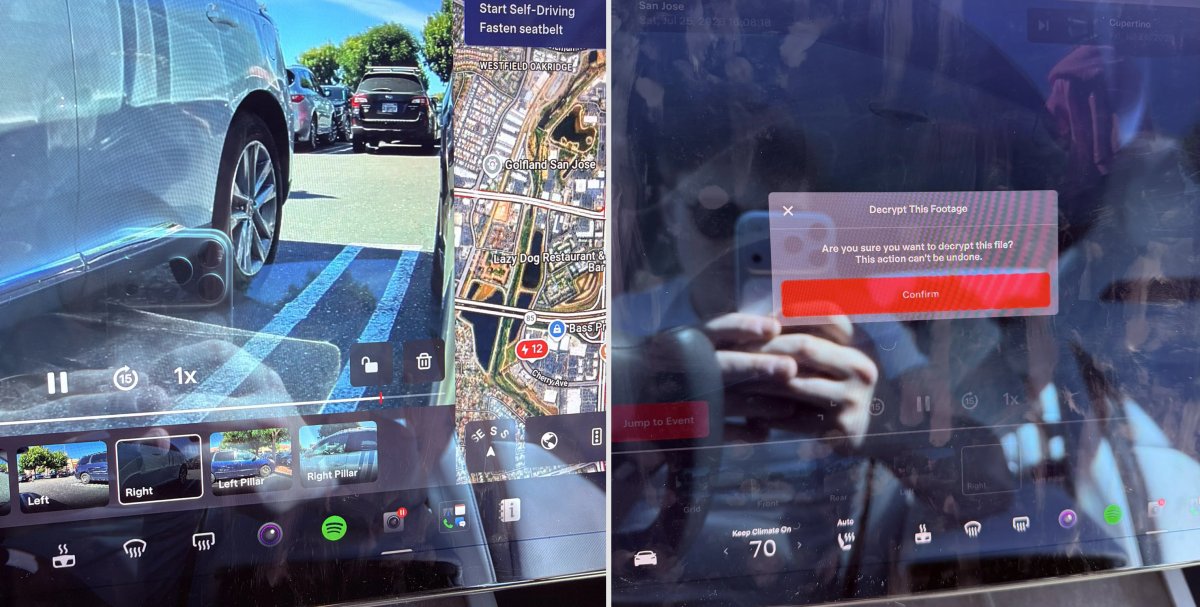
Dashcam records are stored on the USB drive in encrypted form and are available for viewing by the car. You can decrypt the clip through the lock icon in the Dashcam application or on the site; encryption is disabled in the security settings.
Region and availability
Available worldwide.
Parental Controls
Models
New Model S, Model 3, New Model X, Model Y, Cybertruck
Hardware
Not in the description.
In the parking lot, you can block Browser, Theater and Arcade through parental restrictions in the security settings.
Region and availability
Available worldwide.
Weather Maps
Models
Model 3, Model Y
Hardware
Not in the description.
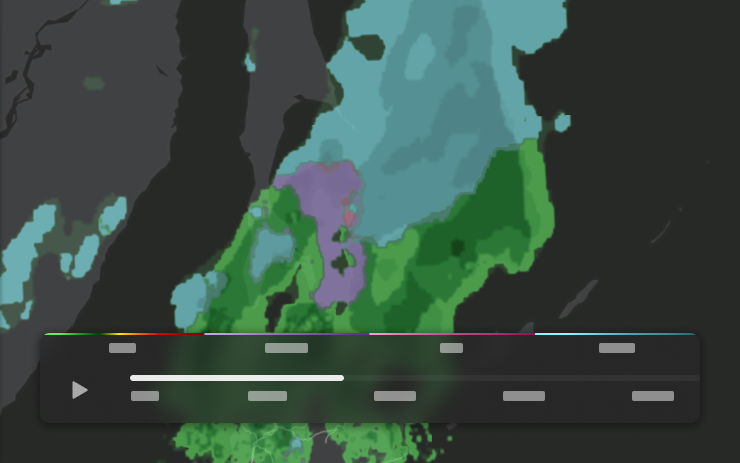
The map shows weather conditions, including rain and snow, as well as changes over the last hour along the route. We need Premium Connectivity.
Region and availability
Region unconfirmed.
Points of Interest
Models
Model 3, Model Y
Hardware
Not in the description.
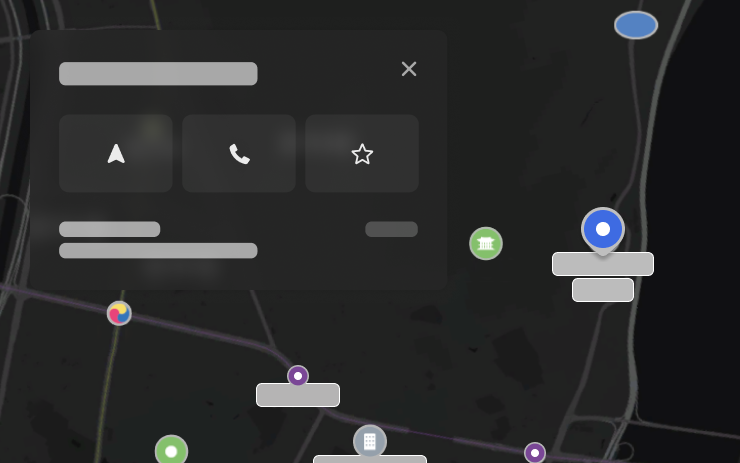
Points of interest on the map can be opened with a touch to see the place or start navigation.
Region and availability
Region unconfirmed.
License Plate Frame
Tracker observation
Models
Model S, Model 3, Model X, Model Y, Cybertruck
Hardware
Not in the description.
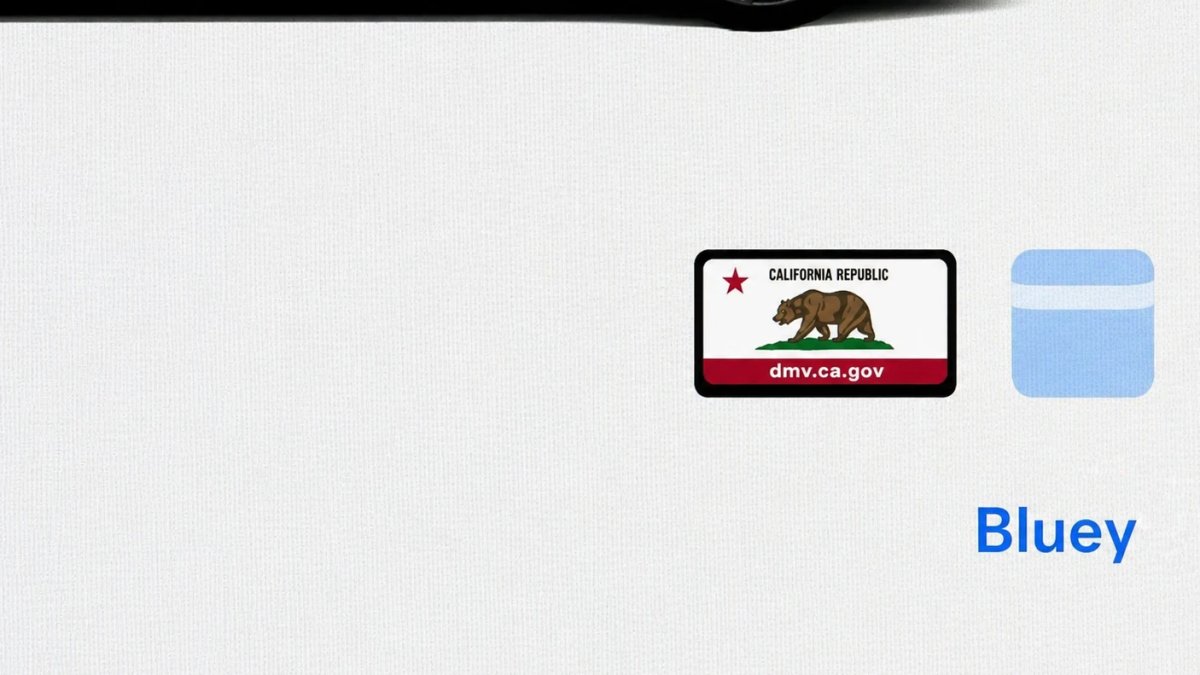
In the personalization settings of the license plate, the icon was updated: a frame appeared around the image.
Region and availability
Available worldwide.
Decrypt Dashcam Video
Tracker observation
Models
Model S, Model 3, Model X, Model Y, Cybertruck
Hardware
AMD; exact configuration not specified
Added decryption of a separate video Dashcam in the viewer and a tool for decrypting video on the computer after logging into the account Tesla. This makes it easier to view encrypted records outside the vehicle.
Region and availability
Available worldwide.
Bus Lanes
Tracker observation
Models
Model S, Model 3, Model X, Model Y, Cybertruck
Hardware
Not in the description.
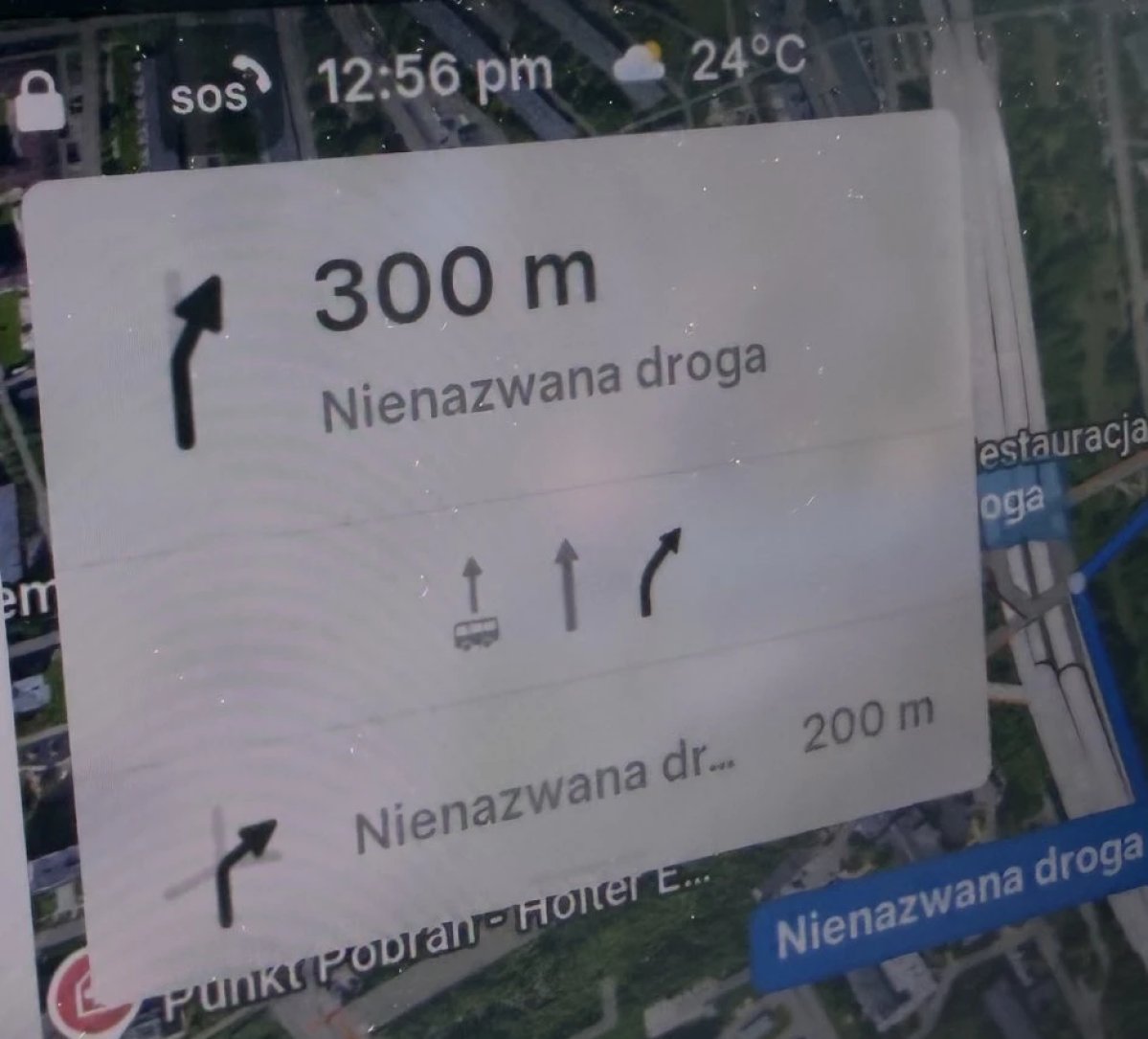
Navigation takes into account bus lanes so that the driver can see the appropriate lanes. It may also help FSD routing, but does not confirm the availability or resolution of FSD in a particular country.
Region and availability
Region unconfirmed.
Mentioning an FSD does not mean that the feature is available or allowed in a particular country; the driver must comply with local regulations and constantly monitor the vehicle.
Media
"Hey Grok"
Models
New Model S, Model 3, New Model X, Model Y, Cybertruck
Hardware
Not in the description.
Grok starts from the menu, by holding a voice button or by saying "Hey Grok"; voice selection, location reminders and navigation assistance are available. You need Premium Connectivity or Wi-Fi. At the time of description, the feature is in early beta: commands for driving the car, other than navigation, are not supported; normal voice commands remain unchanged. The activation phrase is trained for American English.
Region and availability
Region unconfirmed.
Vehicle
Send Destination to Car
Models
Model 3, Model Y
Hardware
Not in the description.
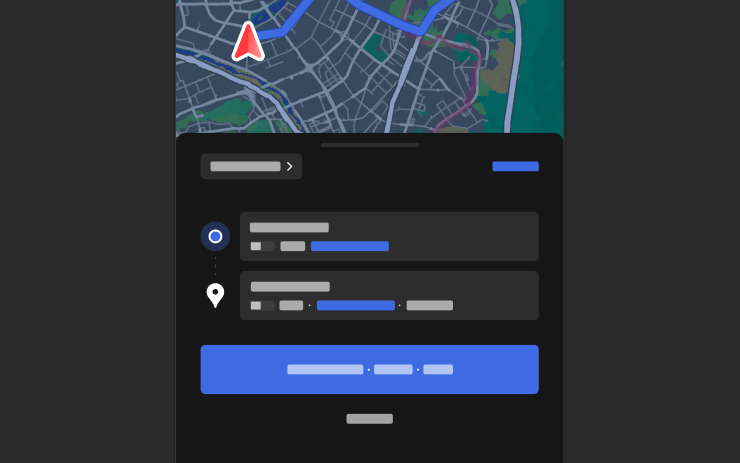
The destination can be sent to the car from the Tesla app. For Model 3 and Model Y, address transfer via NAVER Maps, TMAP and KakaoMap is also described. Requires a Tesla app version 4.57.0 or later.
Region and availability
Region unconfirmed.
Service Mode Improvements
Tracker observation
Models
Model S, Model 3, Model X, Model Y, Cybertruck
Hardware
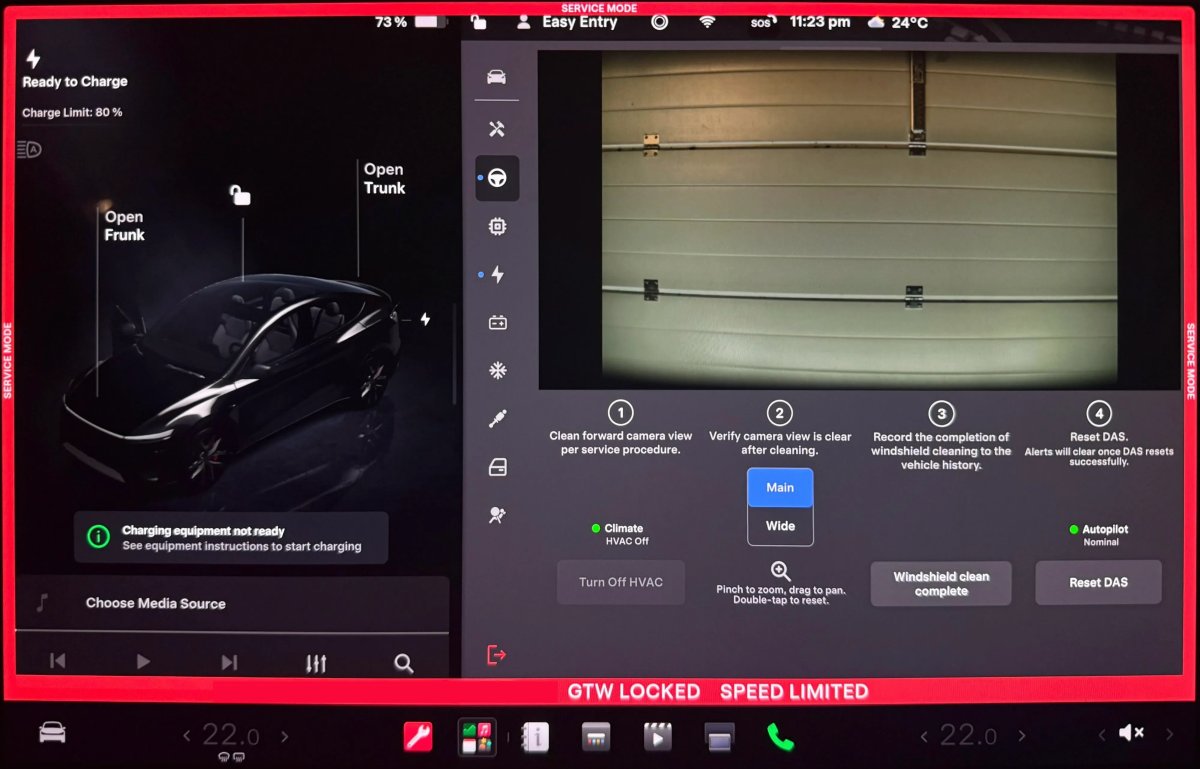
For the front camera cleaning panel, the DAS AI4 system is specified; the Drive Unit graphics are listed separately.
Service Mode added a front camera cleaning panel with live streaming and zoom. It is listed for Model 3/Y, Model S/X 2021+ with DAS AI4 and Cybertruck. In Drive Unit, you can open and move signal graphs in real time; for this purpose, Model 3/Y, Model S/X 2021+ and Cybertruck are listed.
Region and availability
Available worldwide.
Safety
Security Improvements
Models
Model S, Model 3, Model X, Model Y, Cybertruck
Hardware
Not in the description.
The release includes security fixes and other improvements; no list of changes is provided.
Region and availability
Available worldwide.
FSD
Tesla App FSD
Tracker observation
Models
Model S, Model 3, Model X, Model Y, Cybertruck
Hardware
Not in the description.
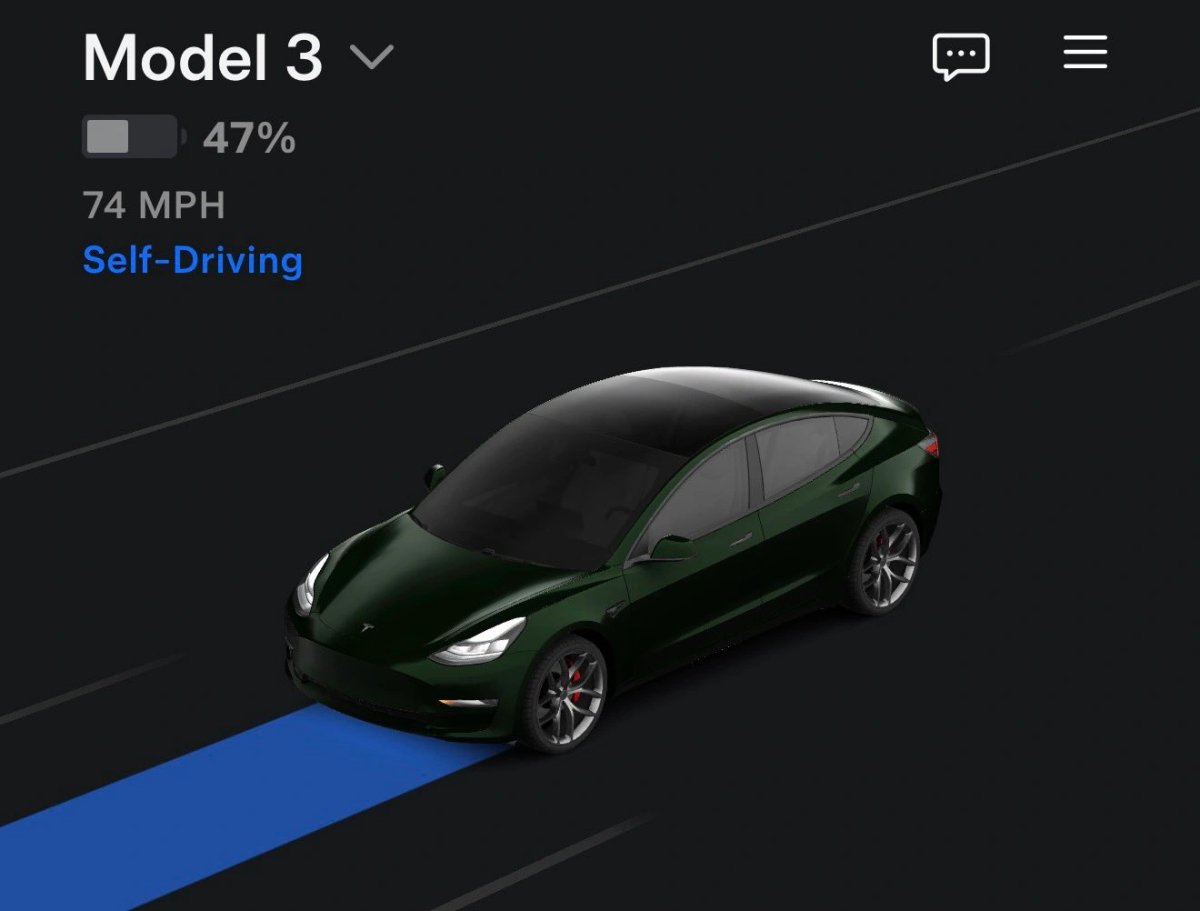
The Tesla app shows whether FSD is on in the car, and can display a blue trajectory and Rainbow Road effect if they are active in the car. Requires an application version 4.58.5 and vehicle software 2026.20.6.1 or later.
Region and availability
Region unconfirmed.
Displaying FSD status in an application does not confirm the presence of a package or system resolution in the region. FSD Supervised requires constant driver supervision.
Last checked
Checked 10 October 2026. TeslaFi figures are a stored tracker sample, not a measure of the entire fleet. Confirm availability in your vehicle’s own release notes.