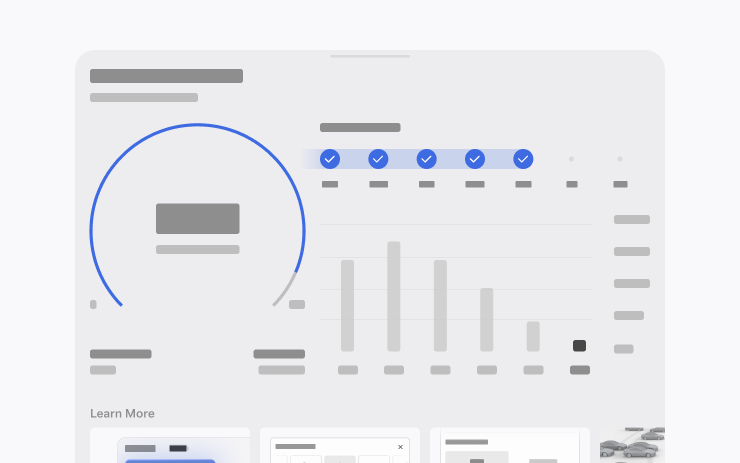
Adds media, navigation, trip and app features, and updates the Dashcam viewer and vehicle settings. Some features depend on the model, hardware, connectivity and mobile app version.
Your region is remembered for both language versions of the software catalogue. Unknown applicability remains visible and clearly marked.
New Model S, Model 3, New Model X, Model Y, Cybertruck
Hardware
HW4, FSD
A separate Self-Driving application combines subscription registration, inclusion instructions and usage statistics.
Region and availability
Region not confirmed
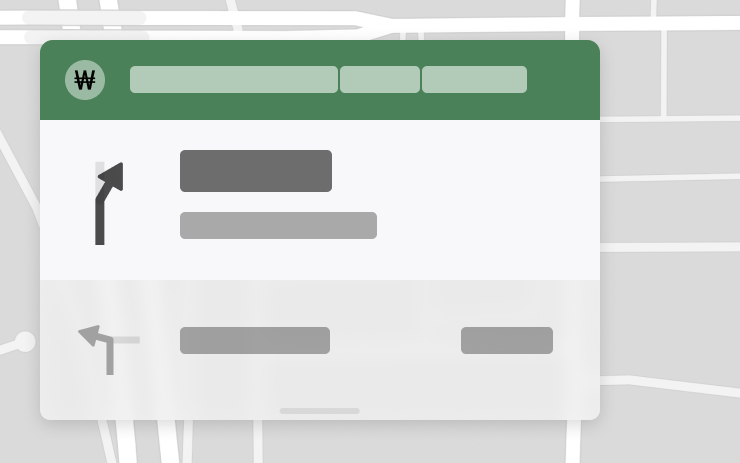
Estimated Toll Fees
Models
Model 3, Model Y
Hardware
Not specified.
Navigation shows the estimated cost of toll roads for routes and takes into account the available discounts for electric vehicles. You need to enable Online Routing.
Region and availability
Region not confirmed
Immersive Sound Upgrade
Models
New Model 3, New Model Y
Hardware
Not specified.
Premium Immersive Sound mode forms a more pronounced sound scene and works with different audio streaming sources.
Region and availability
Availability declared worldwide
Pet Mode
Models
Model S, Model 3, Model X, Model Y, Cybertruck
Hardware
Not specified.
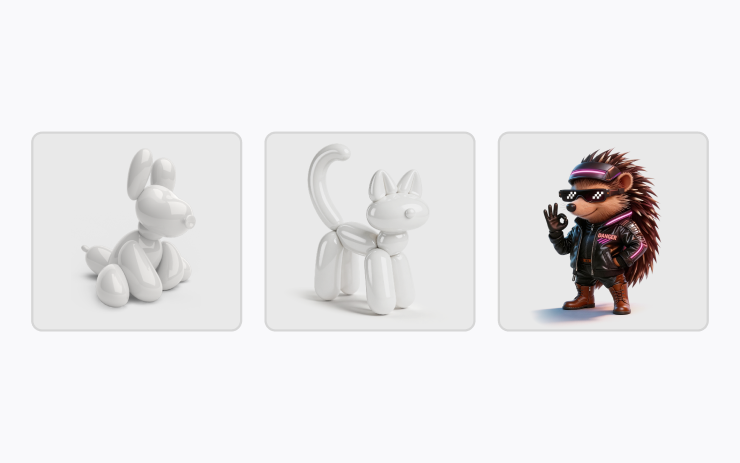
In Pet Mode settings, you can select a pet and give it a name.
Region and availability
Availability declared worldwide
Paint Shop
Models
New Model S, New Model X
Hardware
Not specified.
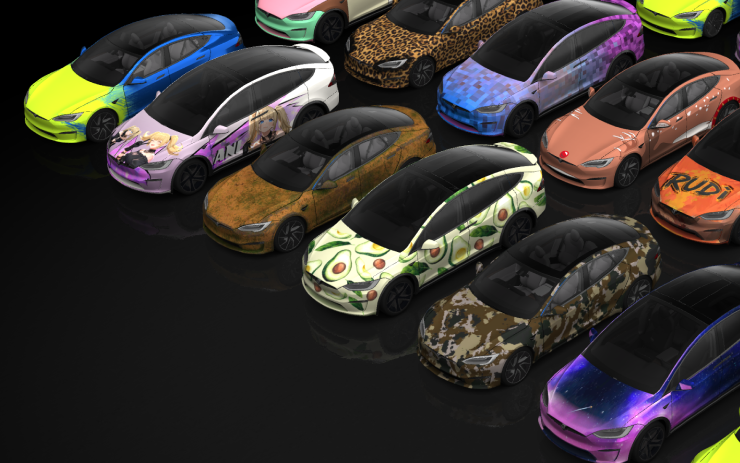
In Paint Shop you can change the design of the image of the car: tinting, vinyl and number. Available ready-made options and download your own via USB.
Region and availability
Availability declared worldwide
Trips
Models
New Model S, Model 3, New Model X, Model Y, Cybertruck
Hardware
Not specified.
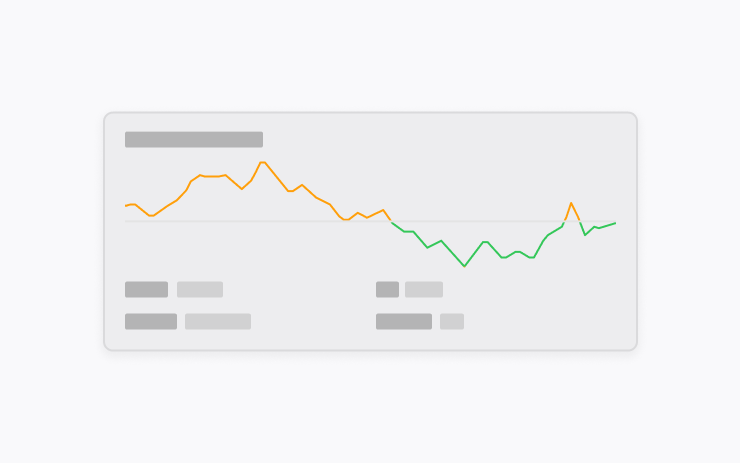
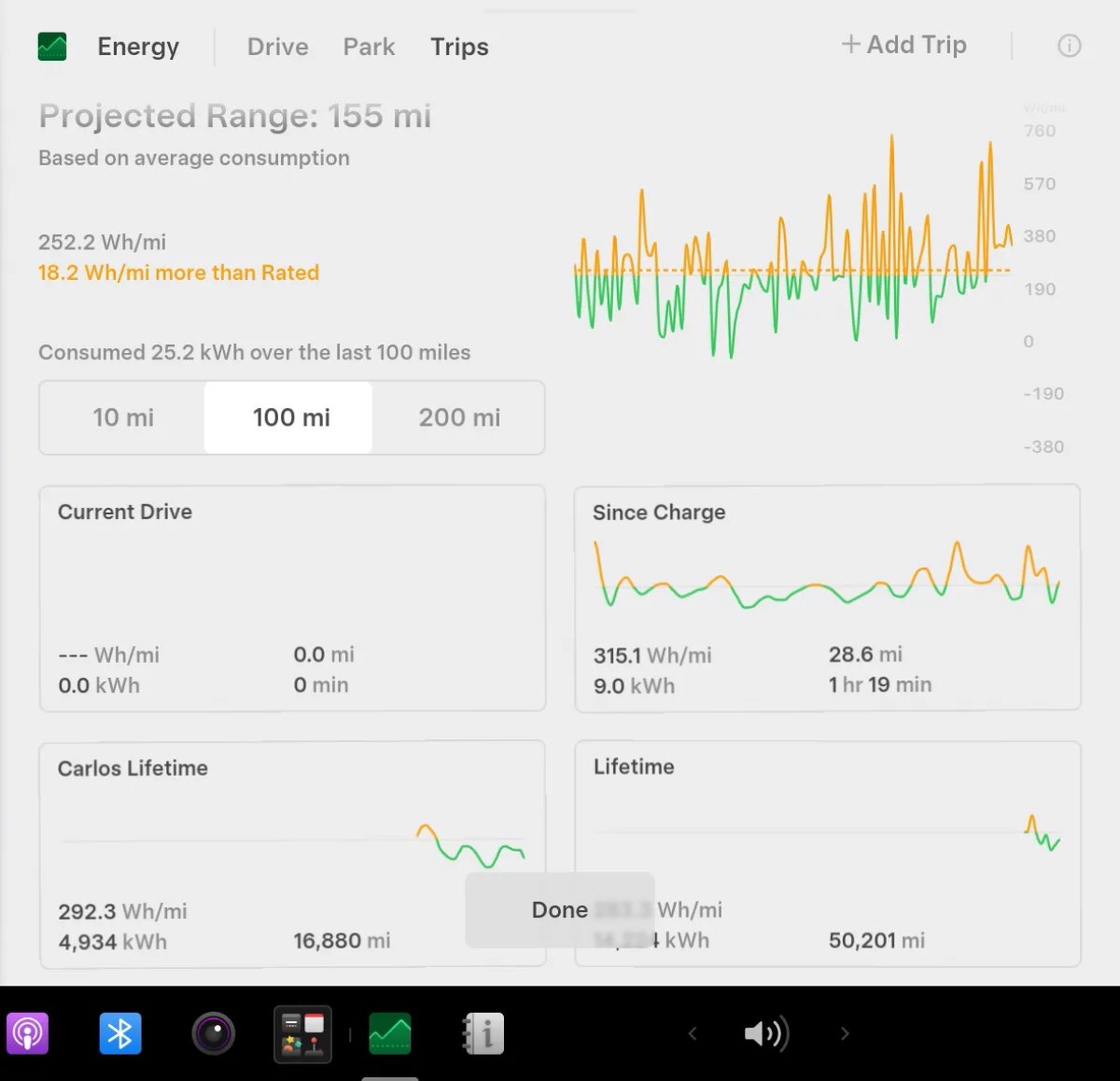
The Energy app has the ability to create multiple trips and compare energy consumption across trips, routes and conditions. The travel card can be opened from the media card.
Region and availability
Availability declared worldwide
Sketchpad
Models
New Model S, Model 3, New Model X, Model Y, Cybertruck
Hardware
Not specified.
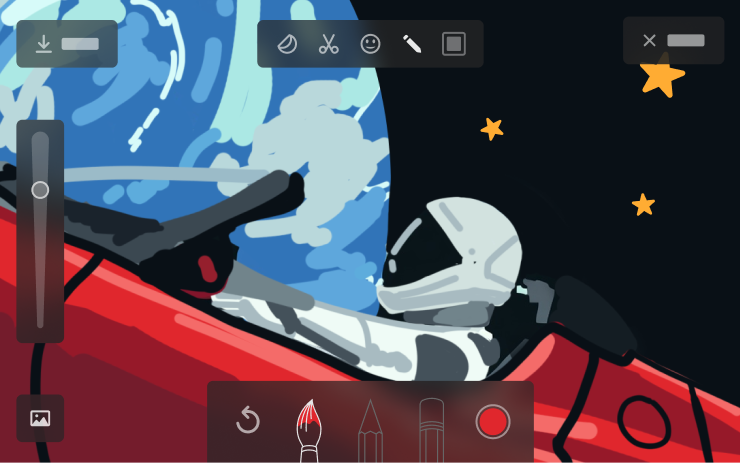
Stickers and emojis are added to Sketchpad. Saved drawings can be opened and sent from the mobile app version 4.55.6 or later.
Region and availability
Availability declared worldwide
The Tesla 4.55.6 app or later is required to access drawings from the phone.
Chime When Light Is Green
Models
Model S, Model 3, Model X, Model Y, Cybertruck
Hardware
Not specified.
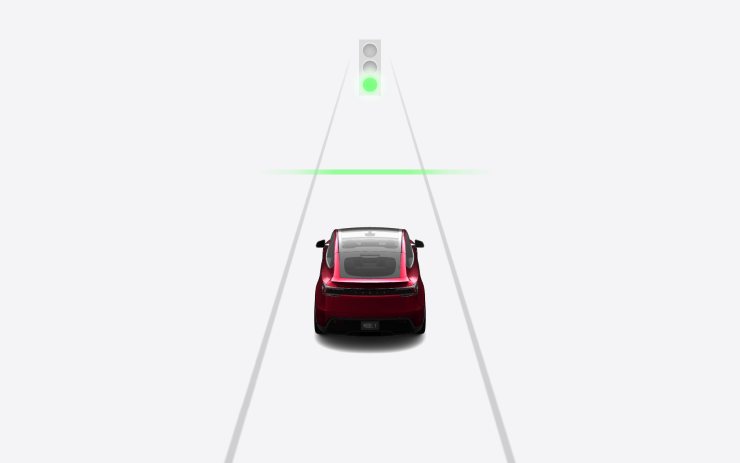
An audible signal indicates that the expected traffic light lit up green; if there was a car in front, the signal will sound when it begins to move. This is a notification only; no signal is given when Traffic-Aware Cruise Control or Autosteer is enabled.
Region and availability
Region not confirmed
Notification only; the signal does not mean that the path is free.
Live Camera View
Models
Model S, Model 3, Model X, Model Y, Cybertruck
Hardware
Not specified.
Through the mobile application you can see the interior of the car in real time. Premium Connectivity and the Tesla app version 4.55.6 or later are required; the transfer is secured with end-to-end encryption.
Region and availability
Region not confirmed
Premium Connectivity and Tesla 4.55.6 or later are required.
Automatic Software Updates
Models
New Model S, Model 3, New Model X, Model Y, Cybertruck
Hardware
Not specified.
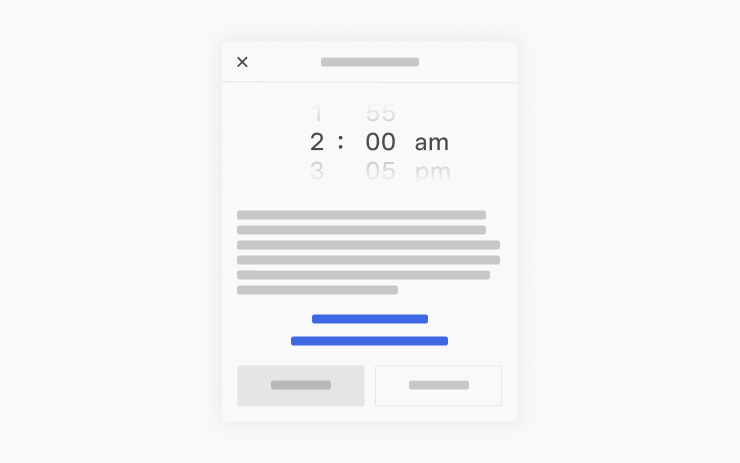
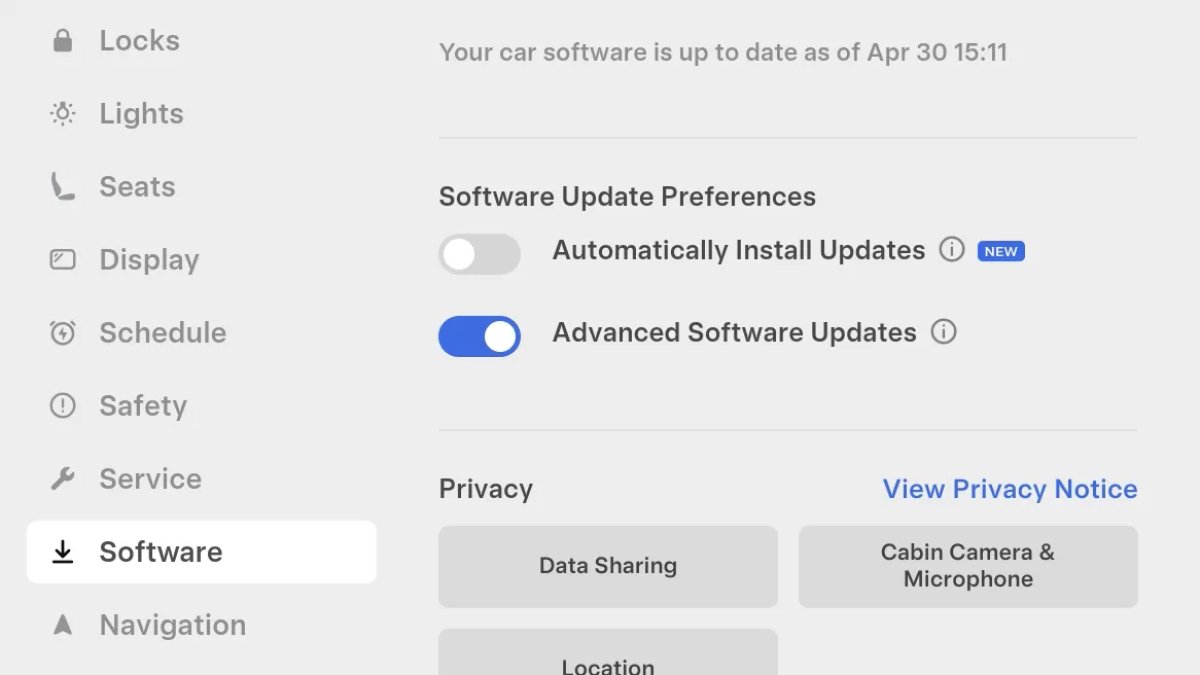
The car can install a downloaded update at night while parked and not in use. Installation should be included in the software settings.
Region and availability
Availability declared worldwide
Dashcam Viewer Updates
Models
New Model S, Model 3, New Model X, Model Y, Cybertruck
Hardware
Not specified.
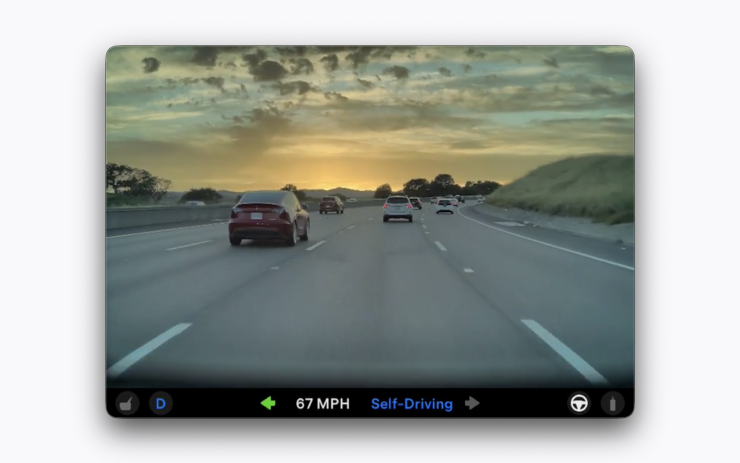
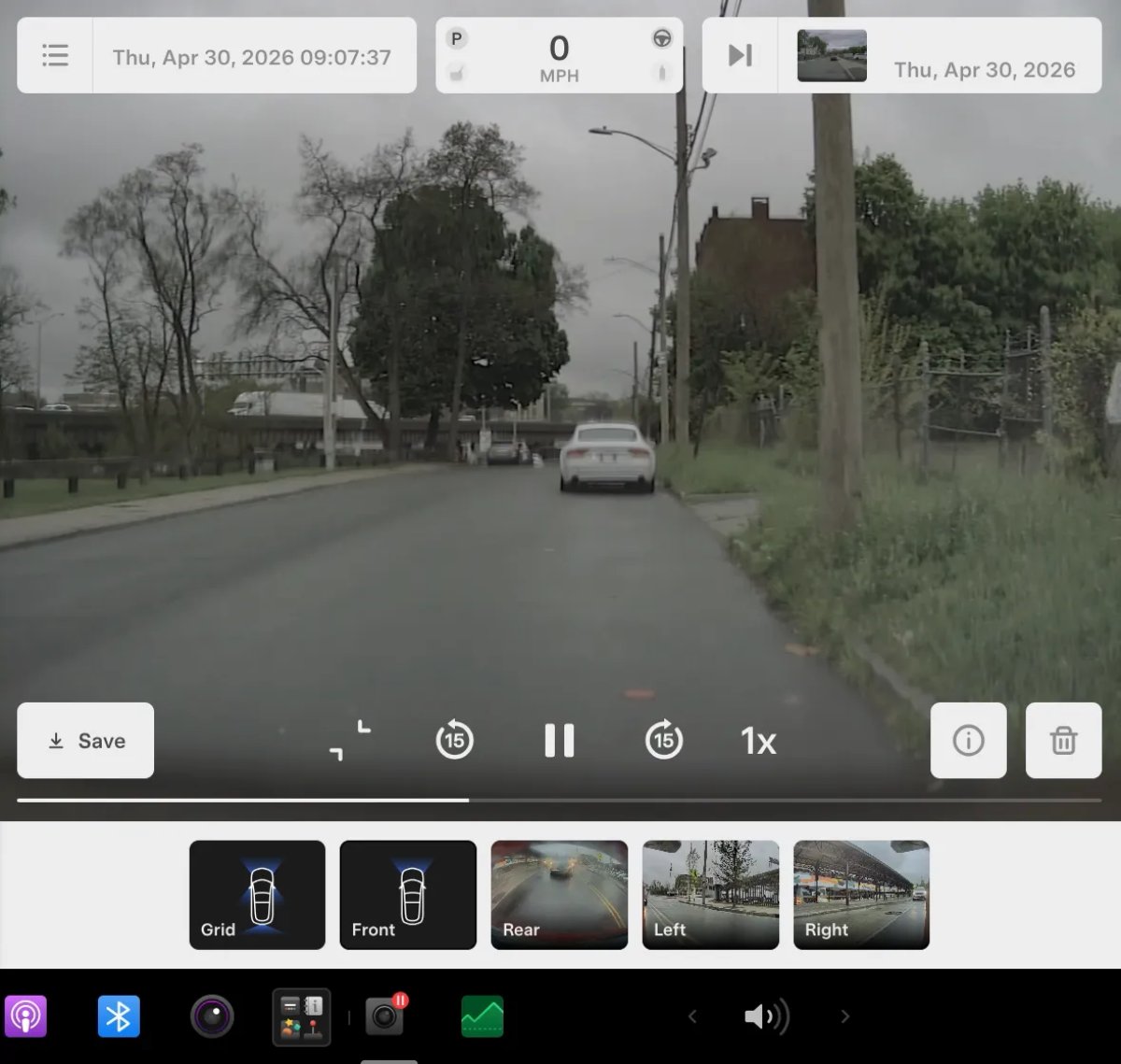
Recent Dashcam recordings can be stored for up to 24 hours; clips can be saved in a car or on a phone. Phone viewing and download require Premium Connectivity and Tesla 4.55.6 apps or later; video stays on the car, and downloaded clips include speed, steering angle and Self-Driving status.
Region and availability
Availability declared worldwide
Dashcam Viewer Updates
Models
Model S, Model 3, Model X, Model Y
Hardware
Intel
A recent Dashcam clip can be saved on your car or phone. Phone browsing and download requires Premium Connectivity and Tesla 4.55.6 or later; speed, steering angle and Self-Driving state are added to the downloaded file. Records remain on the car.
Region and availability
Availability declared worldwide
Weather Maps Improvements
Models
New Model S, Model 3, New Model X, Model Y, Cybertruck
Hardware
Not specified.
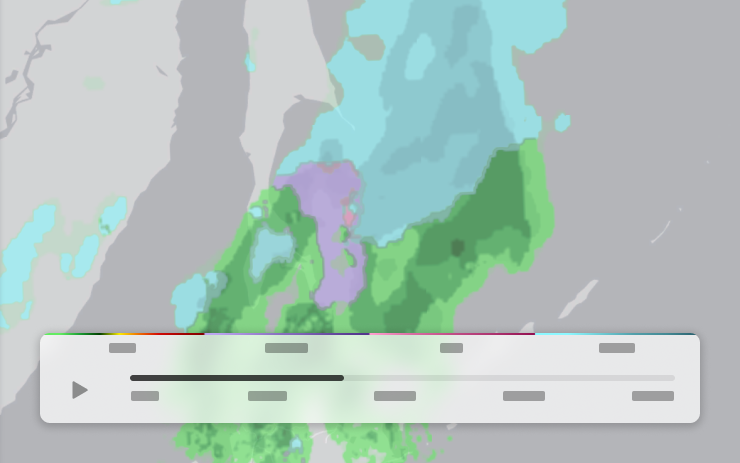
On the map, precipitation is displayed with colors that help distinguish between rain and snow; weather history for the last hour is also available. We need Premium Connectivity.
Region and availability
Availability declared worldwide
Premium Connectivity is required.
Keyboard
Models
Model S, Model 3, Model X, Model Y, Cybertruck
Hardware
Not specified.
The language of the selected keyboard now sets the dictation language. They can be changed by the button of the international keyboard; the language of voice commands does not change.
Region and availability
Availability declared worldwide
Parental Controls Improvement
Tracker observation
Models
Model S, Model 3, Model X, Model Y, Cybertruck
Hardware
Not confirmed.
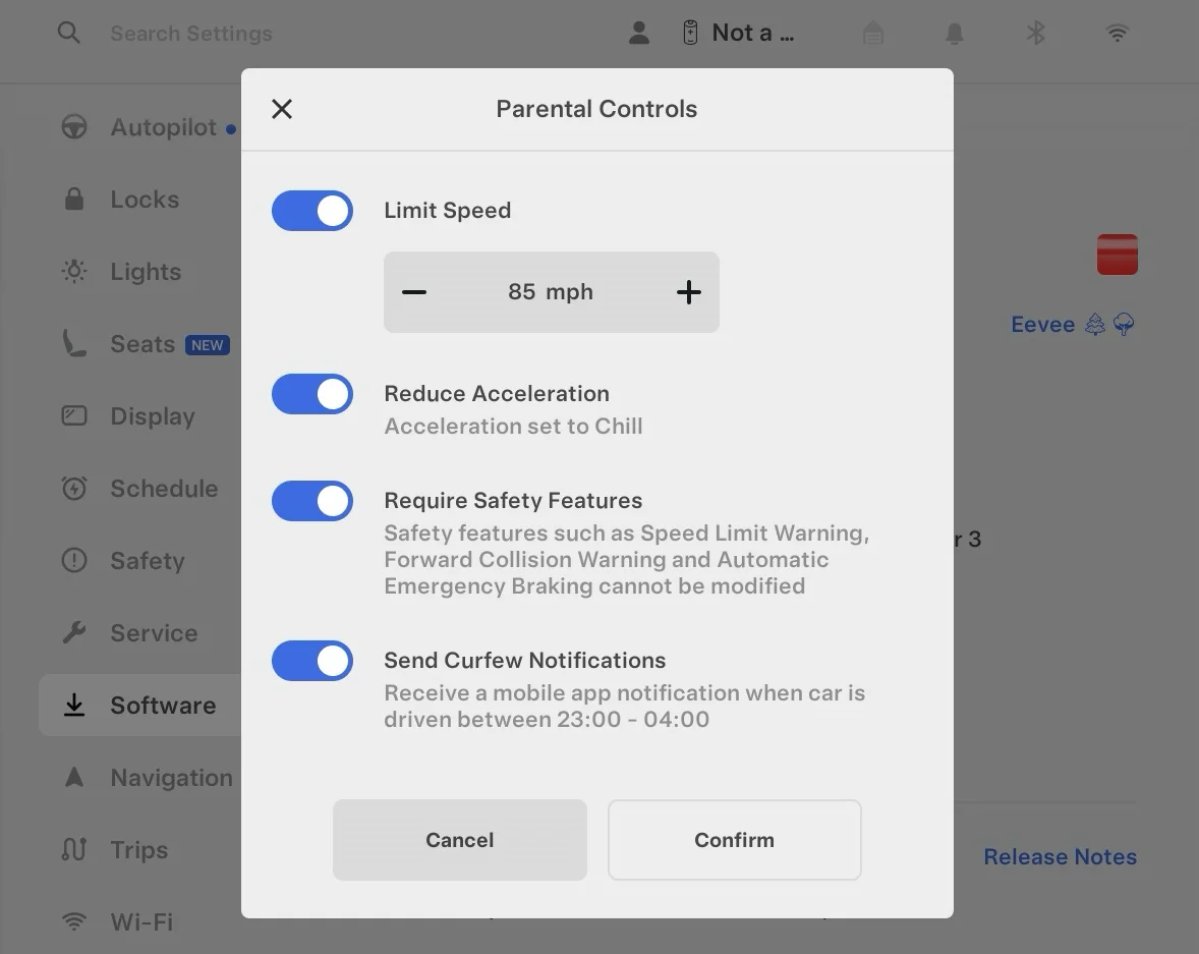
In Performance modifications, enabling Require Safety Features blocks Track Mode. This setting also does not allow you to disable the listed safety systems and change the specified driver assistance restrictions.
Region and availability
Availability declared worldwide
Advanced Software Updates
Tracker observation
Models
Model S, Model 3, Model X, Model Y, Cybertruck
Hardware
Not confirmed.
For Advanced updates, an on-switch appeared. Off. When switched on, the car can receive new releases earlier for its configuration and region, including with minor errors; when switched off, it expects wider distribution.
Region and availability
Availability declared worldwide
Early versions may contain minor errors.
Re-Order Trip Meters
Tracker observation
Models
New Model S, Model 3, New Model X, Model Y, Cybertruck
Hardware
Not confirmed.
Cards of the counters of trips can be rearranged by holding; the energy schedule opens with a press in an enlarged form.
Region and availability
Availability declared worldwide
Save Recent Dashcam Videos
Tracker observation
Models
New Model S, Model 3, New Model X, Model Y, Cybertruck
Hardware
Not confirmed.
In the Dashcam viewer, you can save recent USB clips until they are marked for removal protection.
Region and availability
Availability declared worldwide
New 'All Apps' Icon
Tracker observation
Models
Model S, Model 3, Model X, Model Y, Cybertruck
Hardware
Not confirmed.
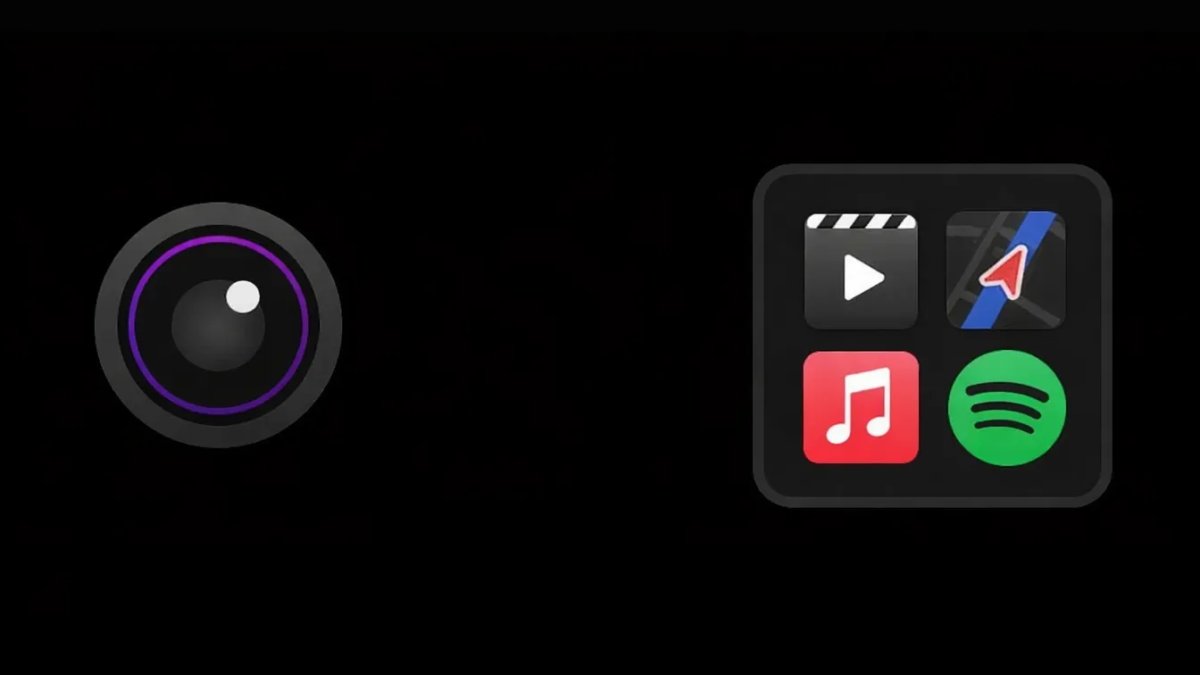
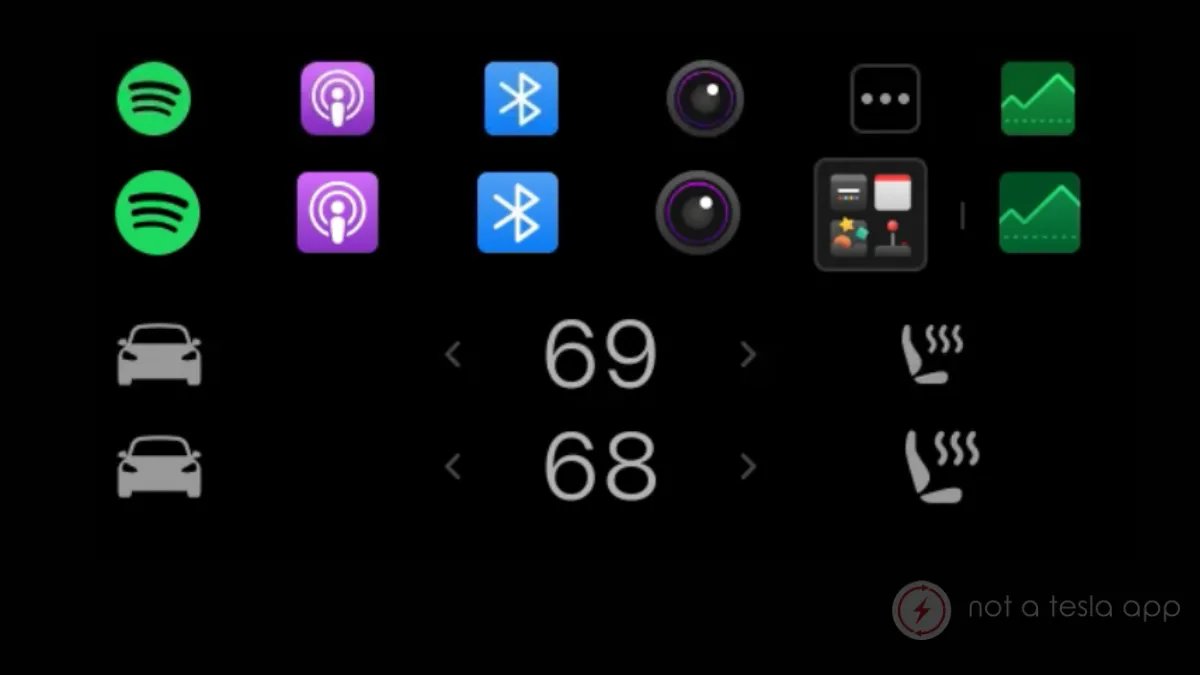
The All Apps icon in the dock is replaced by a four-app folder image; the icon set can change.
Region and availability
Availability declared worldwide
Animated Badges
Tracker observation
Models
Model S, Model 3, Model X, Model Y, Cybertruck
Hardware
Not confirmed.
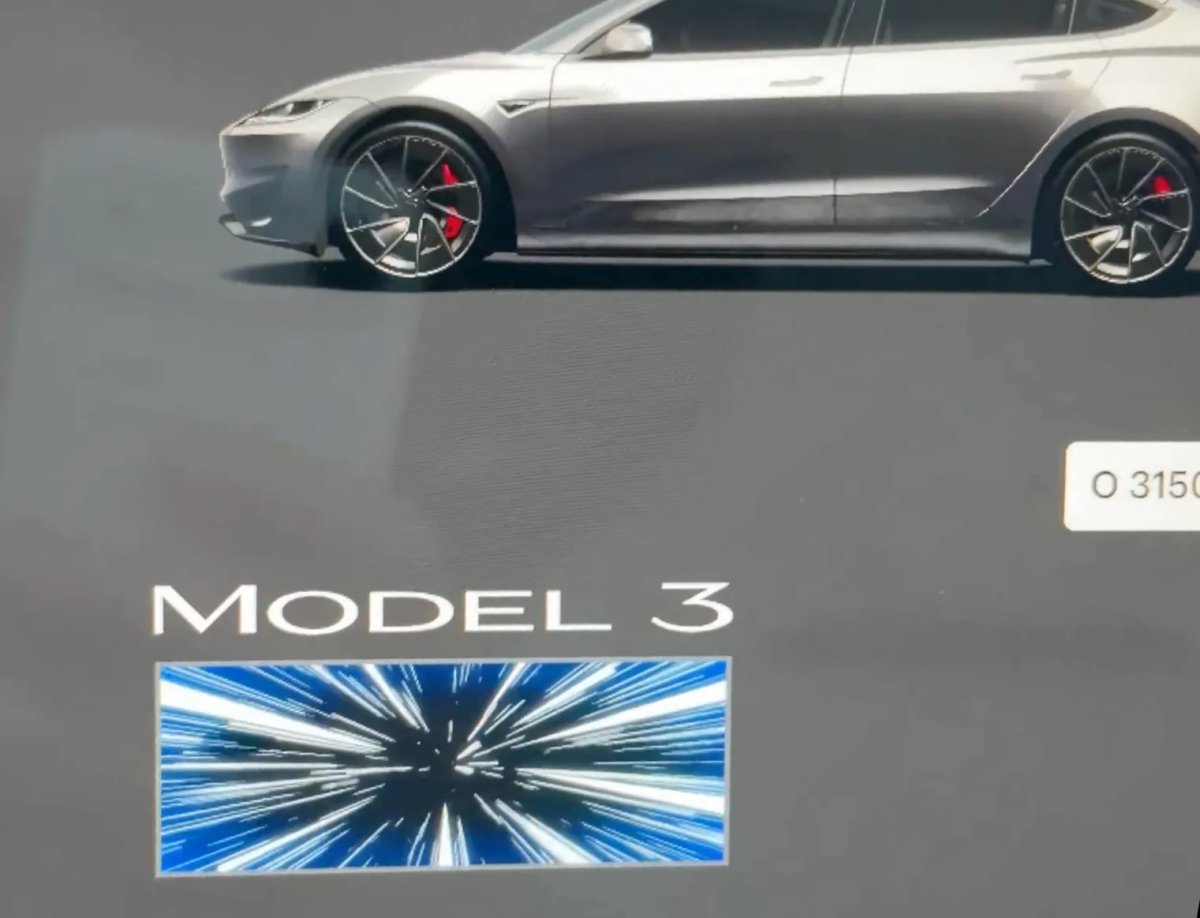
Some special emblems, such as the Ludicrous on the Model 3 Performance, are now briefly animated on the Software screen; the touch triggers the animation again.
Region and availability
Availability declared worldwide
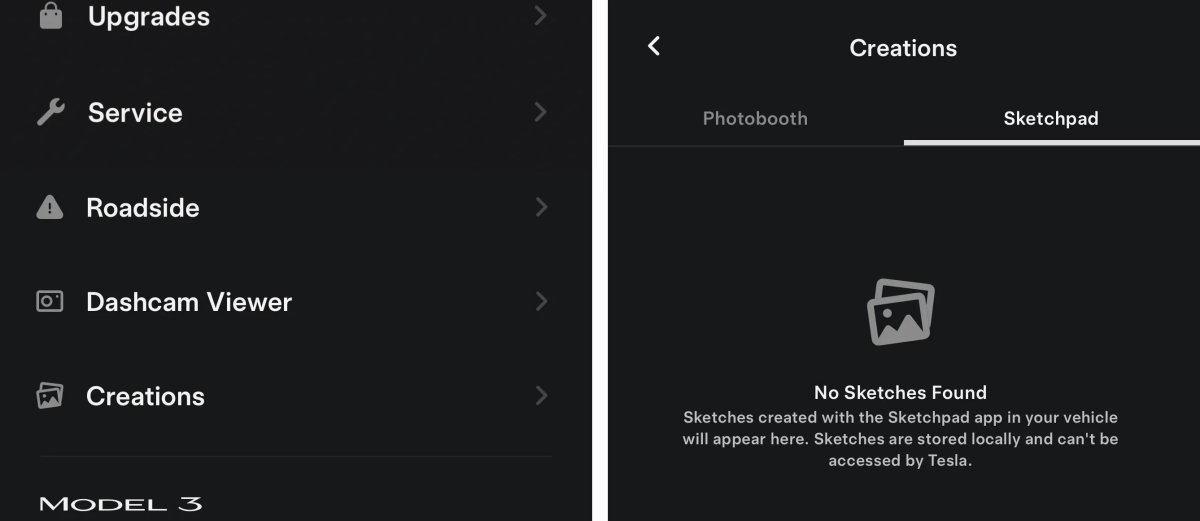
New Creations Section
Tracker observation
Models
New Model S, Model 3, New Model X, Model Y, Cybertruck
Hardware
Not confirmed.
The Photobooth section is renamed Creations and combines saved Photobooth photos and Sketchpad drawings. Materials are stored in the car; opening the partition awakens the car to transmit images. You need a version of 2026.14 and a car with AMD Ryzen.
Region and availability
Availability declared worldwide
The section is available with 2026.14 on a car with AMD Ryzen.
Interface
Rear Display
Models
New Model S, New Model 3, New Model X, New Model Y, Cybertruck
Hardware
Not specified.
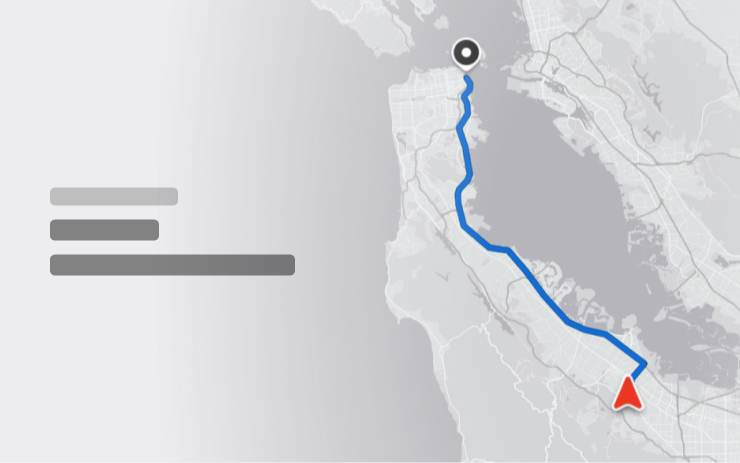
Passengers can open the map on the rear display and follow the route of the car.
Region and availability
Availability declared worldwide
Visual Updates
Models
New Model 3, New Model Y
Hardware
Not specified.
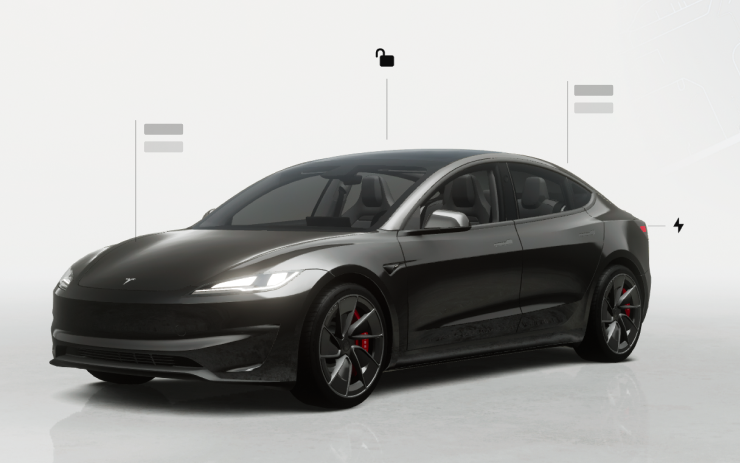
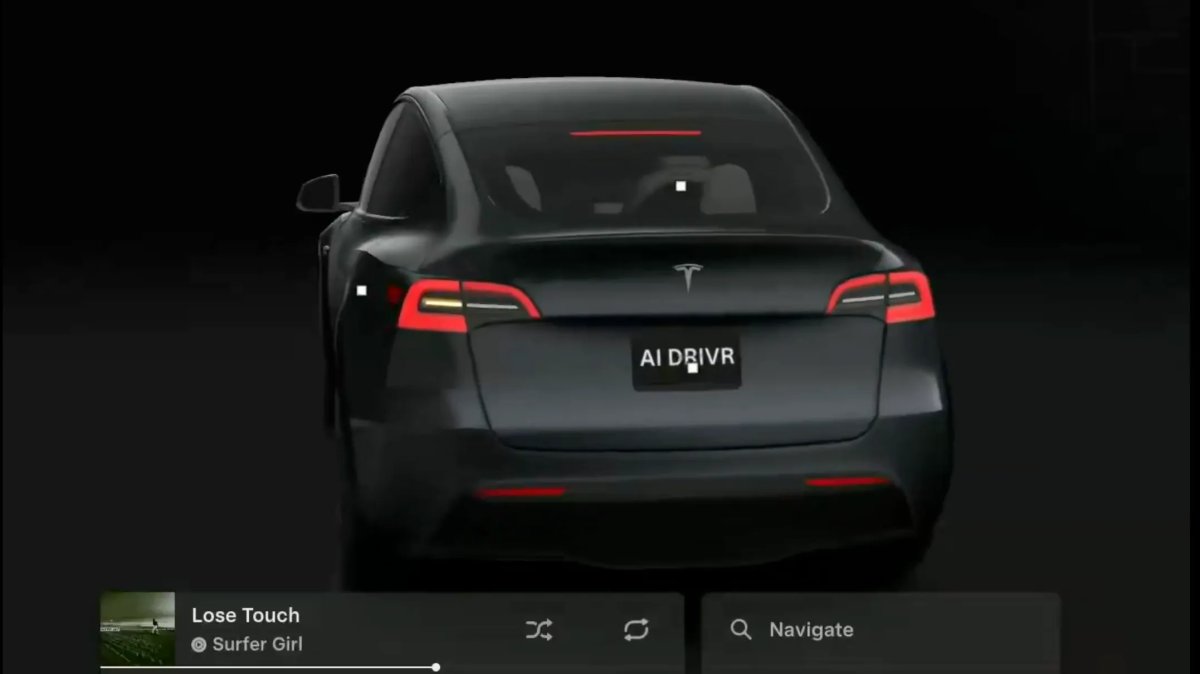
On the central display updated images of the car and the parking scene.
Region and availability
Availability declared worldwide
Blind Spot Warning Accent Lights
Models
New Model S, New Model 3, New Model X, New Model Y, Cybertruck
Hardware
weatherlight
The backlight becomes red when an object is in the blind zone with the turn signal turned on, as well as when an approaching object is detected in the parking lot. The function can be turned off in the light settings.
Region and availability
Availability declared worldwide
Amber Brake Lights
Tracker observation
Models
Model S, Model 3, Model X, Model Y, Cybertruck
Hardware
Not confirmed.
In the visualization of cars, turn signals, which in the corresponding region have an amber color, are now displayed amber, and the lighting is more noticeable on the road.
Region and availability
Region not confirmed
Chromium Browser Updated
Tracker observation
Models
Model S, Model 3, Model X, Model Y, Cybertruck
Hardware
Not confirmed.
The built-in browser has been updated from Chromium 136 to version 140: compatibility with modern web standards and WebGPU performance have been improved, known errors have been fixed.
Region and availability
Availability declared worldwide
Volume Icons
Tracker observation
Models
Model S, Model 3, Model X, Model Y, Cybertruck
Hardware
Not confirmed.
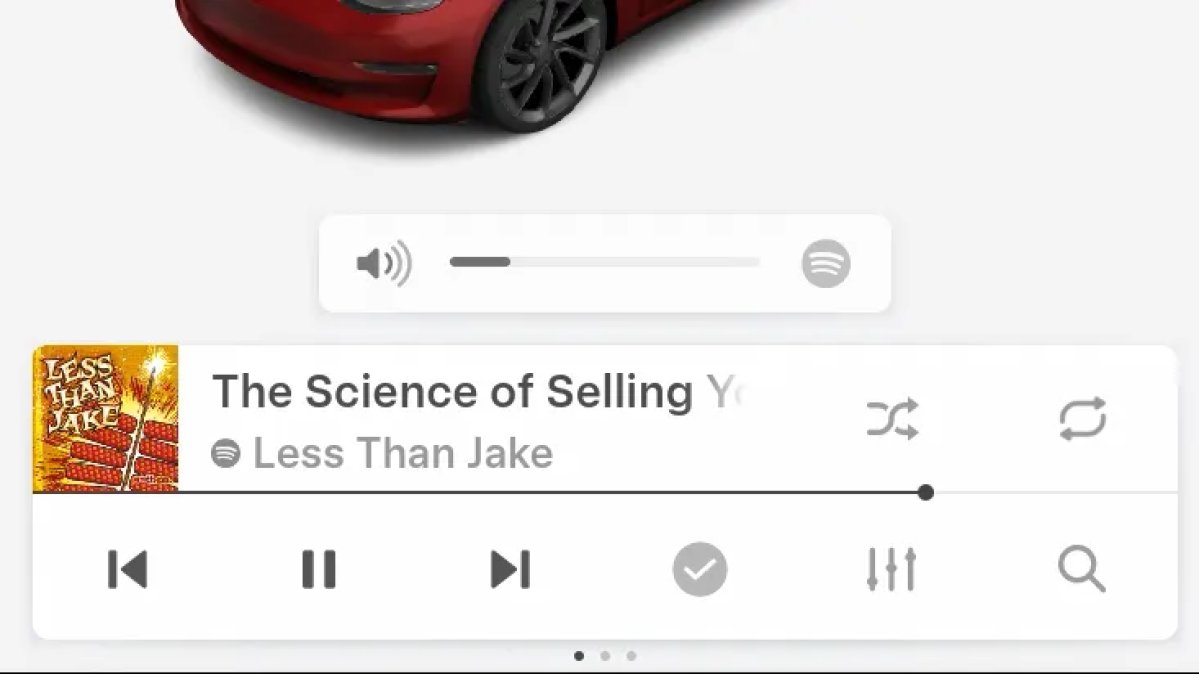
When adjusting the volume of the application, the icon shows the sound of which application changes. This is just a hint: different media applications still have a common volume level.
Region and availability
Availability declared worldwide
A separate volume for each application is not added.
Euro Semi Visualization
Tracker observation
Models
Model S, Model 3, Model X, Model Y, Cybertruck
Hardware
Not confirmed.
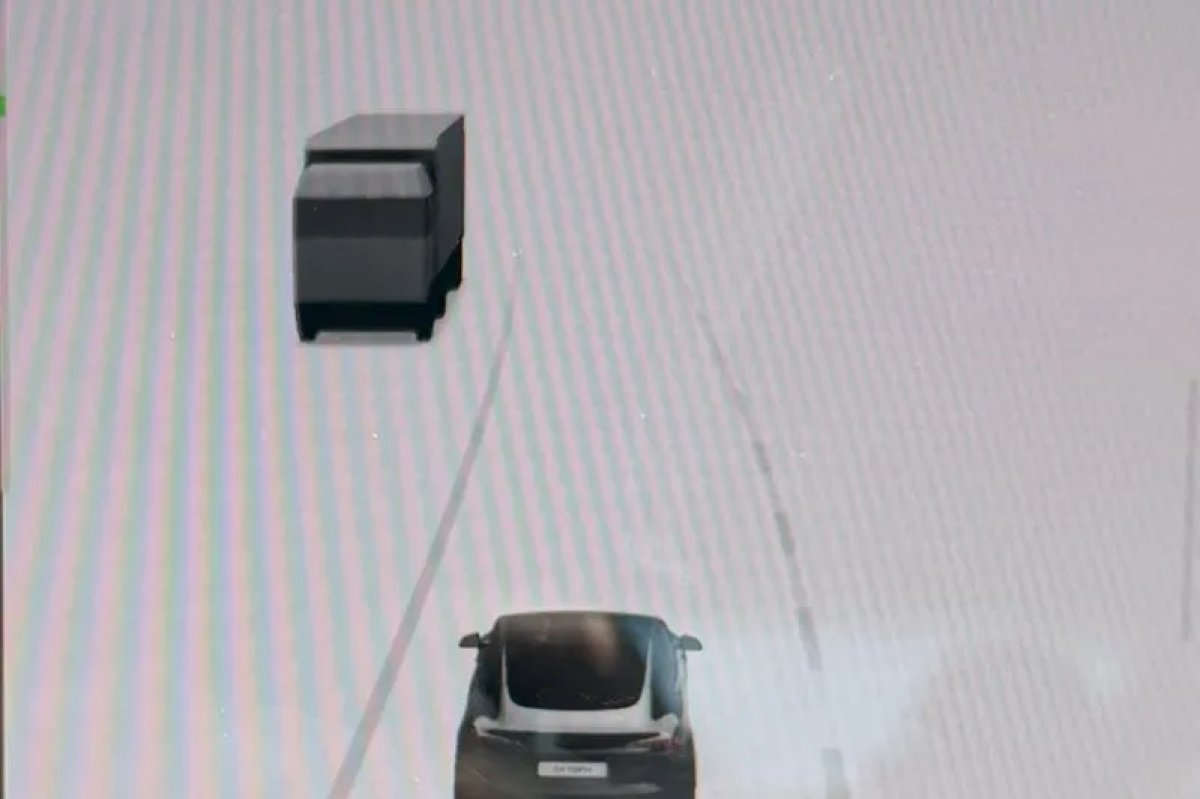
In the visualization of Autopilot / FSD appeared trucks of European type with a cab above the engine.
Region and availability
Availability declared worldwide
Larger Dock Icons
Tracker observation
Models
Model S, Model 3, Model X, Model Y, Cybertruck
Hardware
Not confirmed.
The app icons in the dock got bigger.
Region and availability
Availability declared worldwide
Media
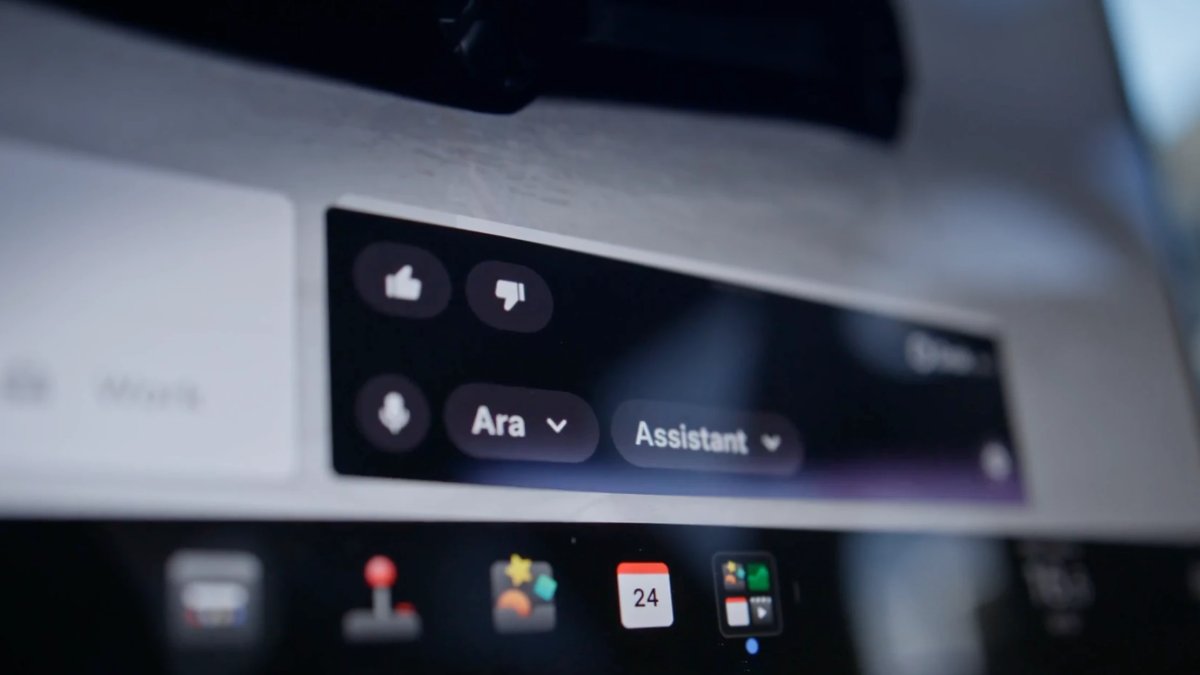
"Hey Grok"
Models
New Model S, Model 3, New Model X, Model Y, Cybertruck
Hardware
AMD
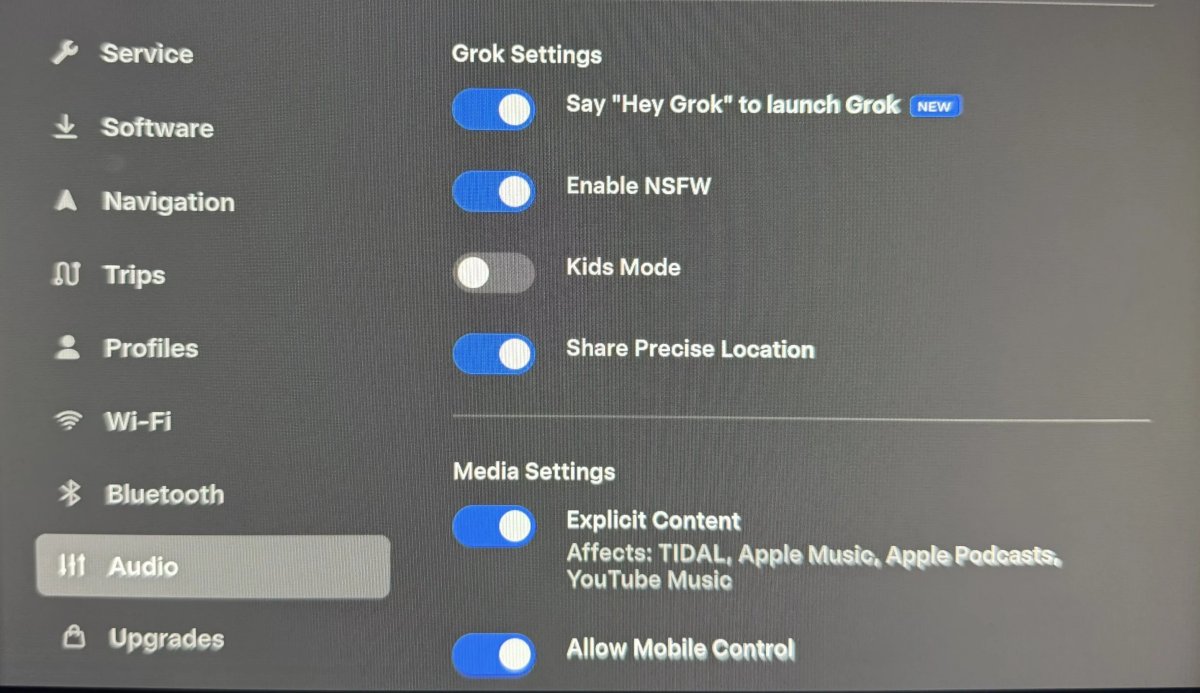
Grok can be started with the phrase "Hey Grok" after the option is turned on. The assistant also supports location-related reminders.
Region and availability
Region not confirmed
Music App Queuing
Models
Model S, Model 3, Model X, Model Y, Cybertruck
Hardware
Not specified.
In Apple Music and Spotify, a swipe to the right adds the track to the queue. In Apple Music, retention opens the action with a favorite, and in Spotify, a swipe to the left changes the status of “Like”.
Region and availability
Availability declared worldwide
Grok Turns Off After Inactivity
Tracker observation
Models
New Model S, Model 3, New Model X, Model Y, Cybertruck
Hardware
Not confirmed.
The Grok automatically closes after about 15 seconds of inactivity, regardless of whether you start with a voice phrase or a button on the steering wheel. It can also be closed by the “bye” team.
Region and availability
Availability declared worldwide
Grok Favorites
Tracker observation
Models
New Model S, Model 3, New Model X, Model Y, Cybertruck
Hardware
Not confirmed.
Grok can recognize user names of saved places and use them to build a route.
Region and availability
Availability declared worldwide
Grok Settings
Tracker observation
Models
Model S, Model 3, Model X, Model Y, Cybertruck
Hardware
Not confirmed.
The Grok settings are duplicated in the Audio Controls menu for quick access.
Region and availability
Availability declared worldwide
Charging
Supercharger Pricing Filter
Models
Model S, Model 3, Model X, Model Y, Cybertruck
Hardware
Not specified.
The trip planner can be configured to only select a Supercharger with a cost set by Tesla and not include stations where Tesla does not accept payment or Free Supercharging credits. You need a connection and Online Routing.
Region and availability
Region not confirmed
You need to connect and enable Online Routing.
Safety
Security Improvements
Models
Model S, Model 3, Model X, Model Y, Cybertruck
Hardware
Not specified.
The update includes security fixes and protection improvements.
Region and availability
Availability declared worldwide
Vehicle
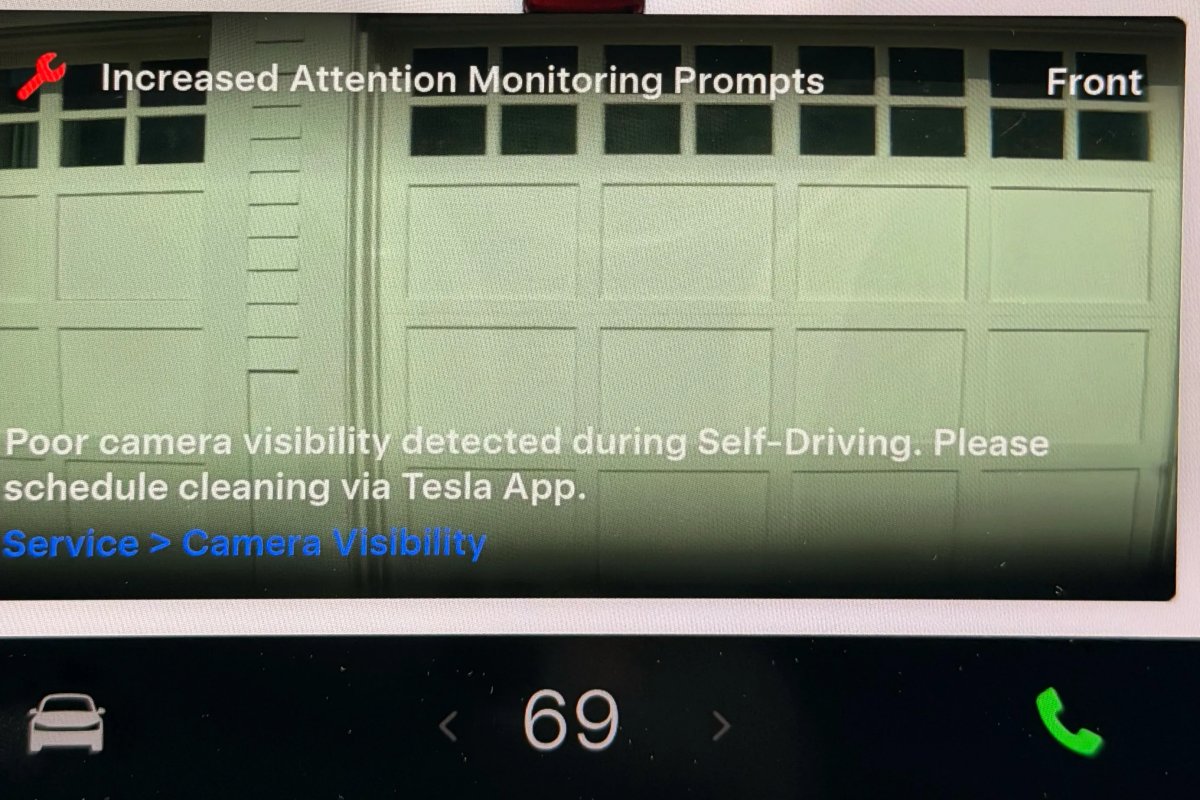
Increased Attention Monitoring Alert
Tracker observation
Models
Model S, Model 3, Model X, Model Y, Cybertruck
Hardware
Not confirmed.
A warning about poor camera visibility is added, in which case the system enhances driver attention control.
Region and availability
Region not confirmed
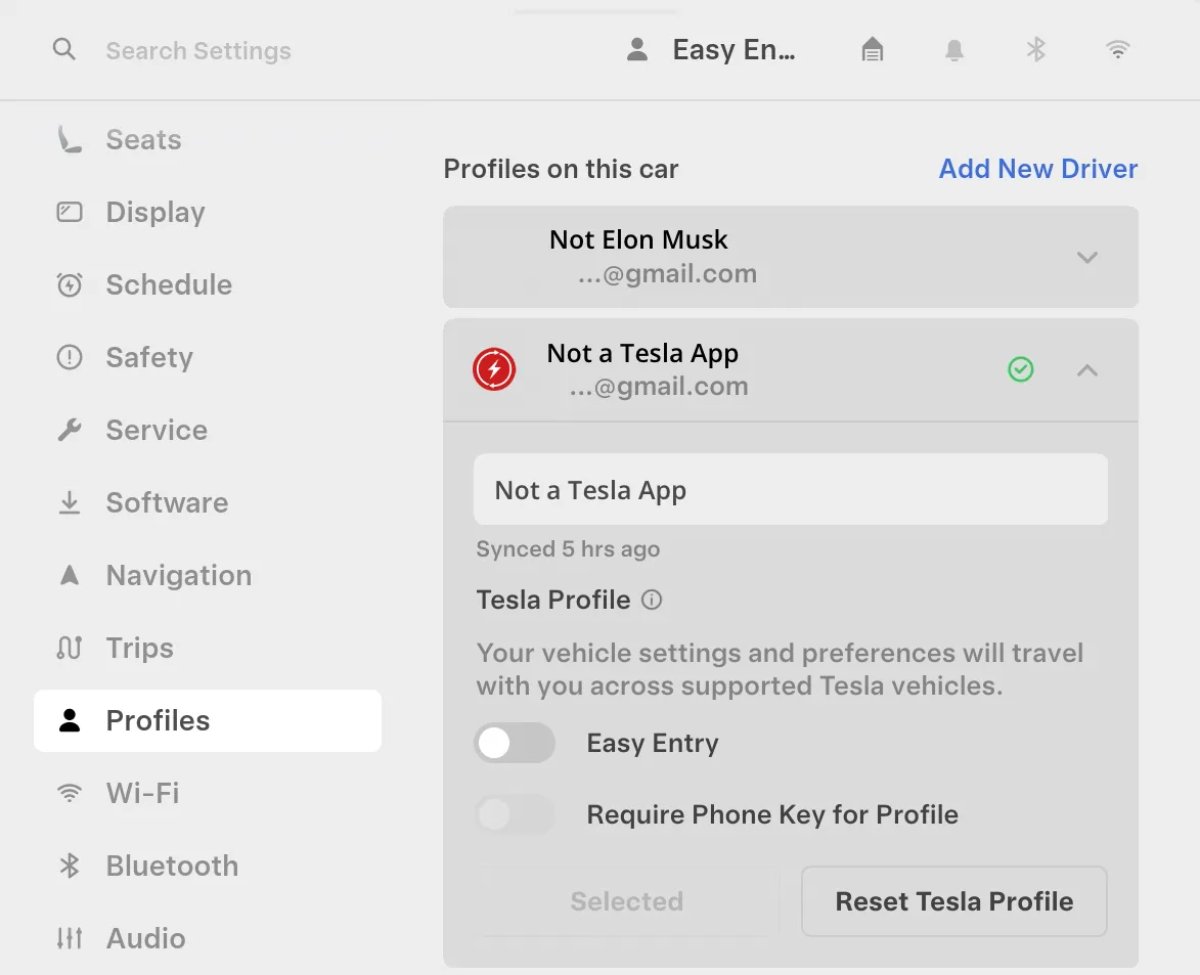
Driver Profiles
Tracker observation
Models
Model S, Model 3, Model X, Model Y, Cybertruck
Hardware
Not confirmed.
Driver profiles are now also available in Controls > Profiles, which displays the settings of all profiles.
Region and availability
Availability declared worldwide
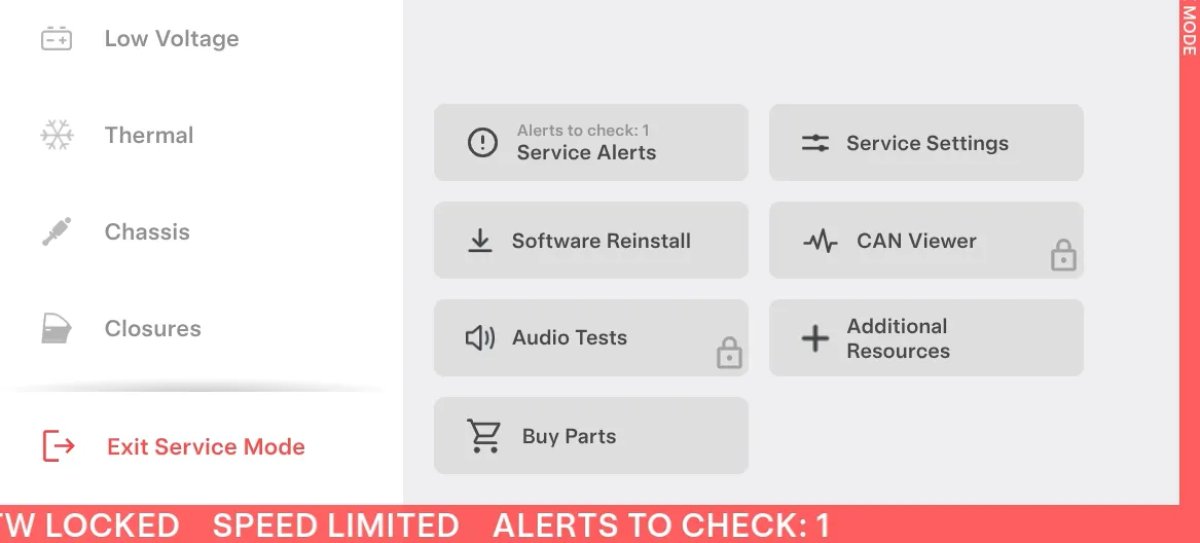
Service Mode Improvements
Tracker observation
Models
All cars (QR input and DTC indicator); Model S/X 2021+, Model 3/Y, Cybertruck – individual panels
Hardware
Not confirmed.
In Service Mode Plus, independent repairmen can log in via a QR code with Toolbox credentials; fault code indicator added for all vehicles. ANC recording up to three minutes is available on Model S/X 2021+ and Cybertruck; Vehicle Functions on Model 3/Y. Bluetooth diagnostics on Model S/X 2021+, Model 3/Y and Cybertruck. A detailed overview of features, history and advanced management remain in Service Mode Plus.
Region and availability
Availability declared worldwide
Full feature overview, history and advanced management are only available in Service Mode Plus.
Last checked
Checked 10 October 2026. TeslaFi figures are a stored tracker sample, not a measure of the entire fleet. Confirm availability in your vehicle’s own release notes.